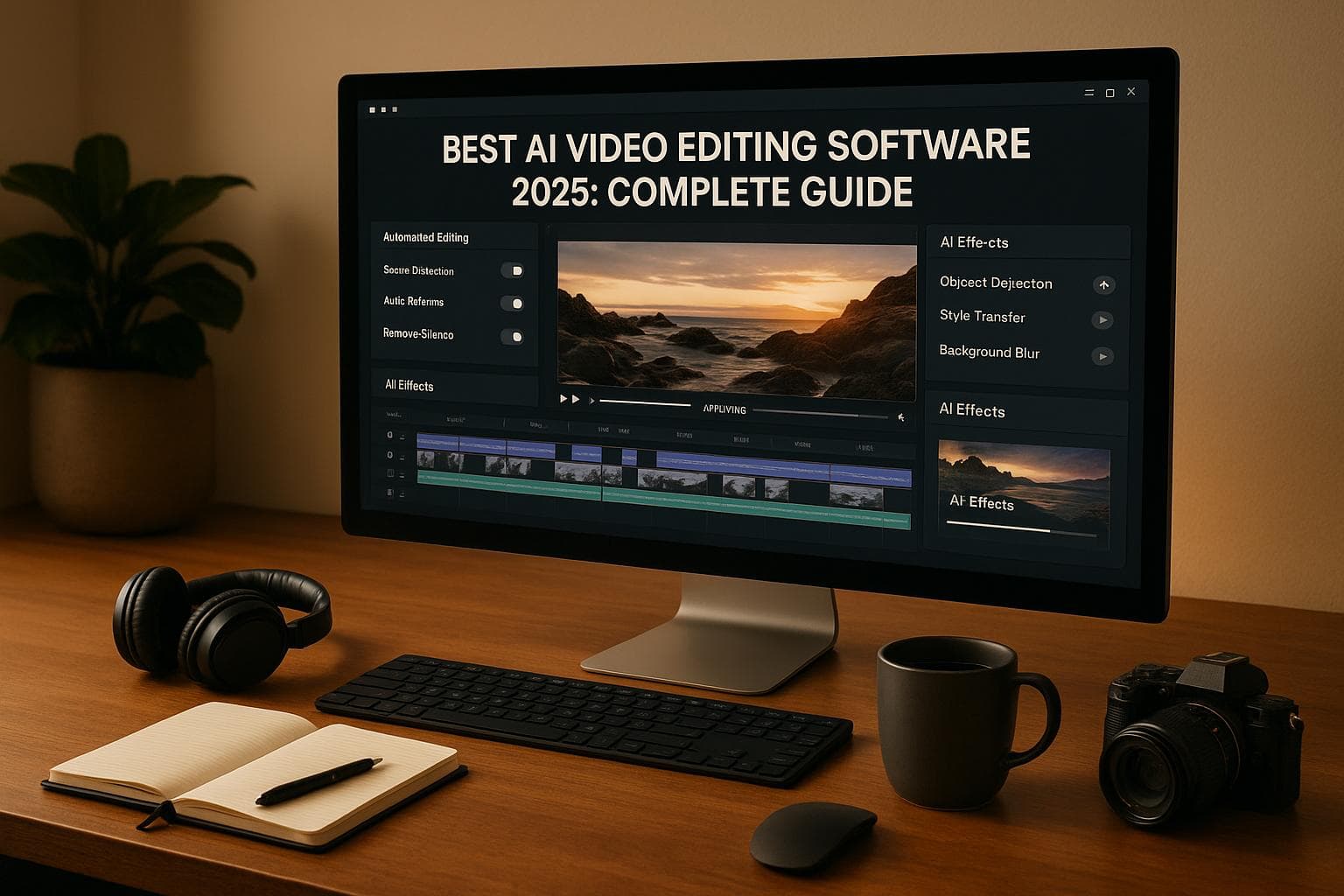
Best AI Video Editing Software 2025: Complete Guide
AI video editing in 2025 has transformed content creation. It automates tasks like cutting, syncing, adding transitions, and even generating videos from text or prompts. This technology makes professional video production faster and easier for creators, businesses, and educators. Here's what you need to know:
Key Highlights:
- AI simplifies video creation: From scriptwriting to final edits, AI handles repetitive tasks, saving hours of manual effort.
- Top tools cater to different needs:
-
Trends in 2025:
- Real-time personalization for different platforms and audiences.
- AI ensures brand consistency across all content.
- Accessibility features like captions and multi-language support are now standard.
Quick Comparison of AI Tools:
| Tool Category | Examples | Best For | Editing Automation | Pricing (Starting) |
|---|---|---|---|---|
| Clipping Tools | Opus Clip, VEED.IO | Social media clips | Basic | $0-$29/month |
| Generation Tools | HeyGen, Synthesia | Initial content creation | Requires manual editing | $0-$64/month |
| End-to-End Platforms | DeepReel | Complete video production | Fully automated | $5-$60/month |
If you're looking for a fully automated solution, DeepReel stands out with its ability to handle everything from script creation to platform optimization. It's perfect for those who want professional-quality videos without the hassle of manual editing.
AI video editing has made video production accessible for everyone, whether you're a solo creator or a business. Choose the right tool based on your needs and start creating high-quality videos in minutes.
How AI Video Editing Works
Key AI Technologies Behind Video Editing
AI video editing combines three main technologies to turn raw inputs into polished videos. At its core is machine learning, which trains on millions of video examples to recognize patterns in pacing, transitions, and storytelling. By analyzing successful videos across different genres, these algorithms learn what keeps viewers engaged.
Natural language processing (NLP) plays a key role in managing text elements. When given a script, document, or prompt, NLP identifies the context, tone, and key messages. It determines where to emphasize or pause, shaping the narrative structure. This technology also supports tasks like generating automated scripts and synthesizing voiceovers.
Lastly, computer vision focuses on visual elements. It detects objects, faces, and scenes in footage, determines the best cropping and framing, and selects b-roll footage that aligns with the script. It also manages tasks like color correction, scene detection, and placing effects.
The AI Video Editing Process
Using these technologies, AI simplifies and accelerates video production. The process begins with input processing, where the AI analyzes your content - whether it’s a text prompt, URL, document, or video footage. It extracts the core message, identifies the target audience, and understands the desired outcome.
Next is content planning and script generation. The AI crafts a structured narrative, deciding the flow, key points, and pacing of the video. It factors in video length, platform requirements, and engagement trends to optimize the structure.
In the visual and audio selection phase, the AI chooses relevant footage, images, voiceovers, and background music. It ensures that every scene aligns with the narrative and selects music that matches the tone and rhythm of the video.
During the assembly and editing stage, the AI brings everything together. It makes precise decisions about cuts, transitions, text placement, and timing. It can automatically apply brand guidelines, add captions, and maintain a consistent visual style throughout.
Finally, the optimization and output phase tailors the video for specific platforms or audiences. The AI can create multiple versions of the same video, adjusting for different aspect ratios, lengths, or preferences - all in a fraction of the time traditional editing would require.
This streamlined process, which once took hours or even days, now delivers professional-quality results in minutes. Understanding how this workflow operates is essential for evaluating AI tools, which we’ll explore in more detail later.
What AI Video Editing Can and Cannot Do
While AI video editing offers impressive automation, it has its boundaries. It excels at repetitive tasks and uses data to make creative decisions. AI can generate scripts, match visuals to narratives, sync audio, and ensure brand consistency. It’s particularly effective for creating short-form content.
However, there are limitations. AI struggles to produce realistic human movements and expressions.
The AI video market is projected to reach around $1.8 billion by 2024 [1].
Longer videos also pose challenges. While AI can create captivating short clips, maintaining consistent storytelling and high-quality visuals over extended content remains difficult. Most tools are best suited for specific tasks rather than handling end-to-end video production.
The quality of the input is critical. As the saying goes, "garbage in, garbage out." If the script, brand guidelines, or source materials are unclear or low quality, the final video will reflect those shortcomings - no matter how advanced the AI is.
While advancements may address some of these gaps [1], current AI editing tools still require human oversight for creative and strategic decisions. By understanding these strengths and limitations, users can make the most of AI’s ability to automate and streamline video production while ensuring the final product meets their expectations.
Best AI Video Editing Tools in 2025 (Don't Choose Wrong)
Top Use Cases for AI Video Editing
AI video editing is reshaping how creators approach video production, tackling industry challenges head-on. By cutting production time, it allows teams to focus on crafting the message and strategy instead of getting bogged down by technical details.
Let’s explore some of the most impactful ways this technology is being used.
Social Media Content Creation
Social media managers are under constant pressure to create engaging videos for platforms like Instagram Reels, TikTok, YouTube Shorts, and LinkedIn. Traditional editing can be a time sink, making it tough to keep up with the pace of social media. AI video editing changes the game by speeding up the process, making it easier to post consistently.
-
Platform-Specific Optimization and Trend Adaptation
AI tools adjust video formats automatically - vertical for TikTok, square for Instagram, horizontal for YouTube - and help creators jump on trends quickly. -
Content Repurposing Made Easy
AI can take one piece of content, like a podcast or blog post, and turn it into multiple videos tailored for different platforms. This not only broadens reach but also ensures brand consistency while maximizing the return on effort.
Educational and Training Videos
Educators and course creators often juggle the need for high-quality, engaging videos with the challenge of producing them in bulk. Traditional methods are time-intensive and costly, but AI simplifies the process.
-
Streamlined Course Production
Creating hours of video content for an online course can drag on for months with traditional editing. AI tools accelerate this process, allowing educators to focus on delivering valuable lessons. -
Turning Documents into Videos
Lesson plans, research papers, or presentations can be transformed into dynamic video lessons with visuals and narration, making learning more engaging. -
Built-In Accessibility Features
AI can automatically generate captions, offer multiple language options, and even create audio descriptions for visual content. This ensures videos meet accessibility standards, reaching a wider audience. -
Consistent Quality Across Content
Maintaining uniform audio, visuals, and pacing in a series of videos can be tricky. AI ensures consistent production standards, giving learners a polished experience. Plus, updates to video content can be made quickly as course materials evolve.
Business and Marketing Videos
For businesses, professional video content is a cornerstone of marketing and communication. However, traditional production often comes with steep costs. AI video editing offers a cost-effective alternative without compromising quality.
-
Explainer Videos
AI can turn service descriptions, website copy, or presentations into engaging explainer videos, clearly communicating a company’s value without the usual high production expenses. -
Product Demonstrations
Using product details, AI creates polished walkthroughs that showcase key features and benefits in a visually appealing way. -
Client Testimonials and Case Studies
Static testimonials and written case studies can be transformed into dynamic video presentations, helping to build trust and credibility with potential clients. -
Sales and Pitch Videos
Sales teams and founders can quickly create personalized pitch videos using AI. The ability to tailor messaging on the fly ensures content stays relevant for different audiences. -
Internal Communications
AI simplifies the creation of videos for employee onboarding, policy updates, and internal announcements, ensuring consistent messaging across the organization while reducing the workload for communication teams. -
Brand Storytelling
Mission statements, company histories, and brand values can be brought to life through compelling video narratives that connect emotionally with audiences.
The real edge for businesses is speed. AI video editing enables rapid content creation, helping companies stay agile and respond swiftly to new opportunities or market shifts. By automating tedious tasks, it frees up creators to focus on delivering impactful, high-quality content tailored to any platform or format.
Key Features to Look For in AI Video Editing Software
When it comes to cutting down production time and creating polished videos in minutes, the right AI video editing software can make all the difference. The features you prioritize will directly impact your workflow, determining whether you spend hours on manual edits or let smart tools do the heavy lifting.
Automated Scriptwriting and Storytelling
Every great video begins with a strong script, and AI-powered scriptwriting tools can turn raw ideas into engaging narratives. These systems don’t just write - they understand your audience, platform needs, and goals to craft content that resonates.
Smart Script Structure and Format Selection is one way AI excels. It tailors scripts to fit the platform, whether it’s snappy hooks for social media or detailed storytelling for educational videos. Instead of minor tweaks, it adapts the entire structure to match how viewers consume content on different platforms.
Engaging Hooks and CTAs are built into scripts using patterns from successful videos. By analyzing thousands of examples, AI incorporates elements like curiosity gaps and attention-grabbing phrases to keep viewers engaged and drive action.
AI also repurposes content seamlessly. For example, if you’re turning a blog post into a video, it doesn’t just read the text - it identifies the key points, restructures them for a visual format, and adds elements like visuals or transitions that enhance the storytelling.
Once the script is ready, the AI takes it a step further by pairing it with visuals that bring the story to life.
AI-Driven Visuals and Smart Editing
Visual storytelling is what separates amateur videos from professional ones, and AI has streamlined many of the time-consuming parts of the editing process.
Intelligent B-Roll Selection and Placement is a game-changer. AI scans your script and automatically finds relevant visuals from stock libraries or generates custom clips. For instance, mention "growth", and it might pull up images of upward-trending graphs or sprouting plants instead of generic business visuals.
AI also handles Automated Scene Creation and Transitions, ensuring your video flows smoothly. It calculates the ideal scene lengths based on viewer attention spans and uses transitions that match the tone of your content - quick cuts for high-energy videos or smooth fades for professional presentations.
Smart Cuts, Zooms, and Pacing are another area where AI shines. It knows when to linger on a visual for clarity or speed things up for action-packed sequences, creating a rhythm that keeps viewers engaged.
Modern tools also include Stylish Auto-Captioning, which not only ensures accuracy but also aligns captions with your video’s tone. Key words are highlighted, timing is adjusted for readability, and captions feel like a natural part of the content rather than a distraction.
Finally, Music Selection and Audio Mixing round out the experience. AI picks background tracks that match your video’s mood and automatically balances audio levels for seamless transitions.
Brand Integration and Customization
Maintaining a consistent brand identity across videos can be challenging, especially when working on multiple projects. AI simplifies this with features that ensure all your content aligns with your brand guidelines.
Brand Kit Auto-Integration stores your brand’s colors, fonts, logos, and design elements. These are automatically applied to your videos, including platform-optimized thumbnails that match your style. It even adapts language and visuals for different regions while keeping your branding intact.
With Multiple Video Design Styles, you can tailor your content to fit different formats while staying true to your brand. Whether it’s a professional business presentation, an energetic social media clip, or an educational video, the software ensures consistency.
Simple Customization tools let you tweak scripts, swap visuals, or adjust music without breaking brand guidelines. Even users without design experience can make quick edits while staying on-brand.
For teams, Collaboration Features ensure brand consistency across creators. Shared brand kits, centralized asset libraries, and approval workflows make it easy for everyone to produce aligned content without extensive oversight.
These features work together to deliver professional-quality videos that are polished, consistent, and ready to share - all while saving you time and effort.
sbb-itb-f78eafa
AI Video Editing Tool Comparison
The world of AI video editing has branched into three clear categories, each designed for specific production needs. Understanding these categories can help you choose the right tools for your workflow.
AI Clipping Tools
AI clipping tools are perfect for turning lengthy videos into short, engaging clips - ideal for social media. These tools focus on finding the most engaging moments and packaging them into shareable snippets.
Opus Clip specializes in converting podcasts and interviews into viral social media clips. It uses algorithms to assign virality scores to potential clips and boasts accurate captions. However, its editing options are limited, often resulting in generic outputs with minimal customization. It's a strong choice for podcasters and creators who frequently produce interview-style content. Pricing ranges from free plans to $29 per month.
VEED.IO offers more than just clipping. Described as an "end-to-end video suite", it includes features like Magic Cut, AI Translate, Filler Word Removal, Auto Subtitles, Text-to-Speech, and AI Voice Cloning. Users can even create custom AI avatars or generate talking-head videos from text prompts.
"VEED has been game-changing. It's allowed us to create gorgeous content for social promotion and ad units with ease", says Max Alter, Director of Audience Development at NBCUniversal [2].
The platform also provides access to over 2 million royalty-free assets, collaboration tools, and brand kit integration. However, advanced features are typically locked behind higher-tier pricing plans.
"I used Loom to record, Rev for captions, Google for storing, and YouTube to get a share link. I can now do this all in one spot with VEED", explains Cedric Gustavo Ravache, Enterprise Account Executive at Cloud Software Group [2].
Klap is another option, offering quick processing and support for over 50 languages. Like Opus Clip, it features virality scoring but is more tailored for talking-head content. While effective for its niche, the limited customization makes it best suited for specific formats. Plans range from $23 to $79 per month.
Now, let’s shift to tools that handle video generation but leave editing to the user.
AI Video Generation Tools (No Editing)
This category focuses on creating initial video content. While these tools excel at generation, they require manual editing to achieve a polished, professional look.
HeyGen is known for its realistic avatar technology, offering over 300 lifelike avatars and support for 140+ languages. Its Digital Twin feature lets users create personalized avatars for consistent branding. However, while the generation capabilities are impressive, manual editing is necessary for professional-quality results. Plans start with a free option (3 videos per month) and scale to $24+ monthly for additional features.
Synthesia is tailored for corporate training and enterprise use, featuring over 250 avatars and robust language support. It offers one-click translation and integrates with learning management systems. Like HeyGen, Synthesia excels at generating content but requires basic drag-and-drop editing for refinement. Pricing starts with free plans (3 minutes per month) and goes up to $64+ for advanced options.
InVideo AI takes a template-driven approach, offering millions of stock media assets and support for over 50 languages. It’s a good fit for users comfortable with predefined templates, particularly for social media content. However, the template-based structure can limit creative flexibility, and additional editing is often needed to achieve polished results.
Descript provides a unique text-based editing experience, allowing users to modify videos by editing their transcripts. Features like Overdub voice cloning and Studio Sound make it especially useful for dialogue-heavy content like podcasts.
For those seeking a fully automated process, the next tool combines both generation and editing.
AI Video Generation + Editing Tools (DeepReel)
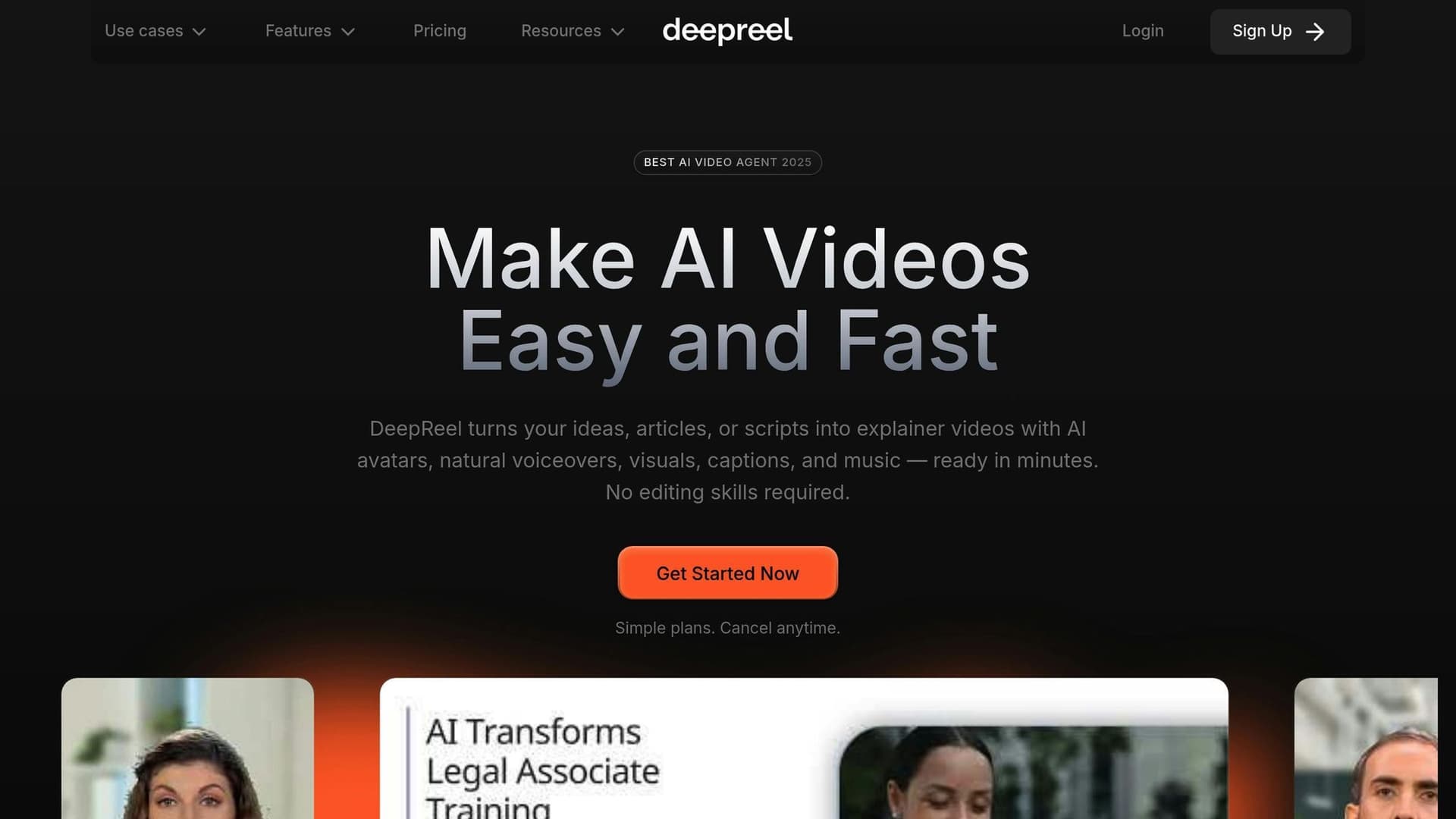
DeepReel takes a different approach by integrating video generation with automated editing, delivering a complete end-to-end solution.
Complete Generation Capabilities
DeepReel offers various input methods, including prompt-to-video creation, URL-to-video conversion (turning blog posts or articles into videos), and document-to-video transformation for PDFs and presentations. Its AI scriptwriting analyzes successful content patterns to craft engaging hooks and platform-specific formats. With over 100 AI avatars and 100+ AI voices in 30+ languages, it provides robust content generation.
Automated Professional Editing
DeepReel’s AI handles scene creation, transitions, b-roll selection, music, and captions, producing fully edited, ready-to-publish videos without manual adjustments.
Intelligent Visual Selection
Using advanced algorithms, the platform identifies relevant b-roll from stock libraries or generates custom visuals with AI models like Google Veo and Sora, ensuring visuals align with the narrative.
Brand Integration and Customization
DeepReel applies brand kits automatically, incorporating approved colors, fonts, logos, and design elements. It can generate optimized thumbnails and supports various video styles, including Influencer, Faceless, Educational, and Storytelling. Users can tweak scripts, visuals, music, and captions through an intuitive editor without needing advanced technical skills.
Unlike other tools that require manual editing, DeepReel delivers publication-ready videos in under five minutes. Pricing starts at $5 per month for 100 credits, scales to $25 per month for 600 credits with premium features, and offers team plans at $30 per seat per month with 18,000 shared credits. It’s a practical option for both individual creators and businesses looking for scalable video production.
| Feature Category | AI Clipping Tools | AI Generation Tools | DeepReel |
|---|---|---|---|
| Primary Function | Transform existing videos into clips | Generate initial video content | Complete video production + editing |
| Editing Automation | Basic clipping and captions | Needs manual editing | Fully automated professional editing |
| Content Creation | Repurposing only | Script-to-video generation | Multiple input methods (prompt, URL, document) |
| Professional Output | Limited customization | Requires additional editing work | Publication-ready videos |
| Best For | Social media repurposing | Initial content generation | End-to-end video production |
Choosing the right tool depends on your goals. If you need quick social media clips, AI clipping tools may suffice. For those willing to invest time in manual editing, generation-focused platforms are a good fit. However, if you’re after a fully automated, professional production process, DeepReel stands out as a comprehensive solution.
Getting Started with AI Video Editing
Ready to dive into AI video editing? It's simpler than you might think. All you need is a clear workflow and a solid understanding of your content goals to get started.
Step-by-Step Beginner's Guide
Choose How to Input Your Content
Your first step is deciding how to feed content into your AI video editor. Most platforms allow you to use text prompts, existing content, or uploaded files. For fresh video ideas, text prompts work well. If you’re repurposing blogs, articles, or documents, transform them into video format. Uploaded files are best for PDFs, presentations, or pre-existing video footage.
Prepare High-Quality Source Material
The quality of your input matters - a lot. If you’re working with text, make sure it’s well-organized with clear headings. For prompt-based videos, be specific about your audience, video length, and tone. For example, instead of saying, "make a video about marketing", try, "create a 3-minute video explaining email marketing basics for small business owners."
Set Your Video Preferences
Before hitting "generate", decide on your video’s style and specifications. Do you want a talking head with an AI presenter? A voiceover with visuals? Or a mix of both? Also, consider the platform - YouTube videos differ in pacing and format from TikTok content. Select the language, voice, and tone that best suit your audience.
Generate Your First Draft
Once everything’s set, let the AI work its magic. Most platforms can create a full draft in minutes, complete with a script, visuals, music, and basic edits. This includes scene transitions, captions, and visual placements. Review this draft carefully to spot areas for improvement.
Refine Your Video
Here’s where your creativity comes in. Fine-tune the script to ensure it aligns with your brand voice. Check that visuals support your message and swap out any that don’t fit. Adjust music volume and style to match the tone of your video. Don’t forget to tweak captions for readability and timing.
Add Branding Elements
Consistency is key when building recognition. Add your logo, use your brand colors, and stick to your preferred fonts. Many AI platforms allow you to save these settings as part of a brand kit, making future projects quicker and easier.
Export and Optimize
Finally, choose the right export settings for your target platform. For instance, YouTube videos should be in 1080p resolution, while Instagram Stories require a vertical format. Most AI tools offer presets tailored to specific platforms, so you don’t have to worry about the technical details.
Best Practices for AI Video Editing
Define Clear Objectives
Start with a clear purpose. Are you trying to educate, entertain, or sell? Your goal will guide decisions about the script, visuals, and overall tone. For example, educational videos often benefit from slower pacing, while social media content thrives on quick hooks and fast cuts.
Provide Clear, Quality Input
Good output starts with good input. Well-written content produces better scripts, and specific prompts yield more relevant visuals. If you’re converting a blog post, make sure it’s cleanly formatted with logical sections and headings.
Use AI for Repetitive Tasks
AI is great for handling time-consuming tasks like caption formatting, music timing, and color correction. It can also quickly sift through stock libraries to find visuals that match your content. Let the AI handle these areas while you focus on creativity.
Keep Human Oversight
AI can’t replace human judgment. Review scripts for accuracy and ensure visuals align with your message. Double-check that music fits the mood and resonates with your audience.
Experiment with Formats
Don’t be afraid to try different styles. Test talking head videos against voiceovers, or compare fast-paced edits with slower, educational formats. A/B testing can help you discover what works best for your audience.
Streamline Your Workflow
Save time by creating templates for recurring video types. For example, if you produce weekly updates, set up a template with your preferred settings. Batch similar tasks together, like converting multiple blog posts into videos in one session.
Common Mistakes and How to Avoid Them
Don’t Expect Perfection on the First Draft
AI-generated drafts are a starting point, not the final product. Always plan time for revisions, whether it’s tweaking the script, swapping visuals, or adding branding elements.
Tailor Content to Each Platform
One-size-fits-all doesn’t work in video editing. YouTube allows for longer, in-depth content, while TikTok thrives on quick, engaging clips. Instagram Stories need vertical formatting, and LinkedIn videos often lean toward professional tones. Customize your videos to fit each platform’s style.
Avoid Overused Visuals
AI often selects safe, generic stock footage that can feel impersonal. Replace clichéd visuals with more specific imagery. For instance, instead of using the classic “stacked hands” for teamwork, show actual collaborative work in action.
Prioritize Audio Quality
Bad audio can ruin even the best visuals. Choose AI voices that match your content - authoritative for educational videos, friendly for casual topics. Make sure background music complements, rather than competes with, your narration.
Stay Consistent with Branding
Always apply your brand’s visual and tonal guidelines. This includes logo placement, color schemes, fonts, and even script phrasing. Consistency helps build trust and makes your videos instantly recognizable.
Don’t Underestimate the Learning Curve
Each AI platform has its own quirks and features. Take the time to explore advanced options like custom avatars, brand voice training, or specialized templates. These tools can elevate your videos once you’re familiar with them.
AI video editing combines powerful tools with your creative judgment. While the technology takes care of the technical heavy lifting, your input ensures the final product is engaging, aligned with your brand, and tailored to your audience.
Future Trends in AI Video Editing
AI video editing is advancing at an incredible pace, reshaping how videos are created and consumed. These changes are not only making video production more accessible but also sparking discussions about the evolving nature of creativity.
AI Agents and Autonomous Editing
The next big leap in AI video editing revolves around autonomous AI agents capable of making creative decisions without human input. Unlike traditional template-based tools, these agents will analyze factors like content context, audience preferences, and brand guidelines to make real-time editing decisions.
Multi-Modal AI Integration is already making strides in this area. By combining natural language processing, computer vision, and audio analysis, these systems can interpret content on a deeper level. They recognize emotional cues, identify key moments, and adjust pacing to enhance storytelling. This means future AI editors won’t just piece together clips - they’ll grasp the narrative you’re trying to convey.
With Predictive Content Optimization, AI can analyze data from millions of videos to predict what will resonate with specific audiences. This allows for edits tailored to maximize engagement, taking into account platform algorithms and viewer behavior.
Collaborative AI Workflows are also emerging. Instead of a single system handling everything, specialized AI agents focus on different aspects of production. One might refine the script, another enhance visual storytelling, and a third perfect the audio. This division of labor results in more polished, nuanced videos.
The technology is also advancing in contextual decision-making, where AI doesn’t just understand what’s being said but why. This enables systems to adjust tone, pacing, and visuals based on whether the content is for education, entertainment, or marketing. These capabilities pave the way for highly personalized, real-time content adjustments.
Real-Time Personalization and Global Accessibility
AI systems are now capable of creating multiple personalized versions of a video from a single input. By analyzing viewer demographics, engagement patterns, and viewing history, these systems tailor content to specific audience segments. For example, one version might feature a faster pace and casual tone for younger viewers, while another might be more formal for professionals.
Dynamic Content Adaptation takes this a step further by customizing videos for different platforms. A single video can transform seamlessly - becoming more polished for LinkedIn, casual for TikTok, or detailed for YouTube. This includes changes to scripts, visuals, and even the narrator’s tone.
Advancements in Real-Time Translation and Localization go beyond basic dubbing. AI can adjust facial expressions, gestures, and even subtle cultural elements to make translations feel natural and relatable to diverse audiences.
Accessibility is also becoming a priority. With Accessibility-First Design, AI automatically generates options like captions, audio descriptions, and high-contrast visuals. This ensures content reaches viewers with various needs, including those with cognitive or visual impairments. Meanwhile, Cross-Platform Optimization fine-tunes videos for different social media platforms, adjusting everything from thumbnails to posting times for maximum impact.
These innovations in personalization and accessibility are transforming how content is tailored for global audiences, while also raising important ethical questions.
Ethics and the Changing Role of Editors
As AI-generated content becomes more advanced, Deepfake Detection and Prevention has become a critical focus. New systems now include authenticity markers and blockchain-based verification to help viewers distinguish between AI-generated and human-created content. This transparency is key to maintaining trust in digital media.
Discussions around Creative Authenticity Concerns are also gaining traction. Platforms are introducing mandatory labeling for AI-generated content, while creators explore ways to combine AI’s efficiency with human creativity to maintain genuine connections with their audiences.
The role of video editors is evolving quickly. Instead of manual editing, professionals are transitioning into roles like AI supervisors and creative directors, where they oversee strategic decisions while AI handles the technical work. This shift requires new skills, such as prompt engineering and AI system management.
Efforts to tackle Bias and Representation are improving as developers use more diverse training data and design algorithms with checks for inclusivity. These systems aim to avoid perpetuating stereotypes and ensure fair representation in visual and narrative choices.
AI systems are also addressing intellectual property concerns. They now track and attribute source materials used in content, ensuring compliance with licensing and fair use regulations.
Finally, AI tools are driving the democratization of video production, making professional-quality videos accessible to individuals and small businesses. This shift is changing how brands communicate and how educators share knowledge. To maintain high standards, industry organizations are establishing Quality Control Standards, including certifications for AI tools and best practices for scalable production.
Looking ahead, AI will likely handle the technical complexities of video editing, leaving creators free to focus on storytelling, strategy, and connecting with their audiences. Those who embrace collaboration with AI will be best positioned to thrive in this evolving landscape.
Conclusion and Final Takeaways
AI video editing has reshaped the way creators, businesses, and educators approach video production. Tasks that once required hours of effort can now be completed in just minutes with the right tools.
Key Takeaways from the Guide
- AI video editing tools generally fall into three categories: clipping, generation with manual editing, and full automation.
- Time savings are massive, cutting workflows from 4-6 hours down to just minutes.
- Automatic platform optimization ensures videos are tailored for YouTube, TikTok, Instagram, LinkedIn, and more.
- Brand consistency becomes effortless with advanced systems that apply pre-approved design elements automatically.
- Future advancements promise even more personalized and optimized video production in real time.
These insights highlight why DeepReel is leading the charge in this space.
Why DeepReel Stands Out
DeepReel is the only end-to-end AI video production platform that seamlessly combines video generation and editing into one automated workflow. Unlike other tools that require manual editing after video creation, DeepReel’s AI Video Genie handles everything - from script to final product.
What sets DeepReel apart? Its versatility and ease of use. You can start with prompts, URLs, or documents, making it accessible no matter your starting point. The platform doesn’t just piece together clips - it crafts entire videos by creating scenes, adding cuts and zooms, incorporating b-roll, generating captions, and applying professional design elements. All of this happens in one smooth, automated process.
DeepReel also offers advanced features like:
- Over 100 AI avatars and voice options in 30+ languages.
- Premium stock media integration.
- Automatic thumbnail generation using cutting-edge AI.
Plus, its intuitive editor lets you tweak scripts, swap visuals, or change music without needing advanced editing skills. With DeepReel, you get a complete solution that simplifies video production.
Call to Action for DeepReel
Struggling with time-consuming video editing or lackluster content? DeepReel removes the technical hurdles, delivering professional-quality videos with ease.
Pricing options:
- Starter plan: $5/month for essential features.
- Pro plan: $25/month for watermark-free videos and 600 credits.
- Business plan: $60/month for two seats and collaborative tools.
Why juggle multiple tools when DeepReel offers everything in one platform? Whether you’re a beginner or a seasoned creator, DeepReel empowers you to produce polished, engaging videos effortlessly.
See the difference between tools that require manual editing and DeepReel’s fully automated system. Let it handle the technical details so you can focus on your message.
Visit DeepReel today and discover how AI can transform your video production process, saving you time and delivering professional results in minutes. It’s the all-in-one solution you’ve been waiting for.
FAQs
How is AI video editing different from traditional video editing?
AI video editing takes a modern approach by automating tasks like trimming, adding captions, and detecting scenes - jobs that traditionally demanded hours or even days of effort. With AI tools, these processes are completed in just minutes, saving time and effort.
Traditional editing, on the other hand, often calls for advanced technical skills, costly software, and a significant time commitment. This can make it daunting for beginners or those without professional experience. AI-powered tools, however, are built to be intuitive and efficient, allowing even those with no editing background to create polished videos with ease.
The main difference: AI emphasizes speed, ease of use, and automation, while traditional editing leans heavily on manual control and detailed customization.
What features should I prioritize when selecting AI video editing software?
When selecting AI video editing software, prioritize tools that streamline your process with features like automated script creation, intelligent b-roll selection, and AI-driven voiceovers and avatars. To achieve polished, professional results, consider software that includes smart video assembly, automatic captioning, and brand kit integration. It’s also beneficial to choose platforms that accommodate various input methods - whether it’s text, URLs, or documents - for greater adaptability.
How do AI video editing tools help businesses and educators save time and money?
AI-powered video editing tools are transforming how businesses and educators create videos by handling tedious tasks like editing, adding scene transitions, and generating captions. These tools can cut production time dramatically - what used to take hours can now be done in mere minutes. This means users can spend more time perfecting their message and less time worrying about the technical side of things.
What's even better? These tools can slash production costs by as much as 70%. That means you don’t need pricey software or a team of professional editors to produce high-quality videos. For instance, AI can take a simple script and turn it into a polished video in no time. This is a game-changer for educators building training materials and for businesses looking to create marketing content quickly and efficiently.