DeepReel vs Pictory vs Veed: full comparison 2026
Three AI video platforms. Three very different approaches.
If you are comparing DeepReel vs Pictory vs Veed, you have probably already figured out that these tools overlap in some areas and diverge completely in others. Picking the wrong one means either paying for features you do not need or missing capabilities you do.
Pictory made its name with blog-to-video repurposing. Veed built a reputation as a browser-based video editor with strong subtitling. DeepReel launched an AI agent that handles the entire video creation workflow autonomously.
This comparison covers features, pricing, strengths, weaknesses, and the specific use cases where each platform wins. (For a head-to-head on the two most popular options, see our DeepReel vs Synthesia breakdown.) By the end, you will know which one fits your workflow.
Three-way comparison at a glance
Feature comparison table
| Feature | DeepReel | Pictory | Veed |
|---|---|---|---|
| Starting price | $5/month | $25/month | Free (watermarked) |
| Top paid plan | $30/seat/month | $119/month (Teams) | $49/month (Pro) |
| AI avatars | 100+ stock, photo avatars | Limited | Basic AI avatars |
| Content input | Prompt, URL, PDF, script | Script, URL, blog text | Script, existing footage |
| AI video generation | Full automation (Veo, Flux) | Blog-to-video, script-to-video | Limited AI generation |
| Stock media | Storyblocks (Pro plan) | 3M+ clips, 15K tracks | Unlimited stock (paid plans) |
| Languages | 30+ | 7-29 (plan dependent) | 125+ (subtitles) |
| Subtitles | Auto-generated | Auto-generated | Best-in-class auto subtitles |
| Best for | Full automation, repurposing | Blog-to-video repurposing | Quick editing, subtitling |
What each platform does best
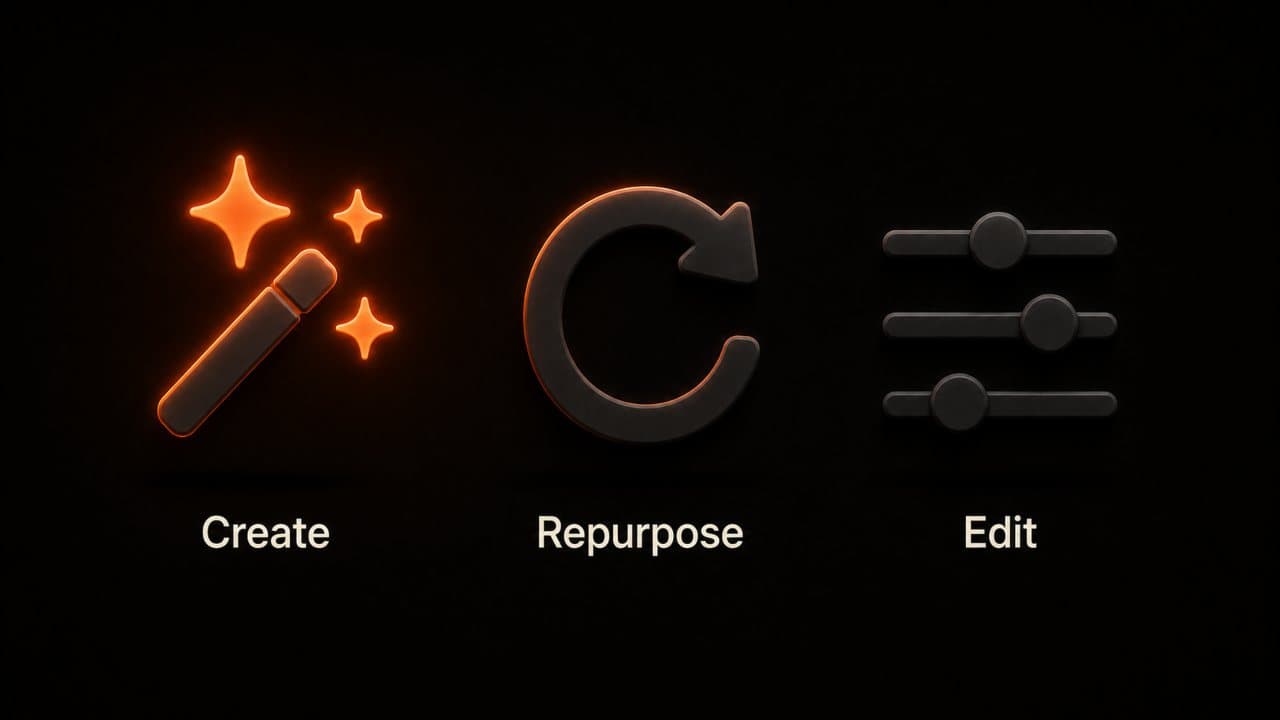
DeepReel is an end-to-end AI video agent. You feed it a prompt, URL, document, or script. It handles everything: scriptwriting, visual sourcing, voiceover, editing, and music. You review a finished draft. The platform is built for speed and volume.
Pictory specializes in turning written content into video. Its blog-to-video and script-to-video tools are solid. You paste in text, the AI matches it with stock footage, and you get a video draft. The focus is content repurposing, particularly for marketers who want to convert articles into social video.
Veed is a browser-based video editor with AI features layered on top. Its real strength is editing existing footage. Auto-subtitles in 125+ languages, background noise removal, filler word detection, and quick cuts. If you already have footage and need to polish it fast, Veed is the tool.
Three different tools for three different problems. The overlap is smaller than it looks.
DeepReel vs Pictory vs Veed: deep dive into each platform
DeepReel: the AI video agent
DeepReel's approach is fundamentally different from Pictory and Veed. Instead of giving you an editor and letting you build, it gives you an AI agent that builds the video for you.
Type a prompt describing what you want. Or paste a blog URL. Or upload a PDF, Word doc, or presentation. The AI Video Genie reads the content, writes a video script, selects visuals from stock libraries and AI-generated imagery, produces voiceover in 30+ languages, assembles the edit, and adds background music.
You get a complete draft in 2-5 minutes. Your job is reviewing and tweaking, not building.
The avatar system is another differentiator. DeepReel offers 100+ stock AI avatars plus photo avatars created from a single image. Upload a headshot and the platform generates a lip-synced, speaking avatar you can use across all your videos. No recording session. No extra fee.
DeepReel also integrates the latest generative AI models. Google Veo for AI video clips and Flux for AI image generation run directly inside the creation workflow. When the AI agent needs a visual, it can generate one on the fly instead of relying only on stock footage.
The platform integrates with Canva and Adobe, and the Pro plan includes access to Storyblocks premium media.
Where DeepReel falls short: if you want to manually edit every frame, the platform prioritizes automation over granular editing control. It is built for people who want finished videos, not for people who enjoy the editing process.
I tested all three platforms with the same blog post: a 1,500-word article about email marketing. DeepReel produced a 3-minute explainer with avatar presenter, stock footage, and voiceover in about 4 minutes. The output needed one visual swap and a minor script edit. Total time: 8 minutes.
That speed is the core selling point. When you need to produce 5-10 videos per week, shaving 30 minutes off each one adds up to hours saved every month.
Pictory: the content repurposer
Pictory built its product around one core use case: turning written content into video.
Paste a blog post, article, or script. Pictory's AI breaks the text into scenes, matches each scene with relevant stock footage from its library of over 3 million clips, and adds voiceover. The result is a draft video you can customize in Pictory's editor.
The blog-to-video pipeline is Pictory's strength. It was one of the first tools to focus on this workflow, and it shows in the quality of the text-to-scene matching.
Pictory's Professional plan includes ElevenLabs voice integration with support for 29 languages, according to Pictory's pricing page. The Starter plan covers 7 languages. The 15,000+ music tracks and 3 million+ video clips give you a deep media library to work with.
Pictory also offers branded templates and bulk video downloads on higher plans. For teams that produce a high volume of similar-format videos (like social media clips from blog posts), the template and batch features save time.
Where Pictory falls short: avatar support is limited compared to DeepReel. The AI generation capabilities are narrower. Pictory is strong at matching text to stock footage, but it does not generate custom AI imagery or video clips the way DeepReel does. And the pricing starts higher at $25/month compared to DeepReel's $5/month entry point.
With the same email marketing blog post, Pictory produced a faceless video with text overlays and b-roll in about 6 minutes. The stock footage matching was good. I spent another 10 minutes swapping a few clips and adjusting timing. Total time: about 16 minutes. Solid result, more manual work than DeepReel, but more control over visual choices.
Veed: the browser-based editor
Veed takes a different angle entirely. It is an editor first, a creator second.
Veed's core features are about making existing footage better. Upload a video and Veed can auto-generate subtitles in 125+ languages, remove background noise, detect and cut filler words, add text overlays, trim clips, and export in multiple formats. The subtitle accuracy is one of the main reasons people choose Veed.
The AI features Veed has added (background removal, eye contact correction, AI avatars, voice cloning, translation, and dubbing) expand the tool beyond pure editing. But the foundation is still the editor.
Veed's free plan lets you test the interface with watermarked exports at 720p. The Lite plan starts around $12-$19/month for 1080p exports and unlimited stock audio and video. The Pro plan at $29-$49/month adds 4K exports, AI video generation, and advanced AI tools like background removal, according to Veed's pricing page.
Where Veed falls short: it is not built for content-first video creation. There is no URL-to-video pipeline. No document upload workflow. If you want to turn a blog post into a video, you need to write a script and build the video yourself (or use another tool to generate the draft and bring it to Veed for polish). Veed is the finishing tool, not the starting tool.
With the same blog post test, Veed required the most manual work. I had to write a script from the article, record or generate a voiceover separately, find stock footage, and assemble the video in the editor. The subtitling and noise removal tools are excellent once you have footage. But getting to that point took about 35 minutes. The editing experience itself was smooth and intuitive. Veed is a pleasure to use as an editor. It just does not create the first draft for you the way DeepReel and Pictory do.
Pricing comparison: DeepReel vs Pictory vs Veed
Free plans and trial options
DeepReel offers a free trial to test the platform. No permanent free tier, but the Starter plan at $5/month is the lowest entry price of the three for meaningful features.
Pictory offers free trials on all plans. No permanent free tier. The lowest paid plan (Starter) begins at $25/month with 200 video minutes and 30 videos.
Veed has a permanent free plan with watermarked exports at 720p. This is useful for testing but not for producing content you would publish. Paid plans start around $12-$19/month depending on billing.
For pure cost-of-entry, Veed's free plan wins. For lowest cost to produce usable video, DeepReel's $5/month Starter plan is the cheapest.
Paid plan value analysis
Let me compare what you get at the mid-tier price point for each platform.
DeepReel Pro ($25/month): 600 credits, AI image generation (50 per month), Storyblocks premium media, full AI agent automation, 100+ avatars, photo avatar creation, 30+ languages.
Pictory Professional ($35/month): 600 video minutes, 60 videos/month, ElevenLabs voices in 29 languages, 3M+ stock clips, branded templates, bulk downloads.
Veed Pro ($29-$49/month): 4K exports, unlimited stock media, AI video generation, background removal, eye contact correction, voice cloning, advanced AI editing tools.
DeepReel gives you the most automation for the dollar. Pictory gives you the most stock media depth and batch production features. Veed gives you the most editing control and post-production polish.
At the team level, Pictory's Teams plan at $119/month is the most expensive but includes API access and collaborative features. DeepReel's Business plan at $30/seat is priced per user, which scales more predictably for growing teams. Veed's Enterprise plan is custom-priced and targets larger organizations with security and collaboration requirements.
All three platforms offer annual billing discounts. Pictory gives the steepest discount at 40% off annual plans. If you know which tool you want, annual billing saves real money on any of the three.
One thing that surprised me: the free tiers differ dramatically in usefulness. Veed's free plan is usable for testing but the watermark makes it impractical for publishing. Pictory and DeepReel both offer free trials instead. If you want to test without commitment, Veed lets you explore longest. But the output is not publishable until you pay.
Which platform should you choose?
Choose based on your primary need
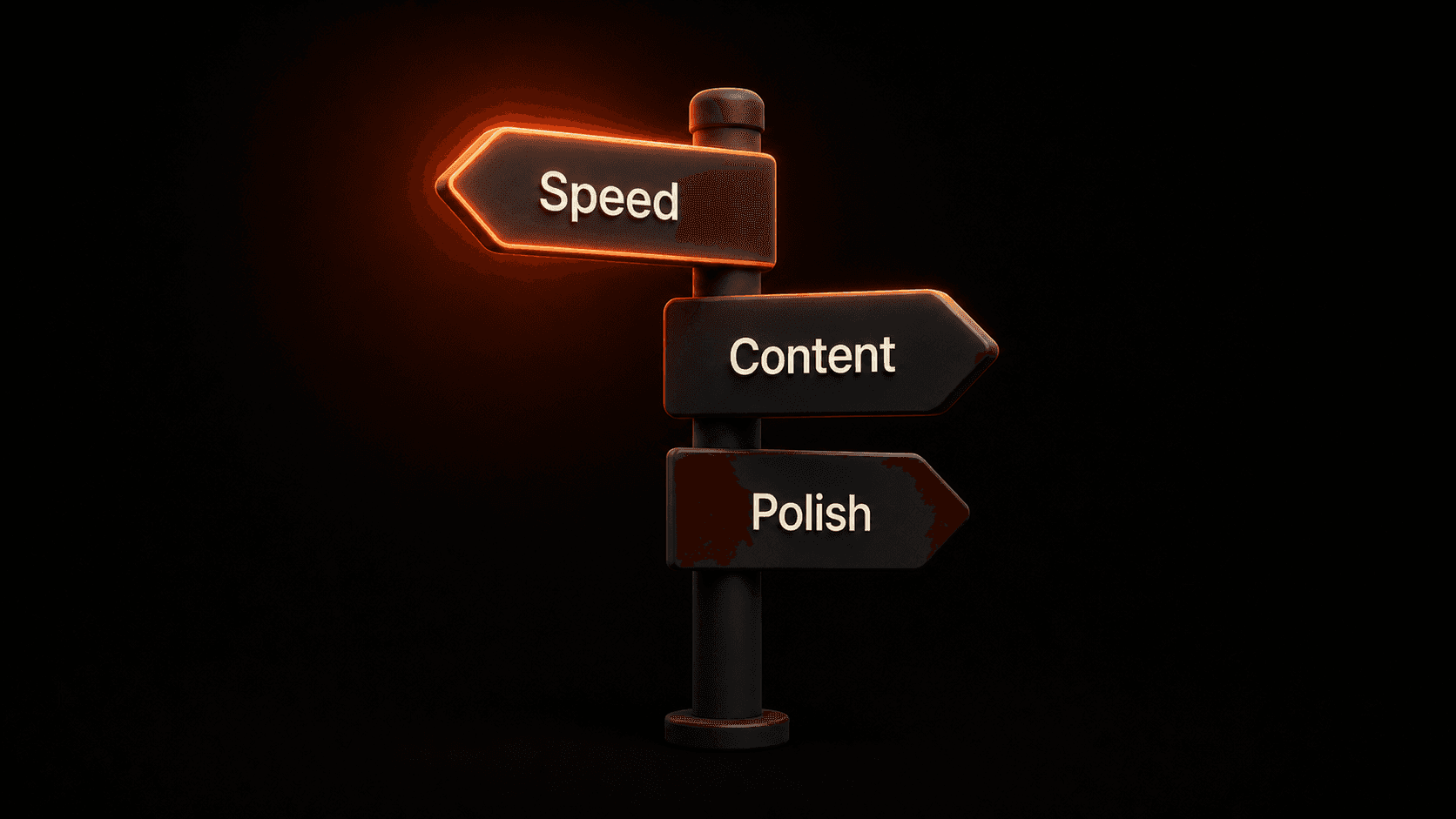
Need full video creation automation? Choose DeepReel. Describe what you want. The AI builds it. Review and publish. This is the fastest path from idea to finished video.
Need to turn blog posts and articles into video? Both DeepReel and Pictory handle this well. DeepReel offers more automation (paste a URL, get a video). Pictory offers more manual control over the text-to-scene matching. If speed matters most, DeepReel. If you want to hand-pick stock footage for each scene, Pictory.
Need to edit existing footage quickly? Choose Veed. Upload your video, add subtitles, remove noise, trim clips, export. Veed is the best of the three at post-production.
Need AI avatars? Choose DeepReel. 100+ stock avatars plus photo avatars from a single image. Pictory and Veed have limited avatar options by comparison.
Need the deepest stock media library? Pictory's 3 million+ clips give it an edge for stock footage variety. Veed's unlimited stock on paid plans is also strong. DeepReel includes Storyblocks on the Pro plan, which is excellent but a different library.
Choose based on your skill level
No video experience at all? DeepReel is the easiest starting point. Our AI video creation without editing skills guide walks through the full workflow. The AI agent handles every decision. You just review the output. There is no editor to learn, no timeline to navigate, no scenes to build.
Some video experience? Pictory offers a good balance. The AI generates a draft, and you refine it in a straightforward editor. You have enough control to make creative decisions without being overwhelmed.
Comfortable editing video? Veed gives you the most hands-on tools. The editor is intuitive but full-featured. If you enjoy the editing process, Veed lets you do more with your footage than either of the other two platforms.
Here is my take on the real-world decision. Most people who compare these three tools are looking for one of two things: either they want to create new videos from content they already have (blog posts, documents, ideas), or they want to edit and polish video they already recorded.
If you want to create, start with DeepReel. If you want to edit, start with Veed. If you want something in the middle with strong blog-to-video features and more manual control, look at Pictory.
Frequently asked questions
Can I use multiple platforms together?
Yes, and some people do. A common workflow: generate the initial video in DeepReel for speed, then bring specific clips into Veed for subtitle fine-tuning and noise removal. Another approach: use Pictory to produce blog-to-video drafts, then export to Veed for final polish. The platforms are not mutually exclusive. But most users find that one tool covers 90% of their needs.
Which platform is best for social media content?
DeepReel for automated creation from existing content. Paste a blog URL and get a YouTube video, an Instagram Reel, and a LinkedIn clip in under 15 minutes. This is the core of repurposing content into video. Veed for manual polish on footage you have already recorded. The auto-subtitles and quick-cut features are ideal for social clips. Pictory for batch-producing social clips from long-form written content, especially if you want consistent template-based formatting across all clips.
Wrap up
Each of these platforms solves a real problem. They just solve different problems.
DeepReel is the full automation play. Feed it content. Get finished video. Review and publish. If you produce video at scale and value speed over manual control, this is the tool. For more options in this category, see our best AI video generators for beginners roundup.
Pictory is the content repurposing specialist. Strong blog-to-video pipeline, deep stock library, good batch features. If your workflow starts with written content and ends with social video, Pictory does that well.
Veed is the editor's editor. Strong subtitles, noise removal, quick cuts, and a clean browser-based interface. If you already have footage and need to make it better fast, Veed is the answer.
The wrong choice is choosing based on marketing pages. The right choice is testing each one with your actual content and your actual workflow.
Start with DeepReel if you want to see what full AI automation looks like. You will have a finished video in 5 minutes, and you will know immediately whether the agent approach fits how you work.