Gain video creation superpowers, instantly
Recording product demos the old way means awkward on-camera takes, expensive presenters, and weeks of back-and-forth with editors. Most teams skip video entirely because it's too slow and costs too much. AI product demo video tools change that. DeepReel turns your script or product docs into finished demos with AI presenters who speak 35 languages. The platform handles visuals, voice sync, and brand styling automatically. You write what you want to say, pick a presenter, and get a finished video in about 15 minutes. Works for SaaS walkthroughs, physical product showcases, or training content.
Generate demos from scripts, PDFs, or product links in minutes
Choose from 50+ AI presenters with 624 natural voices
Customize visuals, branding, and captions without editing software
Key Features
Video Genie: Automated Demo Creation
Paste a script, upload a PDF, or drop in a website link. Video Genie writes the narrative, picks visuals, and syncs everything to your presenter's voice. You get an editable storyboard to adjust scenes before final render.
50+ AI Presenters with 624 Voices
Filter presenters by outfit, gender, and accent. Listen to voice samples and tweak emotional tone, speed, and pitch. Need someone from your actual team on screen? Upload a photo and create a custom avatar for $30.
Canvas Editor for Precision Control
Drag your presenter around the frame, swap backgrounds, add text overlays, and position captions exactly where you want them. Upload product screenshots, adjust scene timing, and layer in background music.
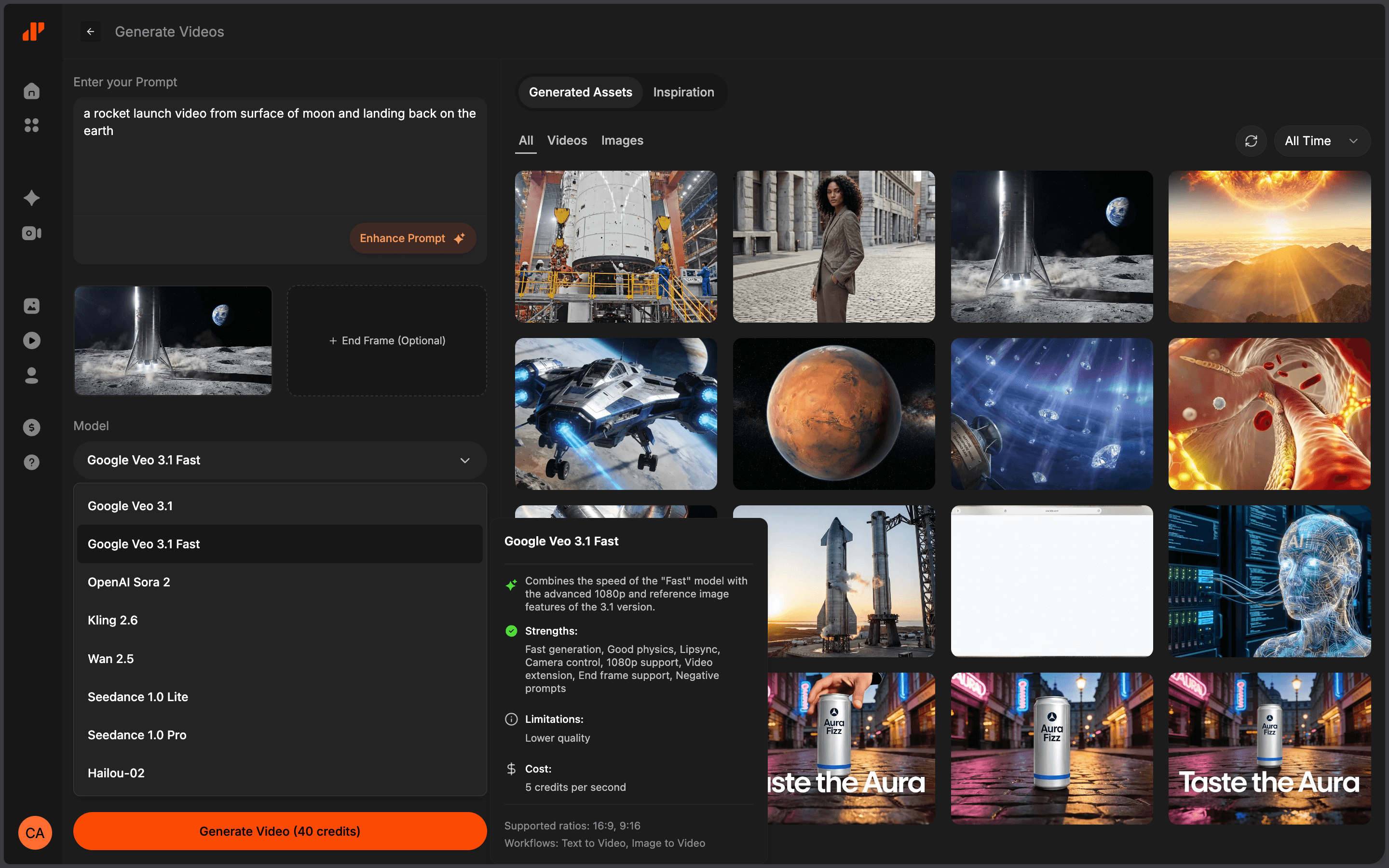
AI Image and Video Generation
Need visuals for abstract ideas or features you can't easily film? Generate custom images and video clips in styles from photorealistic to illustrated, then drop them into your scenes.

Brand Profile System
Upload your logo, set brand colors and fonts once. Every video you make after that applies your branding automatically.
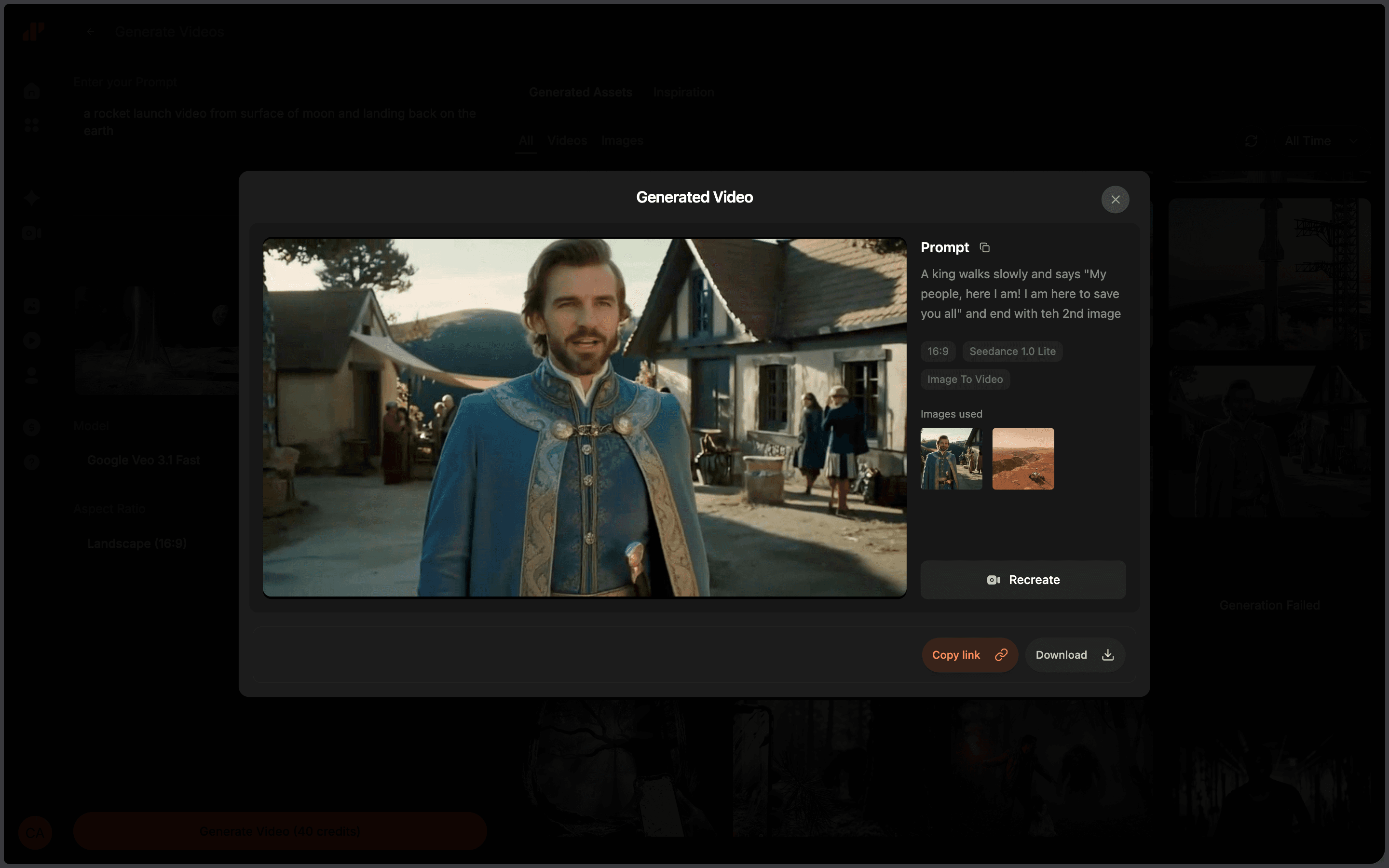
Multi-Format Export
Export vertical (9:16), square (1:1), or widescreen (16:9). Pick 720p, 1080p, or 2K depending on your plan. Download MP4 files or grab a shareable link.
Why choose DeepReel?
DeepReel gives you everything you need to create professional AI-powered videos at scale — faster, cheaper, and easier than traditional production.
Reduce demo production time by 90%
finish a demo in 10–15 minutes instead of spending days wrangling schedules, recording takes, and fixing edits. when you ship a new feature, update the video in under 10 minutes.
Cut video costs by 96%
skip camera crews, studio time, hired presenters, and post-production editors. ai-generated demos cost pennies on the dollar compared to traditional shoots.
Reach global markets without translators
generate the same demo in 35 languages with native-sounding voices and localized captions. enter new markets without hiring translators or re-recording audio.
Keep branding consistent automatically
set your colors, fonts, and logo once. every demo looks like it came from the same design team, even if five different people made them.
Scale demo production without hiring
make separate demos for different features, audiences, or use cases without adding headcount. business and enterprise plans let teams share credits and collaborate.
Update demos as fast as your product evolves
when something changes, tweak the script and regenerate. your sales team and website stay current without re-filming anything.

How it works
Input Your Product Information
Open Video Genie and pick your format. Paste your script, upload a PDF, or enter a URL. The AI reads your content and builds a structured script.
Select Presenter and Customize
Browse presenters by style and accent, preview voices, adjust settings. Pick your video format, language, and visual style. The platform spits out a draft with editable scenes.
Review and Generate Final Demo
Edit the storyboard—change script text, swap visuals, adjust timing. Apply your brand template. Hit generate and download your HD or 2K video.

Frequently Asked Questions
Start Creating Professional Product Demos Today
Generate your first AI product demo video in under 15 minutes. No camera, no editing experience, no production delays.