AI video creation without editing skills: a guide
You don't need to know how to edit videos anymore.
That sentence would have been crazy 5 years ago. Editing was a skill you had to learn. You had to understand pacing, color correction, sound design, transitions. If you couldn't do those things, you couldn't make videos.
Now? You can make professional videos without any of that. If you're just getting started, our comparison of the best AI video generators for beginners breaks down eight platforms side by side.
I'll show you exactly how.
Why AI video creation no longer requires editing skills
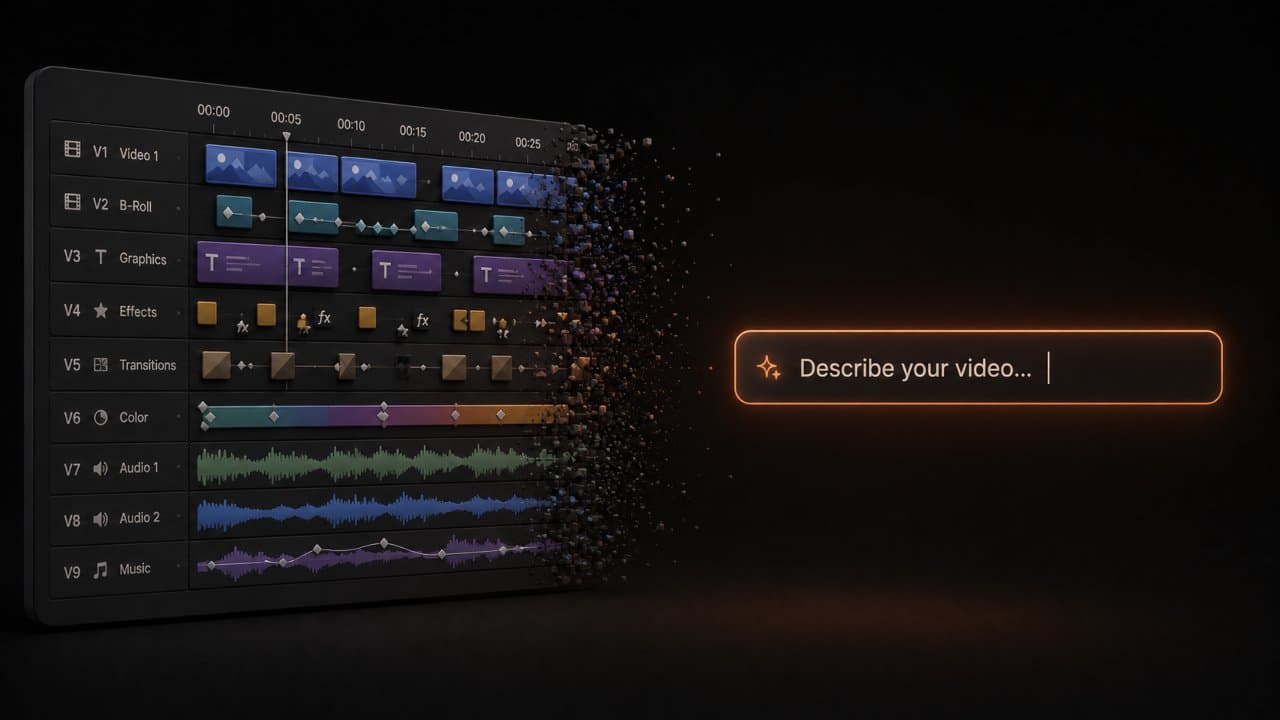
Let's talk about what's actually changed.
An AI video agent handles the parts that used to require technical skill. The agent writes the script. It picks visuals. It adds music. It colors the video. It times the cuts. It mixes the audio. That's 80% of what a video editor used to do.
What do you actually have to do?
You control the strategy and direction. You decide what message the video needs to send. You pick the style and tone. You choose your brand colors and fonts. You review the output and give feedback.
Those aren't editing skills. Those are thinking skills.
This is the critical difference. You're not learning to use an editing tool. You're learning to communicate what you want to a machine that already knows how to edit.
Think of it like photography. You don't need to know how to develop film anymore because your phone does it for you. You just point and shoot. You might adjust the composition or the lighting, but you're not developing anything.
Video is heading the same direction.
You make decisions about what your video should be. The AI handles the technical execution. You review. You tweak. You're done.
This shift matters because it means video is no longer gatekept by people who spent years learning expensive software. It's available to anyone who can describe what they want.
Your first AI video in 5 steps (no editing skills needed)
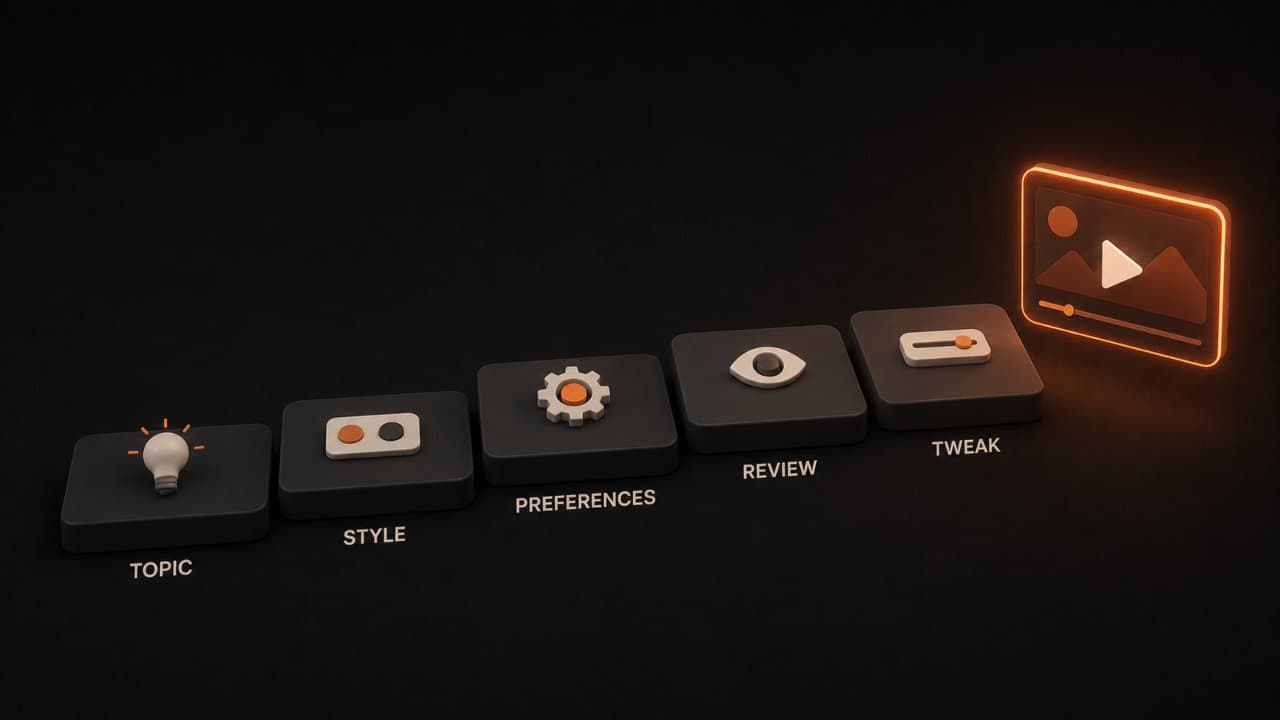
Let me walk you through making a video from zero.
Step 1: Pick your topic. What do you want to make a video about? Be specific. Instead of "our company," try "why our software saves engineers 5 hours per week" or "how to use our product to build a mobile app" or "customer success story: how Acme Corp scaled with us."
You don't need a perfect topic. Just something concrete.
Step 2: Choose your style. This is where you tell the AI agent what kind of video you want. Professional? Casual? Energetic? Calming? Do you want stock footage, generated visuals, or talking head? How long? For what platform? If you're considering an avatar-based talking head, we compared the best AI avatar video generators to help you pick.
You're not giving technical instructions. You're describing the vibe.
Step 3: Set your preferences. Upload your brand kit if you have one. Tell the agent your colors, fonts, and logo. Tell it whether you want your voice cloned for narration or if you want a different voice. If you have a script already, paste it in. If not, the agent will write one.
This step takes 2 minutes. It sets the boundaries. Everything the agent does will fit inside these boundaries.
Step 4: Review what the agent created. Watch your video. Read your script. Look at the visuals. Does it say what you wanted to say? Does it feel right? Does it represent your brand?
Most of the time, the answer is yes and you're done. Sometimes it's "good but not quite." That's normal.
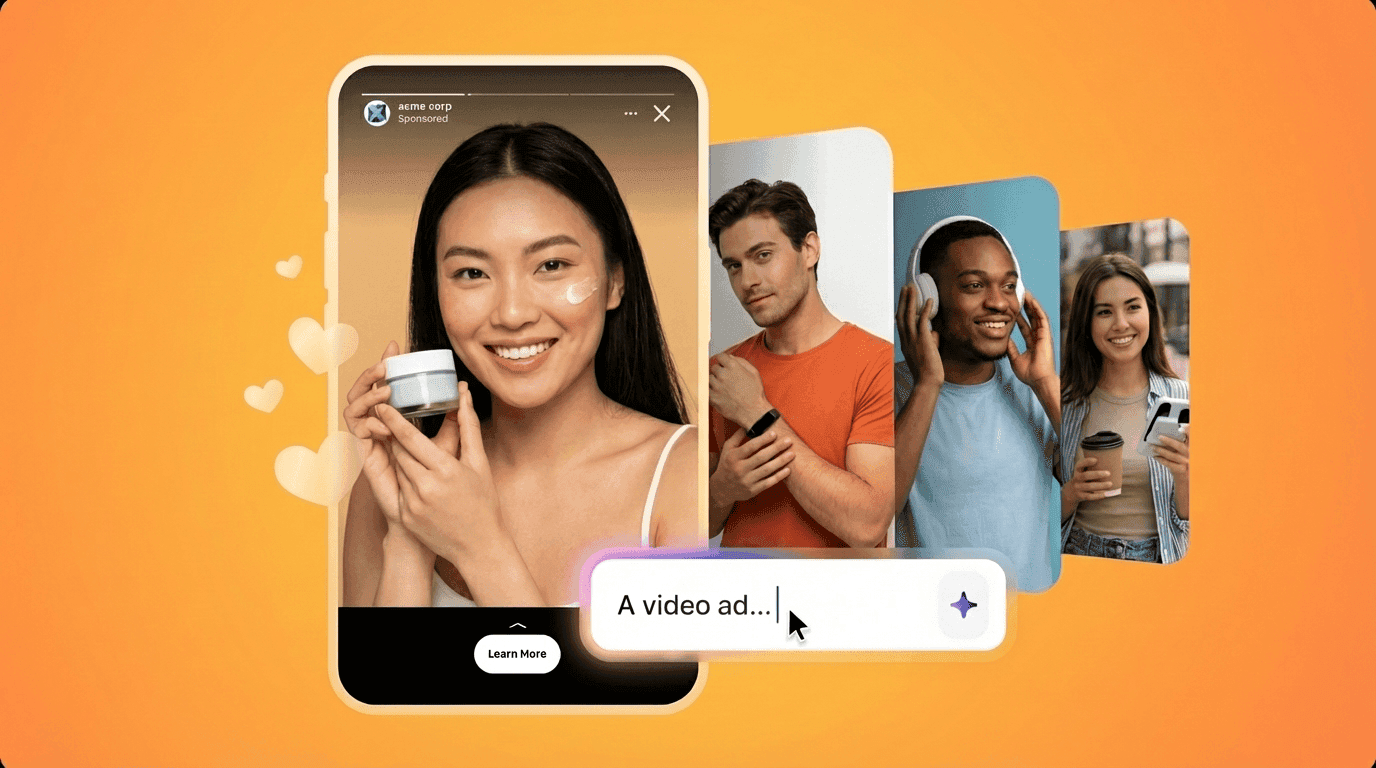
Step 5: Tweak it. If something's off, tell the AI what to change. "Make the narrator slower." "Add more shots of the product." "The tone feels too formal, make it more conversational." "Replace that stock footage with something that better shows the problem." The agent regenerates the video with your feedback applied.
Then you watch again. Usually it's perfect now.
That's it. You made a video. Probably in 15 minutes.
Common mistakes to avoid
I see people mess up their first video in the same ways. Here are the traps.
Mistake 1: Vague prompts. "Make a video about our company" or "create something about our product" doesn't give the agent enough direction. The agent will make something generic because you didn't tell it what to make specifically. Our guide on writing AI video prompts that get great results covers what works and what doesn't.
Fix: Be concrete. "Make a 60-second LinkedIn video showing how our CRM helps sales teams close deals 20% faster, targeting sales directors."
Mistake 2: No brand kit. If you don't upload your brand colors, fonts, and logo, the agent will pick a generic design. Your video will look like a million other videos.
Fix: Spend 2 minutes uploading your brand kit. Even if it's just "primary color: navy blue, secondary color: gold, font: Arial" that's enough.
Mistake 3: Skipping the review. Some people generate a video and immediately export it without watching it. Then they're shocked when it's mediocre.
Fix: Watch your first draft. It usually only takes 3-4 minutes. If something's wrong, fix it now before you share it.
Mistake 4: Not being specific about the audience. "Our target audience" is too vague. "Sales directors at B2B SaaS companies with 50-500 employees who use Salesforce" is specific. The agent can make a video that actually resonates.
Mistake 5: Trying to fit too much in. A 60-second video can't cover 5 features, your company history, a case study, and a call to action. Pick one thing. Do it well.
The best videos make one point really clearly.
What you actually control
This is important: you're not helpless with an AI video agent. You have real control.
You control the message. You decide what your video says. The agent doesn't make up facts or messaging. You provide that.
You control the visuals. If the agent picked footage or visuals you don't like, you ask it to change them. You can be specific: "show our product being used on a laptop, not a phone."
You control the voice and tone. You can ask for professional, casual, excited, calm, funny, serious. The agent will adjust the script and voiceover to match.
You control the pacing. You can ask for faster cuts or slower transitions. You can ask for more or less music. You can adjust when text appears on screen.
You control the output format. You can generate versions for different platforms. You can ask for different lengths (30 seconds for ads, 2 minutes for YouTube).
What you don't control is the technical execution. And that's fine. That's the part that used to take skill and time. Now it's automatic.
Real expectations
Here's what to expect when you make your first AI video.
It will probably be 70-80% perfect on the first try. That's honestly amazing. A professional editor might make it 95-99% perfect, but they'd spend 3-4 hours on it. The AI gets you to 70-80% in 5 minutes.
The remaining 20-30% usually needs one round of feedback. You review, you notice something, you ask the agent to change it. One regeneration and you're usually at 90-95%.
Sometimes you need a second round. That's fine. You're still moving fast.
The goal isn't perfection. The goal is professional-looking videos that you can make at scale. If you're making 20 videos a month, perfect isn't the metric. Getting 30 videos out per month is the metric.
Why this matters for your business
According to Wistia's data on video engagement, video content gets significantly more engagement than text. According to Wyzowl's 2026 video marketing survey, 91% of businesses now use video as a marketing tool, but most still struggle with production speed.
Now it's not hard.
You can make more videos with less effort. That means your audience sees you more often. Your marketing is more effective. Your sales and education teams can scale their output. The latest AI video trends in 2026 show this shift accelerating across every industry.
If your competitors aren't making AI videos yet, they're stuck on the old timeline. You're 10x faster than them.
Tools and platforms
You need to pick a platform that actually works like an AI agent, not just a generator.
Generators take your prompt and make a video. You watch it. If you don't like it, you try again from scratch.
Agents let you give feedback and regenerate just the parts you want to change. That's a meaningful difference.
DeepReel works as an agent. You describe your video. You review it. You tweak it. The agent adjusts. This feedback loop is what makes you fast.
Other platforms might feel more like generators. That's fine if that's what you prefer, but the feedback loop is slower.
Getting better at this
Your first video might be okay. Your fifth video will be good. Your twentieth video will be great.
You get better because you learn what prompts work. You learn how to describe the style you want. You learn what feedback gets the results you're looking for.
It's not hard to get good at this. It's just repetition.
The people I see making the best AI videos aren't the ones with video background. They're usually marketers or business people who just made a lot of videos. They know what they want because they've tried things.
You'll get there too. Just start.
The psychological shift
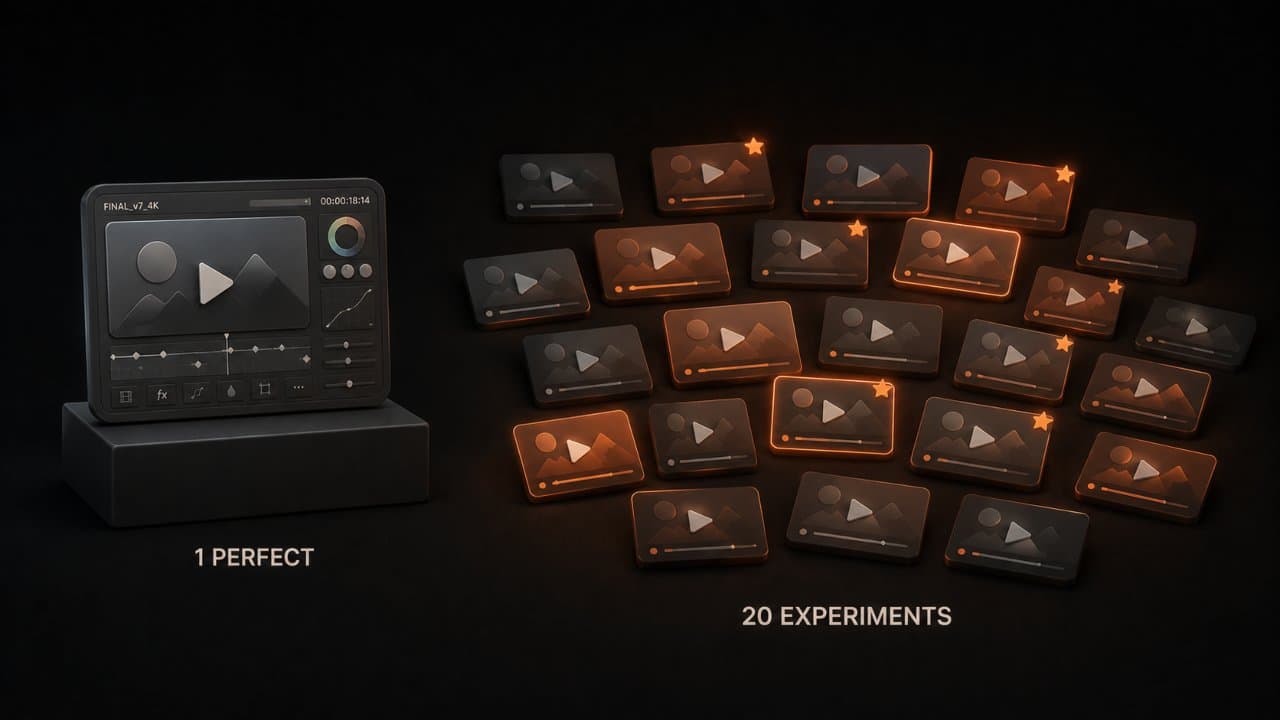
There's something else going on here that matters: your relationship to creation changes.
When you needed to edit videos yourself, you felt like you had to be perfect. You spent hours on small details because the time investment felt high. You made fewer videos because each one was a bigger project.
When you use an AI agent to create videos, the time investment is low. So you make more videos. You experiment more. You try things you wouldn't have tried before.
The person who makes 20 videos and tweaks them will learn more than the person who makes 1 perfect video. They'll try different tones, different approaches, different messages. They'll see what resonates with their audience. If you want a framework for turning that volume into a real strategy, our AI video marketing strategy guide lays one out.
This experimentation mindset is where the real wins happen. You're not just making videos faster. You're thinking about video differently. You're treating it like a normal marketing tool instead of a special project.
That's the biggest shift of all.
FAQ
What if I don't have a script?
The AI agent will write one for you. You just tell it your topic and what you want the script to accomplish. The agent will create a script that fits your time limit and your brand voice. You review it. You can ask it to rewrite parts. Most scripts take 2-3 rounds to get exactly right. If you want more control over that process, our AI scriptwriting guide walks through writing video scripts that hook viewers.
Can I use this for professional client work?
Yes. If you're a marketing agency, you can use an AI video agent to make videos for your clients. The videos are yours to use (check your platform's terms). Many agencies now use AI video agents because they can make more videos faster, which means more client projects completed. You're still directing and reviewing, so the creative work is yours.
What if the AI gets the facts wrong?
You're reviewing the script before the video is made. If the script has wrong facts, fix it before the agent makes the video. The agent will write the script based on what you tell it. If you give it bad information, it uses bad information. If you give it good information, it creates something accurate.
Wrap up
You used to need editing skills to make videos. You don't anymore.
You need the ability to describe what you want, know your brand, and review your work. Those are thinking skills, not technical skills.
Start with one video this week. You'll be surprised how easy it is and how good it looks. Then make 5 more. After that, video will feel like a normal part of your workflow instead of something you've been avoiding.
Start with DeepReel and make your first video this week.