AI video for small business marketing: the complete guide
91% of businesses now use video as a marketing tool, according to Wyzowl's 2026 report. That is an all-time high.
But here is the gap: most small businesses are still not creating video. They know it works. They have seen the stats. They just cannot justify spending $3,000-$10,000 per professionally produced video when they are trying to keep the lights on.
AI video tools have closed that gap. What used to cost thousands now costs $25-$30 per month. What used to take days now takes minutes.
This is the complete guide to using ai video for small business marketing. I will cover the ROI case, seven specific use cases, and a step-by-step workflow to create your first business video today.
Why small businesses need video in 2026
The video marketing ROI for small business
The numbers are hard to ignore.
87% of marketers say video has directly increased sales. 88% say it has generated leads. 82% report higher web traffic after adding video to their marketing mix, according to Wyzowl.
For small businesses specifically, the conversion impact is worth paying attention to. Websites with video content convert at 4.8% compared to 2.9% without video, according to WebFX. That is a 66% improvement in conversion rate just by adding video to your pages.
And customers are 64-80% more likely to purchase after watching a product video. For a small business where every sale counts, that increase can be the difference between a profitable month and a tough one.
Social video generates 1,200% more shares than text and image posts combined. That is organic reach you cannot buy with ads.
Why traditional video was never an option
I get why most small businesses have avoided video. The traditional production model was built for companies with marketing departments and six-figure budgets.
A single professionally produced marketing video costs $3,000-$10,000 on average, according to Vidico's pricing analysis. Medium-length videos (1-3 minutes) can run $8,000-$35,000.
For a small business, that is one video. Maybe two per year if you stretch the budget.
DIY was not much better. Even with consumer tools, producing a decent video takes 4-6 hours when you factor in scripting, recording, editing, and exporting. Most small business owners do not have 4-6 hours to spare on a single piece of content.
AI changes this math completely. Minutes instead of hours. Dollars instead of thousands.
A tool like DeepReel costs $25-$30 per month and produces unlimited videos. That means your cost per video approaches zero as you create more content. Instead of two videos per year, you can create two videos per day.
7 high-impact AI video use cases for small business
1. Service explainer videos
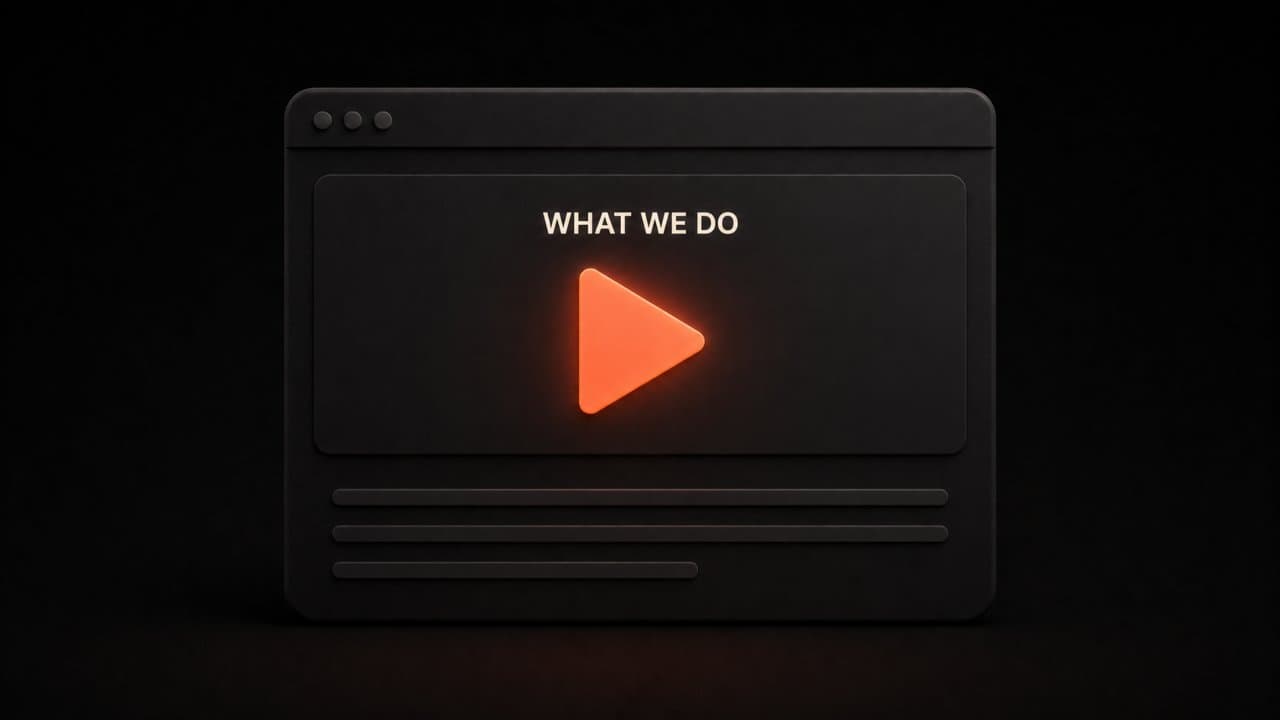
Every small business needs a clear, concise video that explains what you do and why someone should care.
Your homepage explainer is the most valuable video you will ever create. It sits at the top of your website and answers the question every visitor has: "What does this company do and how can it help me?"
Keep it between 60 and 90 seconds. Open with the problem your customer faces. Introduce your solution. Show how it works. End with a clear call to action.
With AI video tools, you can create this in 10 minutes. Write a brief description of your services, paste it into DeepReel, and choose a faceless explainer or AI avatar format. The AI handles the script, visuals, and voiceover.
I have seen small businesses report 20-30% increases in inquiry rates after adding a homepage explainer video. It is the highest ROI marketing video most businesses will ever produce.
2. Social media content at scale
Social media algorithms favor video. That is not opinion. It is how the platforms are built.
Instagram Reels get 22% more engagement than standard image posts. TikTok is entirely video-based. LinkedIn gives video posts 5x more reach than text. YouTube is the second-largest search engine in the world.
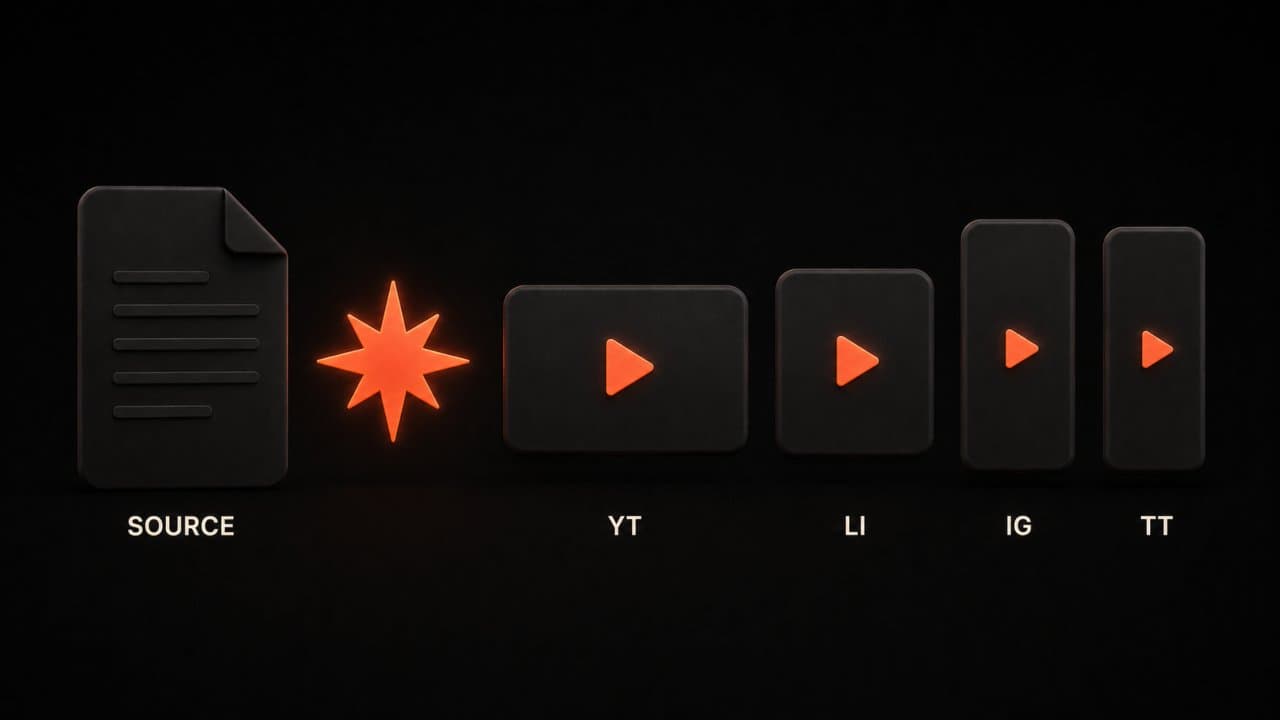
The problem for small businesses has always been production speed. Creating platform-specific video content for 3-4 channels requires different aspect ratios, different lengths, and different hooks.
AI solves this. Create one piece of source content. Generate multiple versions for each platform. A single blog post becomes a YouTube explainer, an Instagram Reel, a LinkedIn clip, and a TikTok video. Total production time: 15-20 minutes for all four.
A local restaurant can show off daily specials in video format. A consulting firm can turn insights into 60-second clips. A retail shop can create product videos that actually move inventory.
3. Customer testimonial-style videos
Written reviews are good. Video testimonials are better. They build trust faster because viewers can see and hear the emotion behind the recommendation.
But getting customers on camera is hard. Most customers are willing to leave a written review but will not agree to a video testimonial. Scheduling, recording, and editing adds friction that kills the whole process.
AI avatars change this. Take a written customer review and convert it into a video testimonial. Use an AI avatar as the narrator who reads the review with context. Or use a faceless format with text overlays and voiceover.
The result is a professional testimonial video that captures the emotional impact of the original review without requiring the customer to do anything beyond writing it.
Here is how I would approach this for a service business. Collect your 5 best Google reviews. For each one, create a 30-45 second video that shows the review text on screen with voiceover narration adding context about the project. Add your branding. Embed these on your testimonials page and share them on social media.
Five testimonial videos. One hour of work. Months of trust-building content.
4. Email marketing videos
Video in email increases click-through rates by up to 300%, according to Campaign Monitor data.
Most email clients do not play embedded video, but they do display animated thumbnails that link to the video. Including the word "video" in your email subject line increases open rates by 19%.
For small businesses, this means every promotional email, every newsletter, and every product announcement becomes more effective with a video component.
Create a short 30-60 second video version of your email content. Embed a thumbnail with a play button. Link to the full video on your website or YouTube channel. The extra engagement is significant, and AI makes the video creation trivially fast.
5. Training and onboarding
Small businesses with employees face a training challenge. You either train the same material repeatedly in person, or you create documentation that nobody reads.
Video fixes both problems. New hires watch training videos on their own schedule. The training is consistent every time. You record it once and use it forever.
With AI video tools, you do not even need to record it. Upload your employee handbook or SOP document. The AI converts it into a series of training videos with voiceover, visuals, and clear structure. When policies change, regenerate the video with the updated document.
I have talked to small business owners who saved 10+ hours per month on training after switching to AI-generated training videos. That time savings alone justifies the cost of the tool.
6. FAQ and knowledge base videos

Your customer support team answers the same 10-15 questions over and over.
Convert those questions into video answers. Embed them on your FAQ page. Add them to your help documentation. Send them proactively in onboarding emails.
Video FAQ answers reduce support ticket volume by 20-30% for most businesses. Customers prefer watching a 60-second answer over reading a paragraph of text, and the visual format helps them actually understand the solution.
The workflow is simple. List your top 15 customer questions. Feed each one into an AI video tool as a prompt. Generate 15 video answers in under an hour. Upload them to your website.
That one-hour investment pays off every single day as customers self-serve instead of contacting your team.
7. Sales outreach videos
Personalized video in sales outreach gets 3x more responses than text-only emails, according to Vidyard research.
For small businesses doing B2B sales, this is a competitive advantage. Most salespeople send text emails. A personalized video stands out.
AI makes personalized video scalable. Create a template video for your sales process. Customize the intro and key points for each prospect using AI. Send it as part of your outreach sequence.
This works especially well for service businesses. A marketing agency can show a quick audit of a prospect's website in video format. An IT company can walk through a security assessment. The video demonstrates expertise before the first meeting even happens.
How to get started with AI video for your business
Step 1: identify your highest-impact video
Do not try to create everything at once. Start with one video that will have the most impact.
For most small businesses, that is either your homepage explainer or your most-asked FAQ. These videos sit where the most people will see them and solve the most immediate need.
Ask yourself: where are you losing potential customers? If people visit your website and leave without contacting you, a homepage explainer video will help. If your support team is overwhelmed with the same questions, FAQ videos will help. If your social media gets no engagement, social video content will help.
Pick one. Create it. Measure the impact. Then expand.
Step 2: set up your brand kit
Before you create your first video, spend 10 minutes setting up your brand kit in your AI video tool.
Upload your logo. Set your brand colors. Choose your preferred fonts. Select a default AI avatar or voiceover style.
This 10-minute setup ensures every video you create looks and sounds like it came from your brand. No more inconsistent colors or mismatched styles across your content.
In DeepReel, the brand kit applies automatically to every video you generate. You set it once and forget it.
Step 3: create and iterate
Generate your first video. It will take 5-10 minutes.
Watch the draft. Does it cover the right points? Are the visuals appropriate? Is the pacing good?
Make adjustments. Swap a visual. Edit a line of script. Change the background music.
Publish it. Then create the next one.
The first video takes the longest because you are learning the tool. By your third or fourth video, you will have the workflow down to under 5 minutes per video.
I recommend creating 4-8 videos in your first month. That gives you enough content to test what works and enough practice to get comfortable with the tool. By month two, you will know exactly which video types drive results for your business, and you can double down on those.
Building a monthly video calendar
Once you have the basics down, build a simple production calendar.
Week 1: create 2 social media videos from your latest blog posts or product updates. Week 2: create 1 FAQ video and 1 service explainer. Week 3: create 2 social media videos and 1 email marketing video. Week 4: create 1 customer story video and 1 sales outreach template.
That is 8 videos per month. At 5-10 minutes each, you are spending about 40-80 minutes per month on video production. That is a strong return for any marketing activity.
Common mistakes small businesses make with video
Trying to go viral instead of being useful
Forget virality. Your goal as a small business is not to get 10 million views. It is to get the right 1,000 views from people who might actually buy from you.
Useful videos outperform entertaining ones for small businesses every time. A clear explainer of your services will generate more revenue than a funny skit that gets shared but attracts no customers.
Focus on videos that answer real customer questions, demonstrate your expertise, and remove friction from the buying process. Those videos work 24/7 as your best salesperson.
Waiting for perfection
Your first video will not be perfect. Neither will your tenth. But a good-enough video published today beats a perfect video published never.
AI video tools produce professional-quality output on the first try. The voiceover is clean. The visuals are relevant. The branding is consistent. You do not need to spend hours polishing.
Publish, measure, improve. That is the cycle. Every video teaches you something about what your audience responds to.
Not distributing consistently
Creating a great video and posting it once is like printing a flyer and putting one on a single car. The content is only as good as your distribution.
Every video you create should live on your website, your social media channels, your email campaigns, and your YouTube channel. Repurpose the same content across every platform where your customers spend time.
AI makes multi-platform distribution easy. Create one video. Export it in landscape for YouTube, square for LinkedIn, and portrait for Instagram and TikTok. Same content, four platforms, maximum reach.
Measuring your video marketing ROI
What to track
You do not need complicated analytics to measure video impact. Start with three numbers.
Views and engagement. How many people watched your video and for how long? Average watch time tells you if your content is holding attention.
Click-through and conversion. Did the video drive action? Track clicks on your calls to action, form submissions, and purchases that followed a video view.
Support reduction. If you created FAQ videos, track your support ticket volume before and after. A 20% reduction in tickets has a direct dollar value you can calculate.
The real math
Here is a simple ROI calculation for a small business.
DeepReel costs $25/month. You create 8 videos per month. That is about $3 per video.
If one of those videos sits on your homepage and increases your conversion rate by even 0.5%, the revenue impact on a business doing $20,000/month in website-generated sales is $100/month. Your video tool just paid for itself 4x over from a single video.
Now multiply that across FAQ videos reducing support costs, social videos driving new traffic, and email videos increasing click-through rates. The cumulative impact is significant.
FAQ
How much does AI video cost for a small business?
Most AI video platforms start at $15-$30 per month. DeepReel's plans start at $5 for basic usage and $25-$30 per month for full features. Compare that to $3,000-$10,000 for a single professionally produced video. The monthly cost of an AI video tool is less than 1% of what you would pay for traditional production.
Will customers know the video was made with AI?
Modern AI videos are very high quality. Stock footage combined with AI voiceover looks identical to traditionally produced content. AI avatar videos have improved to the point where most viewers do not notice a difference in short-form content. The important thing is that your message is clear, your branding is consistent, and the content helps the viewer. Nobody has ever stopped buying from a company because the video was "too efficiently produced."
How many videos should a small business create per month?
Start with 4-8 videos per month. That gives you enough content for your website, social media, and email marketing without overwhelming your schedule. As you get comfortable with the workflow, scale up to 12-16 per month. AI tools make this realistic even for a solo business owner spending less than 2 hours per month on video production.
Wrap up
Video marketing is no longer a luxury reserved for businesses with big budgets. AI has made it accessible to every small business, regardless of size or technical skill.
Start with your highest-impact video. Set up your brand kit. Create your first video in under 10 minutes.
Every video you create today continues driving traffic and conversions months from now.
Create your first business video with DeepReel today. Pick a service explainer, a social media video, or an FAQ answer. You will have a professional, branded video ready to publish in minutes.