7 Ways to Repurpose Content into Video with AI
Most of your content is only reaching a fraction of its potential audience.
Every blog post, whitepaper, case study, and presentation your team has ever created contains video-ready material. The ideas are solid. The research is done. The writing is finished.
All that content needs is a new format.
AI video tools in 2026 can transform virtually any content type into polished video. And the economics make sense: creating new content costs 5-10x more than repurposing what you already have, according to content marketing benchmarks from Digital Applied.
Here are seven ways to repurpose your existing content into video using AI. Each one is actionable today. If you want to go deeper on the specific mechanics of turning written articles into video, our complete guide to converting blogs to video with AI walks through the workflow in detail.
Why content repurposing is the smartest marketing move in 2026
The economics of creating vs repurposing

Let me show you the math.
A brand-new blog post takes 4-8 hours to research, write, edit, and publish. Cost: $200-$500 if you are doing it in-house. $500-$2,000 if you hire a freelancer.
Repurposing that blog post into a video? About 10-15 minutes with an AI tool. Cost: whatever your monthly subscription runs. Maybe $3-5 per video in real terms.
Organizations using AI repurposing workflows cut their per-piece content cost from $150-$300 down to $40-$80, according to Digital Applied.
But the cost savings are only part of the story.
Repurposed content reaches new audiences on new platforms. Your blog post reaches search traffic and RSS readers. The video version of that same content reaches YouTube browsers, Instagram scrollers, TikTok viewers, and LinkedIn professionals.
Teams tracking cross-channel attribution report that repurposed content generates 3.2x more total impressions than single-channel publishing and drives 2.4x more website traffic.
That changes the math on your whole content operation.
And the time investment is minimal. Teams using AI repurposing pipelines produce a full suite of derivative content (video, social clips, quote graphics) in under 60 minutes. The same work done manually takes 8-12 hours.
92% of marketers plan to maintain or increase their video spend in 2026, according to Wyzowl. The smartest ones are doing it by repurposing, not by hiring bigger production teams.
If you are spending all your content budget on net-new creation, you are getting a fraction of the value your content could deliver.
7 AI-powered content repurposing methods
1. Blog posts to YouTube explainers

This is the most obvious repurposing move, and the highest-impact one.
Your blog posts already have structure: headings, arguments, supporting evidence, and conclusions. That structure translates directly into a video script.
Use a URL-to-video tool like DeepReel. Paste the blog URL. The AI reads the article, extracts the narrative arc, writes a video script, sources matching visuals, and produces a complete draft in about 3 minutes.
Best for: long-form educational content, how-to guides, and listicles with 1,500+ words.
A 2,000-word blog post typically becomes a 3-5 minute YouTube video. That is enough depth to rank on YouTube search while keeping viewers engaged.
Pro tip: convert your top 10 blog posts first. They already have proven traffic, which means the topics resonate. The video versions will too.
If you work in publishing or run a news-heavy site, the conversion mechanics look slightly different — we cover that specifically in our article-to-video AI guide for news publishers and a companion walkthrough on article-to-video conversion for publishers.
2. PDFs and whitepapers to training videos
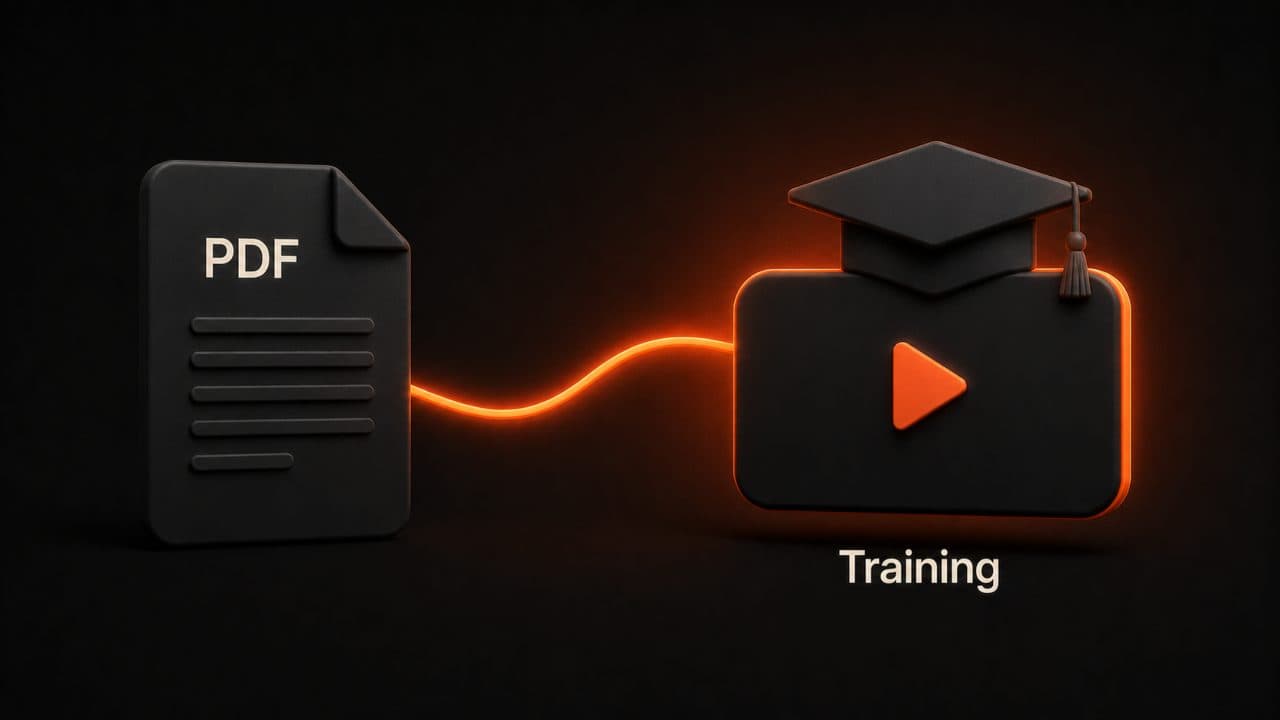
You probably have PDFs sitting in your resources section that nobody reads.
Whitepapers, ebooks, research reports — they represent significant investment in research and writing. But the format kills the content. Most people download a PDF and never open it.
Upload the PDF directly to an AI video tool. The AI extracts key points, creates a structured narrative, and produces a training-style video with voiceover and visual support.
A 20-page whitepaper becomes a 10-minute video walkthrough. Same information, 10x more accessible.
Best for: whitepapers, ebooks, product guides, internal documentation, and onboarding materials.
I have seen marketing teams convert their "Complete Guide to [Product Category]" PDFs into video series with 3-5 episodes. Each episode covers one chapter. The result is a mini-course that generates leads for months.
For the step-by-step on this specific workflow, see our guides on converting PDF to video with AI and our complete PDF-to-video AI playbook.
3. Social media posts to short-form video
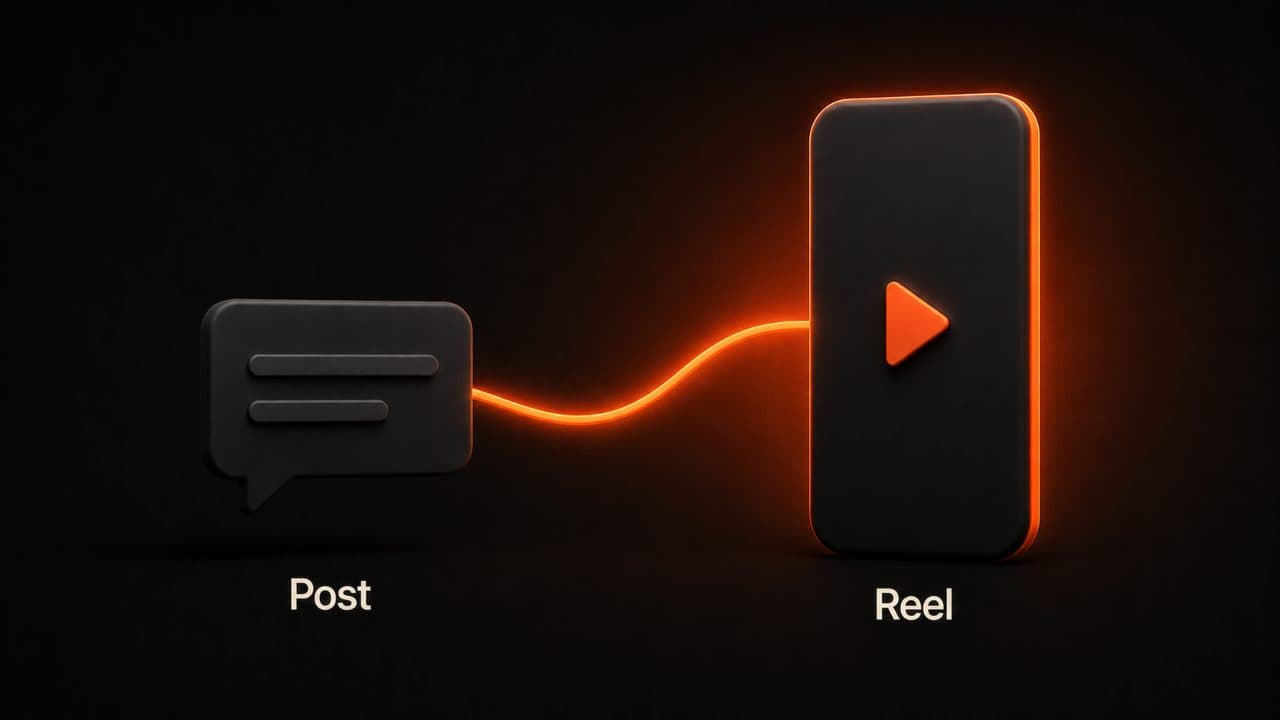
That tweet thread that got 50 retweets? That LinkedIn post with 200 likes? Those are video scripts hiding in plain sight.
Take the text from a high-performing social post. Feed it into an AI video tool as a prompt. Get back a 30-60 second video optimized for Reels, TikTok, or YouTube Shorts. (If you want to level up the quality of your prompts, our rundown of the best AI video prompts for content creators is worth a read.)
The content already proved it resonates. You are just giving it a new format and a new audience.
Best for: tweet threads, LinkedIn carousels, Instagram captions, and any text-based social content that performed above average.
The key here is speed. AI video tools let you turn a social post into a video clip in 2-3 minutes. That means you can repurpose your best-performing posts the same day they go viral.
4. Case studies to testimonial videos
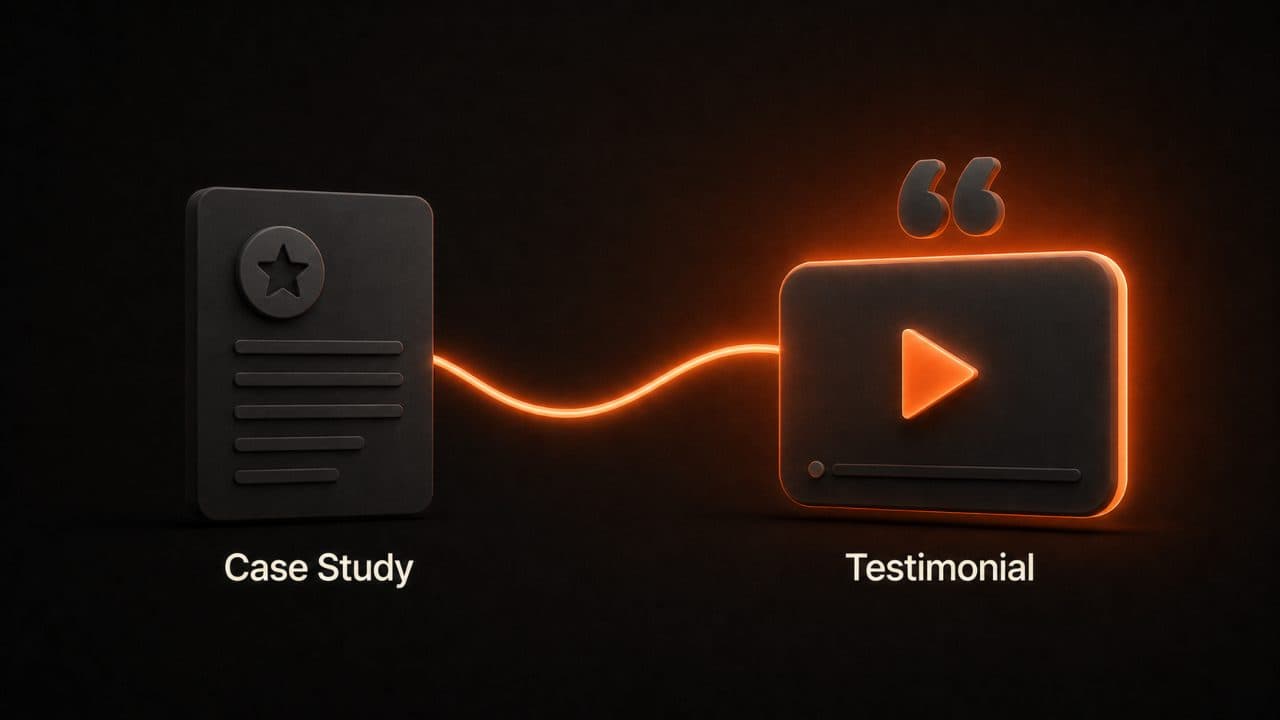
Written case studies are powerful but underused. They sit on a webpage and get read by people who are already deep in the buying process.
Video case studies reach people earlier. They work on social. They work in ads. They work in email campaigns.
Take a written case study and feed the text to an AI video tool. The AI creates a visual narrative showing the problem, solution, and results with on-screen text overlays, data visualizations, and professional voiceover.
Best for: B2B companies with customer success stories, SaaS companies with before-and-after data, and service businesses with quantifiable results.
You won't get a customer on camera. That is fine. An AI-narrated case study video with real numbers and visual data is more shareable than a text PDF, and it takes 10 minutes to produce instead of coordinating a video shoot.
5. FAQ pages to video knowledge bases

Every FAQ on your website is a search query someone typed into Google. And you know what Google loves serving for question-based queries? Video results.
Take each FAQ entry and turn it into a 30-60 second explainer video. One question, one answer, one video.
Stack 20-30 of these and you have a video knowledge base. Embed them on your FAQ page to reduce support tickets. Post them on YouTube to capture search traffic. Share them on social when customers ask common questions.
Best for: SaaS companies with product questions, service businesses with "how does this work" inquiries, and any company with an active support queue.
This is one of the fastest repurposing methods. A single FAQ answer is already the right length for a short video. No condensing needed. No structural rethinking. Just format conversion.
Plus, FAQ videos rank well on Google. When someone searches "how does [your product] work" and Google shows a video result, you want that to be your video. Not your competitor's. Not a random reviewer's. Yours.
DeepReel can generate these at volume. Feed in your top 20 FAQs and produce 20 videos in an afternoon. Each one is a potential search result.
6. Email newsletters to video recaps

If you send a weekly or monthly newsletter, you are already curating content for your audience. You are already deciding what matters most this week.
Turn that curation into a 2-minute video recap. Summarize the highlights. Show the key takeaways visually. Post it on YouTube and social alongside the written newsletter.
Some subscribers will read the email. Others will watch the video. Some will do both. You are meeting people where they prefer to consume content.
Best for: companies with established newsletter audiences, content-heavy industries, and B2B brands with weekly roundups.
The production workflow is dead simple: copy the newsletter text, paste it as a prompt, set the video to 2 minutes, and let the AI handle the rest. One newsletter becomes one video, every week, in about 5 minutes.
7. Presentations to narrated explainers
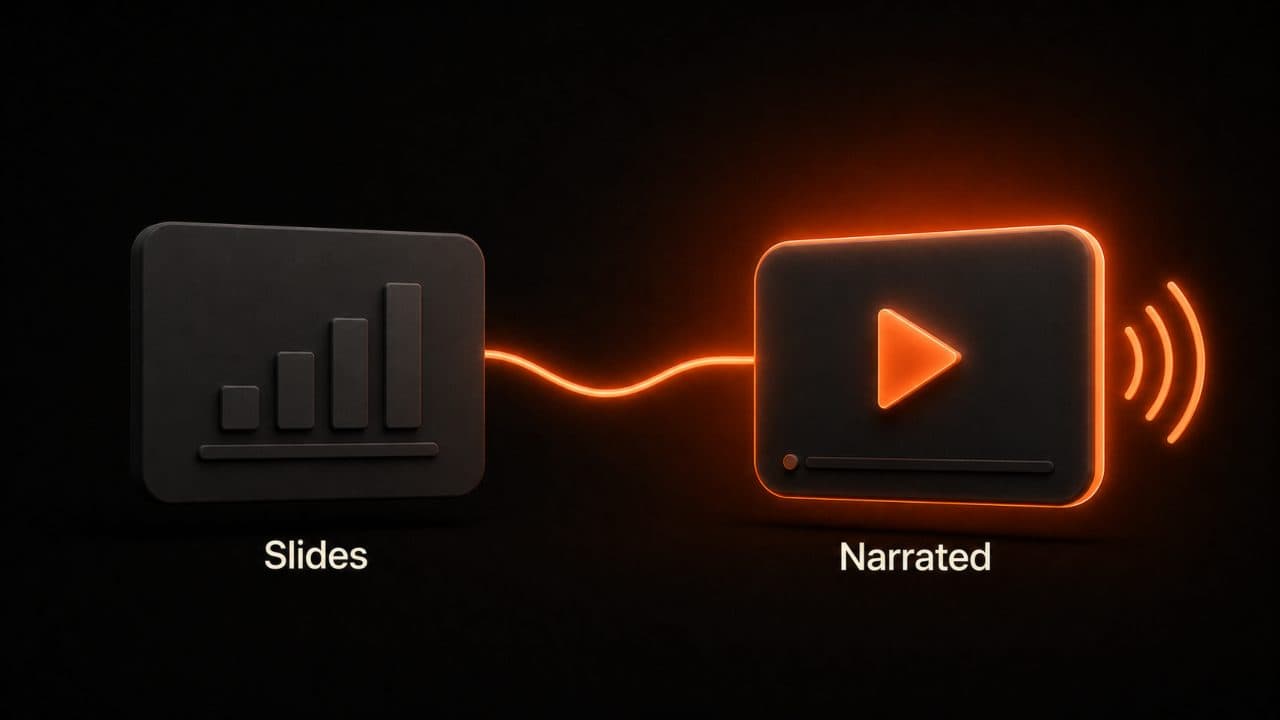
Your slide decks contain some of your best strategic thinking. Conference talks, pitch decks, internal strategy presentations — they are full of clear arguments supported by data.
But slide decks without a presenter are just images with text. They don't work as standalone content.
AI fixes that. Upload a presentation and the tool adds voiceover narration, transitions between slides, visual enhancements, and background music. The result is a self-contained video that works without a live presenter.
Best for: conference presentations you want to share publicly, sales decks you want to send to prospects who missed the demo, and internal training decks you want to reuse across teams.
One conference talk becomes a YouTube video, a series of social clips, and a training resource. From a single set of slides.
I have seen sales teams use this to scale their outreach. The best sales rep gives a killer demo. That demo becomes a narrated presentation video. Now every prospect gets the "A-team" pitch, even when the A-team is booked solid.
The key with presentation-to-video conversion: make sure the slides have enough text for the AI to build a narrative. Visual-heavy decks with one word per slide need more prompt guidance. Text-heavy decks convert almost automatically. For image-heavy source material, our guide on using image-to-video AI covers how to bring static visuals to life.
Frequently asked questions
What content formats work best for video repurposing?
Blog posts, PDFs, and presentations convert best because they already have clear structure — headings, sections, and logical flow. Highly visual or data-heavy content may need more customization after the AI generates the initial draft. Social media posts work great for short-form video because they are already concise and punchy. Start with whatever content has performed best in its original format.
How many videos can I create from one piece of content?
A single long-form blog post can become 3-5 different videos across formats and platforms. One YouTube explainer from the full article. 2-3 short-form clips for Instagram, TikTok, and LinkedIn, each highlighting a different key point. A 30-second teaser clip for stories. If you are working from a full-length resource like a whitepaper or ebook, the number goes even higher, potentially 10+ videos from different sections and angles.
Wrap up
You have seven methods. Every one of them turns existing content into new video without starting from scratch.
Blog posts, PDFs, social posts, case studies, FAQs, newsletters, presentations — each one can become video without starting from zero.
The teams getting the most from their content budgets aren't the ones creating the most new material. They are the ones extracting the most from what they already have.
Repurposed content generates 3.2x more impressions. It costs 60-70% less per piece. And with AI tools, it takes minutes instead of hours.
Start with what you have. Pick your best-performing blog post, your most downloaded PDF, or your most-asked FAQ. Convert it to video with DeepReel. See how fast 10 minutes of work turns one piece of content into five. The underlying ingredient in every method above is a solid script — so if you want help there, our AI scriptwriting guide and the AI video script generator are both good next reads.
Then do it again tomorrow. And the day after that.
The content already exists. The audience is already out there, watching video on platforms you haven't touched yet. The tools are fast enough now to make repurposing a daily habit instead of a quarterly project.