
Video SEO Strategy: Rank Higher with AI-Created Content
Your competitors are ranking on page one with video. Meanwhile, your blog posts (packed with keywords and backlinks) are stuck on page three. The difference isn't luck. It's video SEO strategy.
According to Forrester Research, pages with video are 53 times more likely to rank on the first page of Google search results than pages without video. If you're not using video to drive organic traffic, you're leaving ranking potential on the table.
Why video SEO strategy matters more than ever
Video isn't just nice to have. It's becoming essential for search rankings.
Google now prioritizes pages with rich media. When you embed video on a page, you're signaling to Google that your content is thorough, engaging, and worth ranking. Videos reduce bounce rates, increase time on page, and give users a reason to stay longer. All of these are ranking signals Google pays attention to.
A study by HubSpot found that 80% of marketers say video helps them generate leads, and 71% say video improves conversion rates. But here's what matters for SEO: videos also increase the time visitors spend on your pages by an average of 88%. More time on page means lower bounce rate. Lower bounce rate means higher rankings.
Google's algorithm has evolved to favor videos because they correlate with user satisfaction. When someone watches a video on your page instead of bouncing back to search results, it tells Google that your page answered the search intent. That signal compounds over time, pushing your pages higher in rankings.
YouTube, the second-largest search engine after Google, has more than 2 billion logged-in users per month. YouTube videos often appear in Google's main search results. If your competitor's YouTube video shows up in the search results you're targeting, and yours doesn't, they're winning that search real estate. Getting even one video into Google's top 10 results for a high-volume keyword can drive hundreds of visitors per month.
Video ranks. Text alone doesn't anymore. If you want to compete in organic search, video is no longer optional.
How to optimize video titles for your video SEO strategy
Your video title is the first thing both Google and users see. It needs to work for both.
For YouTube videos, your title should include your target keyword early. Ideally, place it in the first 60 characters. Google reads the title tag and uses it to understand what your video is about. Users scan the title to decide whether to click.
A good video title is specific, benefit-driven, and keyword-rich without sounding robotic. Instead of "Video Marketing Tips," try "How to Create AI-Generated Marketing Videos That Rank in Google: Complete 2026 Guide." The second title includes the keyword, mentions AI (a trending modifier), and adds a benefit.
Your title's placement in search results matters. YouTube's algorithm and Google's main algorithm both weight early keyword placement heavily. A title starting with your target keyword gets clicked more than a title with the keyword buried near the end. This higher CTR then signals to Google that your result is relevant, triggering a ranking boost.
YouTube titles can be up to 100 characters, but shorter is often better for CTR. Aim for 50-70 characters to stay clean and clicky. Test titles over time using YouTube Analytics to see which titles drive the highest CTR from search and subscriptions.
Video descriptions: your second ranking opportunity
The video description is where you pack more keyword density and context.
In the first 2-3 lines of your description, summarize the video and include your primary keyword. This is the part that shows up before the "Show More" button on YouTube, so make it count.
After that, include your secondary keywords naturally. Add timestamps if your video is longer than 5 minutes. This helps with user engagement and gives you more indexable text.
Always include links in your video description. Link to your blog post, your website, related videos, or resources mentioned in the video. Outbound links signal trust and authority to Google, and they give users a path to your site.
A description that's 3-4 sentences of hook and keywords, followed by 5-8 sentences of detail, timestamps, and links typically performs best. Don't pad it. Be specific.
Tags, categories, and video metadata
Tags are a minor ranking factor compared to titles and descriptions, but they still matter.
Use 5-10 tags per video. Include your primary keyword as the first tag, then secondary keywords, then broader category tags. Don't stuff keywords. Use tags that actually describe the content.
YouTube's category selection is also important. If you're making a video about digital marketing, choose "People & Blogs" or "Education" depending on the content type, not a random category. Correct categorization helps YouTube recommend your video to the right audience.
Also use keyword-rich file names when you upload. Instead of "video_001.mp4," name it something like "how-to-create-ai-video-for-seo.mp4." It's a small signal, but Google uses file names as metadata.
Thumbnails: the often-overlooked SEO factor
Thumbnails don't directly impact rankings, but they impact click-through rate from search results, which absolutely does impact rankings.
A custom thumbnail with high contrast, readable text, and a face or emotion outperforms auto-generated thumbnails by 300-400% in CTR. High CTR tells Google your result is more relevant than competitors', which can bump your ranking.
Custom thumbnails should:
- Include a close-up face showing emotion (surprised, interested, etc.)
- Use bold, contrasting colors
- Include text, but keep it to 1-3 words
- Match your brand colors and style
- Have a 1280x720px size (16:9 ratio)
The thumbnail is your first impression. Make it count.
Video schema markup: how to tell Google what's in your video
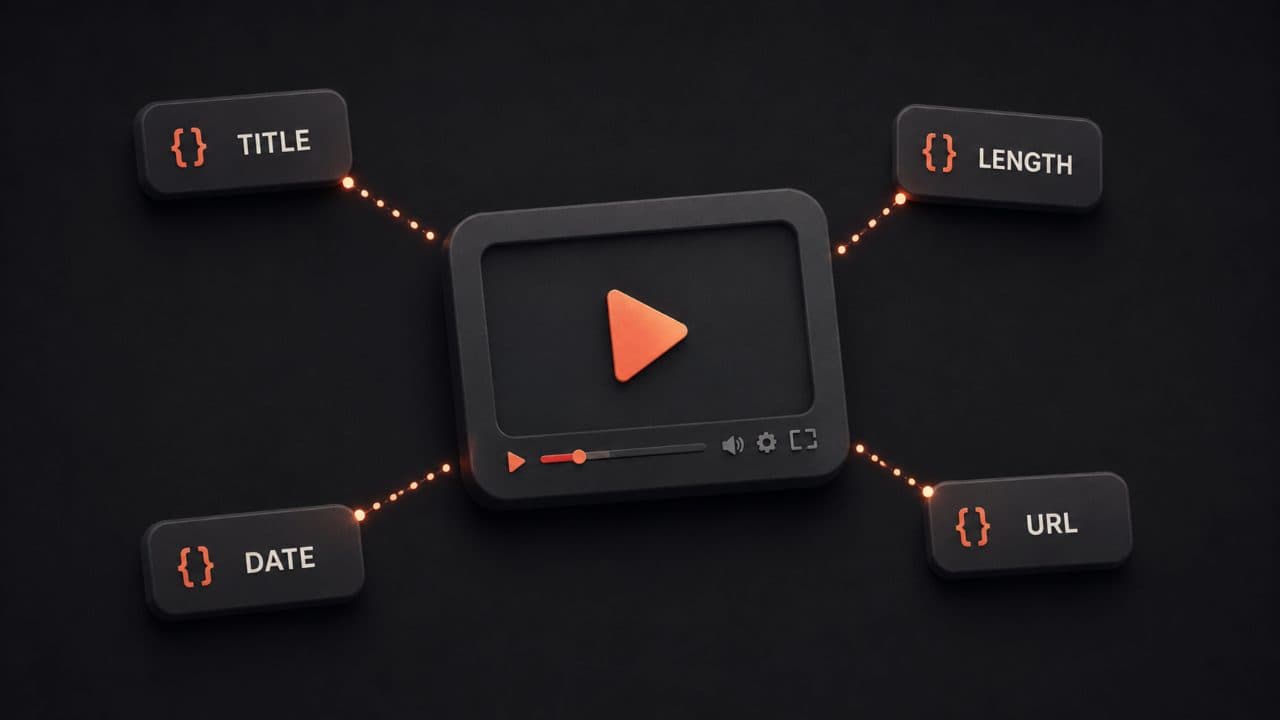
Video schema markup is structured data that tells Google exactly what's in your video: duration, upload date, description, thumbnail, and playback URL.
Without schema markup, Google has to guess what your video is about. With it, you're giving Google the exact information it needs.
Here's a basic example:
{
  "@context": "https://schema.org/",
  "@type": "VideoObject",
  "name": "How to Create AI-Generated Marketing Videos That Rank in Google",
  "description": "Learn the complete strategy for optimizing videos for SEO in 2026...",
  "thumbnailUrl": "https://example.com/thumbnail.jpg",
  "uploadDate": "2026-03-19",
  "duration": "PT12M30S",
  "contentUrl": "https://example.com/video.mp4",
  "embedUrl": "https://www.youtube.com/embed/abc123"
}
Add this schema to the page where you embed your video. Google will recognize it and may display your video in video carousels and rich results.
Embedding video on your blog posts
A YouTube video embedded on your blog post can rank in Google Images and Google Video. But embedding isn't enough. You need to optimize the page itself.
The best practice is to embed the video near the top of your post, after a 2-3 sentence introduction that includes your target keyword. Add a clear headline above the video that includes the keyword.
Below the video, write 1,500-2,000 words of supporting text. The text should explain the concepts in the video, add details the video doesn't cover, and include related keywords.
This combination of video plus text tells Google the page is a complete resource. Our blog-to-video guide walks through the full workflow for converting written content into optimized video. You'll often see this type of page rank for both the keyword and long-tail variants. A study by Backlinko found that pages with video get 86% more backlinks than pages without video. That extra link authority compounds your ranking advantage.
The placement of your video matters too. Videos placed higher on the page (above the fold or within the first 200 words) get better engagement and signal to Google that the video is central to the page's message. If you bury video at the bottom of a 5,000-word post, users might never reach it.
Also optimize the video HTML itself. Use title attributes, alt attributes where applicable, and make sure your embed code is clean. Don't use outdated iframe embed code. Use YouTube's modern embed code for better performance and indexing.
Video sitemaps: tell Google about all your videos
A video sitemap is an XML file that lists all the videos on your site, with metadata about each one.
If you have more than 5-10 videos across your site, a video sitemap becomes important. It helps Google discover and index your videos faster, and it reduces crawl overhead.
A video sitemap looks like this:
<?xml version="1.0" encoding="UTF-8"?>
<urlset xmlns="http://www.sitemaps.org/schemas/sitemap/0.9"
xmlns:video="http://www.google.com/schemas/sitemap-video/1.1">
  <url>
    <loc>https://example.com/video-page-1/</loc>
    <video:video>
      <video:title>How to Create AI-Generated Marketing Videos</video:title>
      <video:description>Learn the complete strategy...</video:description>
      <video:content_loc>https://example.com/video.mp4</video:content_loc>
      <video:player_loc>https://www.youtube.com/embed/abc123</video:player_loc>
      <video:thumbnail_loc>https://example.com/thumbnail.jpg</video:thumbnail_loc>
      <video:duration>750</video:duration>
      <video:upload_date>2026-03-19</video:upload_date>
    </video:video>
  </url>
</urlset>
Submit your video sitemap to Google Search Console. Update it whenever you add a new video.
Google video carousel optimization
Google's Video carousel appears at the top of search results for video-related queries. Getting your video in that carousel is huge for visibility and traffic.
To qualify for the Video carousel, your page needs:
- A video (YouTube or embedded)
- Video schema markup (VideoObject schema)
- A descriptive title that includes the query keyword
- Video duration listed in the schema
- A high-quality thumbnail image
- Clean, readable page content around the video
Google also favors videos uploaded within the last 1-2 months for trending searches. If you're going after timely topics (like "best AI video tools for 2026"), fresh video content is a major advantage.
The Video carousel typically shows 6-8 results, and the top positions get significant traffic. Optimize for it.
Measuring video SEO impact: what to track
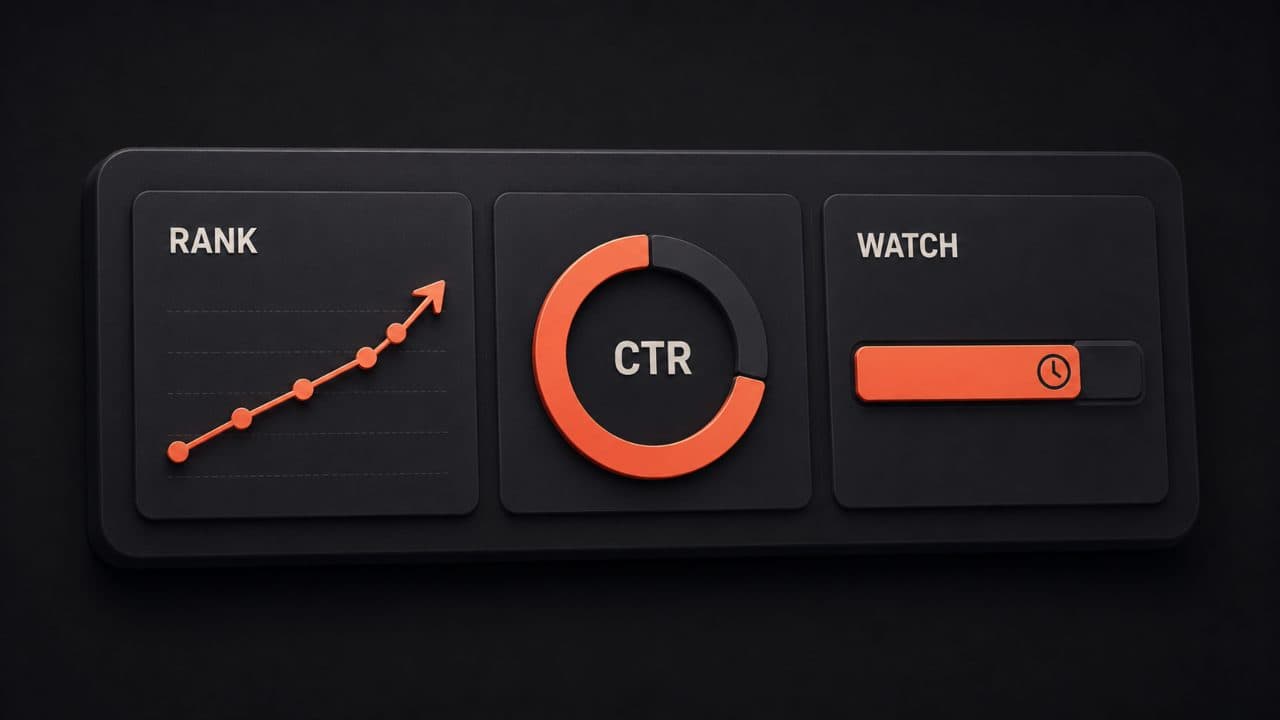
Don't create videos and hope. Measure what matters.
In Google Search Console, you can see which queries drive traffic to your video-containing pages, how often your pages appear in search results, and your average ranking position. Create a custom report focusing on pages containing video to isolate video's impact on your search visibility.
Set up Google Analytics 4 to track video engagement metrics:
- Video play rate (% of visitors who click play)
- Average view duration
- Completion rate (% who watch to the end)
- Traffic from video-containing pages vs. text-only pages
Compare these metrics week-over-week and month-over-month. A video that gets 80% of viewers to watch 70% of the content is performing well. A video that gets 20% of viewers to start watching probably needs a better thumbnail or title.
Create a benchmark for what "good" looks like in your industry. B2B SaaS videos might get 35-50% completion rate. Entertainment videos might get 60%+. News or explainer content might get 40-55%. Your benchmark depends on your category and audience.
Also track rankings. Use an SEO tool to monitor your top target keywords. Are your video-containing pages ranking higher than your competitors' pages? If yes, video SEO is working for you.
Pay attention to the "Search" traffic tab in YouTube Analytics. This shows which search queries led to your video being watched. If you see search queries you didn't target ranking your video, consider creating follow-up content for those queries.
Monthly reporting should include: organic traffic to video pages, average ranking position for target keywords, CTR from search results, average view duration, and estimated traffic value based on what you'd pay for equivalent clicks via Google Ads.
AI-generated video for SEO: speed meets scale
Creating video at scale used to be expensive and time-consuming. Now, AI makes it possible to generate multiple video variations for different keywords and audiences.
With tools like DeepReel, you can:
- Generate unique video scripts based on keyword targets
- Create AI-driven presentations and explainer videos
- Personalize videos for different audience segments
- A/B test different messaging and thumbnails
- Produce videos in days instead of weeks
The traditional video production pipeline (writing scripts, scheduling shoots, filming, editing, exporting) takes weeks and costs thousands of dollars. For a single video. If you want to create content for 20 different keywords, that's 20 weeks and tens of thousands of dollars.
With AI-generated video, the timeline compresses dramatically. You input a topic and keyword, and the system generates a script, creates visuals, and produces a finished video in minutes. You can then tweak the script, re-generate with different messaging, and have multiple variations ready by end of day.
The DeepReel pricing model reflects this efficiency. At $5 per month for basic video personalization, $25 per month for team collaboration, and $30 per month for advanced automation and API access, you can generate dozens of optimized videos without the cost of hiring a video production company.
This changes the economics of video SEO. For a deeper look at how AI boosts video SEO performance, we break down the data separately. Instead of creating one "perfect" video per topic, you can create multiple variations. This is content repurposing at its most efficient. One gets optimized for the main keyword, others for related long-tail keywords. Each gets its own landing page, its own schema markup, its own spot in search results.
The ROI math is simple. If you generate 10 videos covering related keywords in your industry, and even 3 of them rank in the top 10 for their respective searches, that's 3 recurring traffic channels bringing in hundreds of visitors per month. Scale that to 50 videos and the traffic multiplies again.
Tools for video SEO strategy success
The right tools make video SEO manageable.
DeepReel
DeepReel handles personalization and AI video generation. Use it to create multiple video variations, add dynamic overlays with keyword-rich text, and automate video production for different audience segments. The platform integrates with your CRM so you can personalize videos based on viewer data.
TubeBuddy
TubeBuddy is a YouTube optimization suite. Use it to find high-volume, low-competition keywords for your video topics, analyze your competitor's video performance, and track your YouTube rankings over time. The keyword research alone is worth the subscription.
VidIQ
VidIQ offers similar YouTube optimization capabilities to TubeBuddy, with a slightly different UI and reporting style. Both are strong choices for YouTube creators who want to rank higher. For choosing the right AI creation tool, our best AI video makers for YouTube comparison covers the top options.
Screaming Frog SEO Spider
Use this to crawl your site and find all your video pages, check video sitemap errors, validate video schema markup, and identify pages missing video optimization opportunities. It integrates with Google Search Console to show which video queries drive traffic.
Common video SEO mistakes to avoid
Mistake 1: Not optimizing the page, only the video. Your page title, meta description, heading structure, and body text all need optimization too. Don't treat video as a replacement for on-page SEO. The page is the ranking unit; the video is the engagement tool inside it.
Mistake 2: Uploading video directly to your site instead of using YouTube. YouTube videos rank in Google search results and appear in YouTube carousels. Hosting video on your own server means you miss YouTube's ranking advantages. Plus, self-hosted video typically loads slower and doesn't benefit from YouTube's CDN infrastructure. Always use YouTube for better distribution and ranking potential.
Mistake 3: Ignoring video metadata. A video with a generic title and blank description will rank worse than the exact same video with a keyword-rich title, detailed description, and proper schema markup. Metadata is free ranking potential. Too many creators upload and move on without filling out these fields properly.
Mistake 4: Not updating old video content. Old videos tend to rank worse as they age, especially if they cover topics that update frequently. Refresh old videos by re-uploading them with updated schema markup, improving titles and descriptions, and adding them to a themed playlist. Alternatively, use YouTube's video details editor to update titles and descriptions without re-uploading.
Mistake 5: Creating video content that doesn't align with search intent. A video about "CEO productivity hacks" won't rank for "how to create AI videos," no matter how good it is. Match your video topic to the keywords you're targeting. Research the search intent behind your keyword before creating the video.
Mistake 6: Not leveraging playlists strategically. YouTube playlists help with watch time accumulation and improve rankings for all videos in the playlist. Create themed playlists around topic clusters and link to them from your blog posts.
Wrap up
Websites with video rank higher, convert better, and hold attention longer. AI tools make video creation faster and cheaper than it has ever been, so there is no reason to leave it out of your SEO strategy. Video SEO works best as part of a broader AI video marketing strategy that ties together creation, distribution, and measurement.
The competitive environment is already shifting. In many industries, the companies ranking on page one of Google for competitive keywords all have video content. If you're competing in those spaces and you're still text-only, you're at a structural disadvantage.
The good news: starting with video is simpler than ever. You don't need a cameraman or a production budget. AI-generated video and smart optimization are accessible to solopreneurs and small teams.
Start with one high-value keyword in your industry. Create a thorough video covering that topic. Optimize the page around it using the strategies in this guide. Measure the results over 2-3 months.
Then repeat. Build a video library covering 10, 20, or 50 of your target keywords. Each one is a potential ranking position. Each one is a traffic asset. In 12 months, you could have a video library that brings in consistent, predictable organic traffic.
The companies building video libraries now are the ones that will hold the top spots in 2026 and beyond.
FAQ
Does it matter if I use YouTube or embed video directly on my site?
YouTube videos have an advantage in Google's search results because they're indexed twice: once as a YouTube video and once as content on your page. However, embedded videos on your site also rank, especially if you add proper schema markup and optimize the surrounding page content. The best approach is to upload to YouTube, then embed on your site to get both ranking signals.
How long should my video be for SEO?
There's no magic length. Google doesn't penalize short or long videos. However, longer videos (5-15 minutes) tend to rank better because they cover topics more thoroughly, which is what Google rewards. Shorter videos (under 2 minutes) have better completion rates. For SEO, aim for 5-10 minutes on average. For conversion, shorter is sometimes better. Match length to the topic and user intent.
Can AI-generated videos rank as well as human-created videos?
Yes, if they're optimized properly. Google doesn't have a "human-created" ranking factor. What Google cares about is whether the video answers the user's question thoroughly and whether the page is well-optimized. An AI-generated video with a strong title, detailed description, schema markup, and supporting text can outrank a poorly-optimized human video every time. Quality of optimization matters more than the video's creation method.