AI Video Testimonials: Build Social Proof at Scale
Want to know why some brands blow past their conversion goals while others stall out?
The answer is simple: people don't trust marketing anymore. They trust other people.
Video testimonials from real customers convert better than almost anything else. They're authentic, emotional, and harder to dismiss than text reviews. But collecting and producing enough of them to make an impact? That used to be expensive and time-consuming.
That's where AI comes in. Today you can build video testimonials at scale without draining your budget or wasting weeks on production.
Let me show you exactly how.
Why AI video testimonials crush text reviews
Here's the hard truth: text testimonials are dying. Savvy buyers know that marketing teams write most of them. They're skeptical. They scroll past.
Video testimonials are different. Nearly 80% of consumers watch them, and they remember video content far more than text (95% vs 10%), according to video testimonial research from Teleprompter. Real people on camera saying real things, that's what moves buyers.
Video testimonials boost conversion rates by 80% compared to text reviews. Product pages with video testimonials convert 28% higher than those with text alone. Checkout pages with brief testimonial videos reduce cart abandonment by 23%.
77% of viewers say a testimonial video influenced their purchase decision. That's not just awareness, that's action.
The AI advantage: why you need it
Collecting enough authentic testimonials to build real social proof takes months. You need customers willing to go on camera. You need to schedule shoots. You need to edit, format, and post.
That's where most companies quit.
AI fixes that. You can now create video testimonials in days instead of months. You can produce them at 1/10th the cost of traditional video production. And you can scale to dozens or even hundreds of customer stories without hiring a video team.
But here's the catch: AI-generated testimonials that look completely fake will hurt you more than help you. The trick is using AI as your assistant, not your replacement.
Three approaches to AI video testimonials
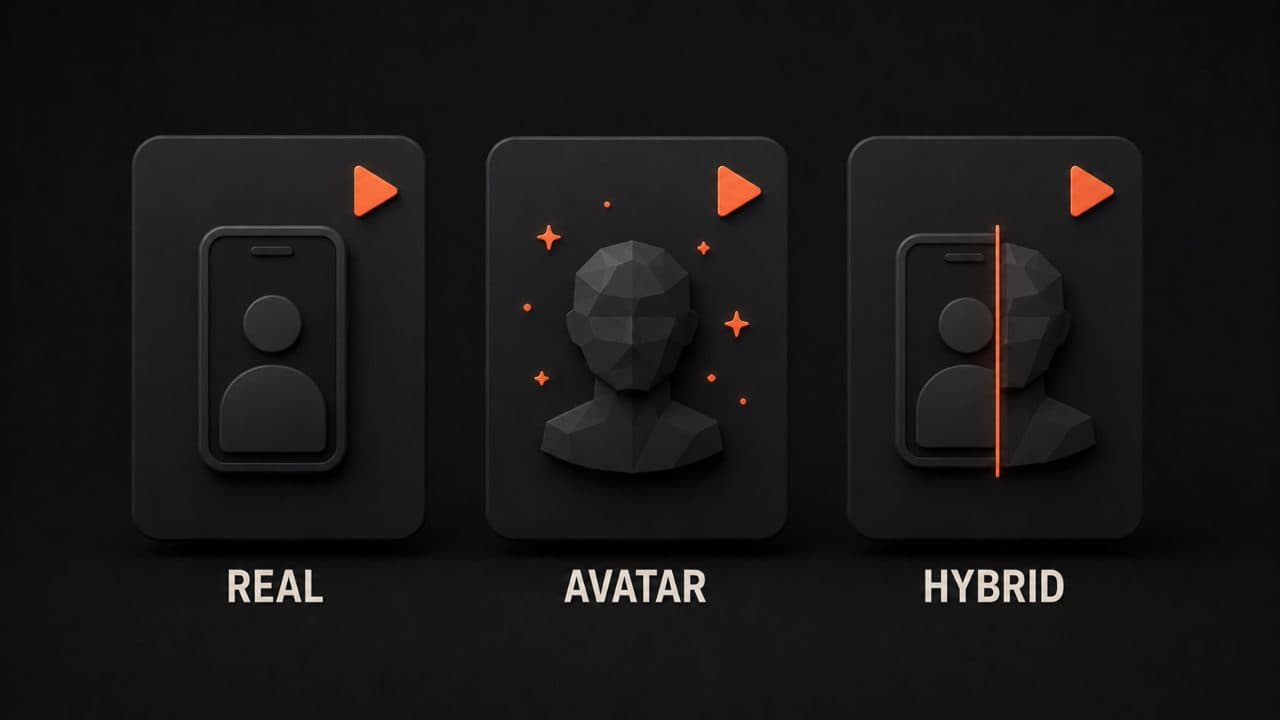
Real customer + AI editing
This is the safest bet. Get actual customers on camera, even just with a smartphone, and let AI handle the heavy lifting afterward.
Your process: Send a customer a quick question or prompt. They record a 30-second to 2-minute response on their phone. You use AI tools to transcribe it, clean up audio, add captions, background music, and basic color correction. Boom, you have a polished testimonial in an hour.
The customer is real. The words are theirs. But the production looks professional. This approach builds maximum trust because there's nothing fake about the core content. Transparency is built in by default.
AI avatar reading real review
Some customers won't go on camera. For them, you can use an AI avatar, a digital person who delivers your customer's actual words.
Your customer writes or tells you their story. You script it based on their exact words. An AI video generator creates a natural-looking avatar reading that script. Viewers see a professional video with real customer language inside.
This works best when you're transparent about it. A simple line like "This customer review was produced using AI video technology" doesn't hurt. It actually builds trust because you're being honest.
The conversion lift is still there. Studies show 88% of consumers trust video testimonials about as much as personal recommendations, even when AI is part of the process, as long as the customer's actual words are in the video.
Hybrid: mix real footage with AI
Here's where it gets interesting. You combine customer video clips with AI-generated transitions, graphics, and additional content.
Maybe your customer talks about a problem they had. You use AI to generate a quick visual showing their pain point. Then cut back to them explaining the solution. Then use AI graphics to highlight the results.
This approach feels the most polished. It tells a story, not just a testimonial. But it takes more work to stitch together, and the AI elements need to feel natural.
Use this method for your biggest customer wins where you want maximum impact.
How to choose a tool
Video testimonial tools vary widely. Here's what to look for: ease of use, AI editing power, and cost.
DeepReel ($5 to $30/month) is built for this exact use case. At the entry level, you get basic AI editing, transcription, and easy uploads. The $25 tier adds advanced features like avatar generation and background removal. At $30/month, you unlock everything. It's simple enough for small teams but powerful enough for enterprise.
Testimonial.to is another solid option. They're focused specifically on collecting and hosting testimonials. Their strength is the intake process, making it stupid-easy for customers to record and submit. They also offer hosting and analytics.
Vidyard works better if you need something connected to your sales process. They integrate deeply with CRM systems. Reps can drop testimonials into deals to help close business. It's pricier but built for sales teams.
Boast.io focuses on compliance and rights management. If you operate in heavily regulated industries or deal with complex customer relationships, they handle the paperwork side better than anyone.
For most teams, DeepReel or Testimonial.to will get you 80% of the way there at 20% of the cost. Pick based on your workflow.
Where to place testimonials
Collecting testimonials is only half the battle. You need to put them where they actually move people.
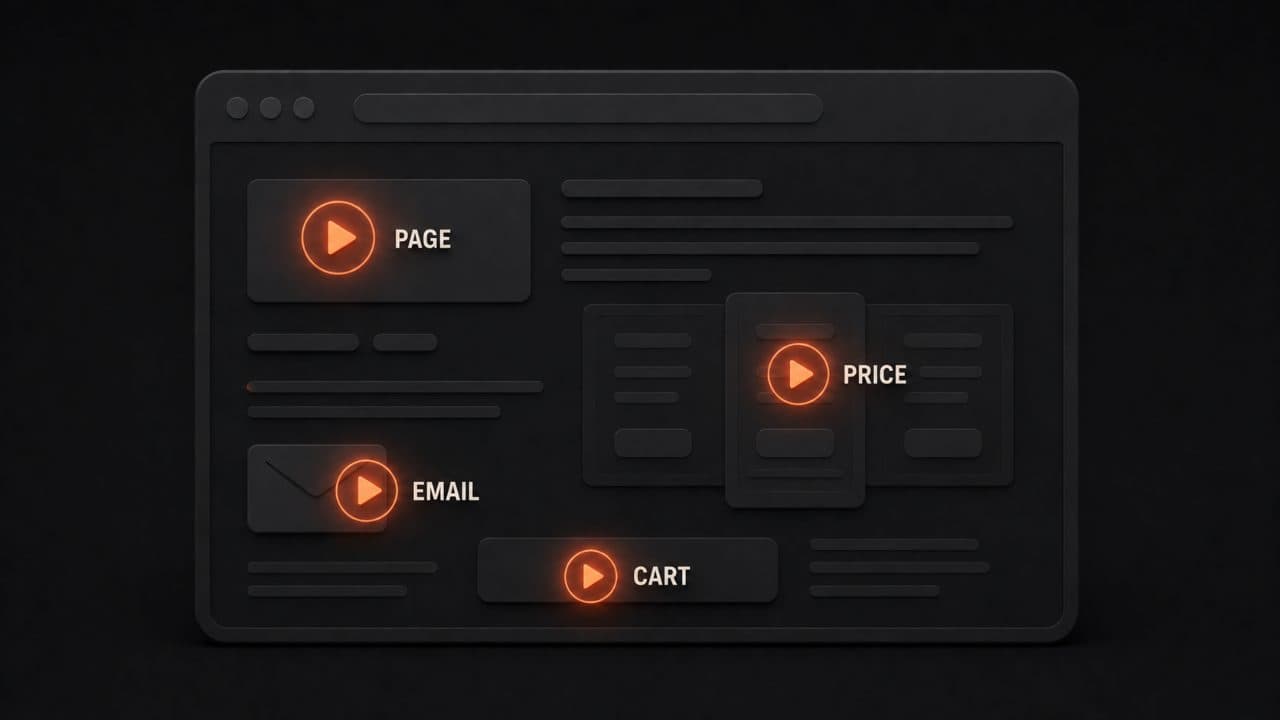
Product pages are your money-maker. Put a short testimonial video near your pricing table or main CTA. Right above the "Buy Now" button is even better. This is where doubt lives, and testimonials kill doubt.
Landing pages work especially well for specific offers. Running a promotion? Lead with a customer who benefited from that exact deal.
Email campaigns get a 41% higher click-through rate when you include testimonial video links. Don't embed the video, link to it. People click through because they want to know what other customers thought.
Social proof sections on your homepage should have at least 2-3 videos. Variety matters. Show different customer types, different use cases, different industries. More diversity = more people who see themselves in the testimonials.
Checkout pages reduce abandonment when you add a short testimonial. This is where people are hesitating. A quick "we loved working with this company" can push them across the line.
Sales outreach is an underused channel. When a rep includes a 30-second customer story in their outreach video, the customer does the talking instead of them, which feels less pushy and builds instant credibility.
Pitch decks and investor presentations benefit from testimonials too. A 30-second customer clip showing real traction is more convincing than any revenue chart on a slide.
Getting real customer permission
You can't just grab a customer's words and turn them into a video without asking. That's legally murky and ethically wrong.
Here's how to do it right.
Send a simple email or message: "We'd love to share your feedback on our website and in our marketing. Can we use your testimonial?" An email reply saying "yes" counts as consent. You could also include a checkbox in your terms of service that asks permission upfront.
If you're using a formal testimonial release form, tell customers exactly how you'll use the video: website, social media, ads, etc. This builds trust and keeps you legally safe.
Save all consent emails or signed forms. If a customer later changes their mind, you have proof you got permission originally.
Here's what not to do: Don't pay someone for a testimonial without disclosing it. If you incentivized a customer with a discount or a gift, mention it. Use hashtags like #ad or #sponsored if you post on social media. The FTC takes this seriously, and your audience will respect transparency more than hidden incentives.
If you're operating globally, keep GDPR in mind. EU customers have stronger privacy rights, so be extra careful with how you store and use their video.
How to keep testimonials authentic
AI makes everything easier, but that doesn't mean you should remove the human element.
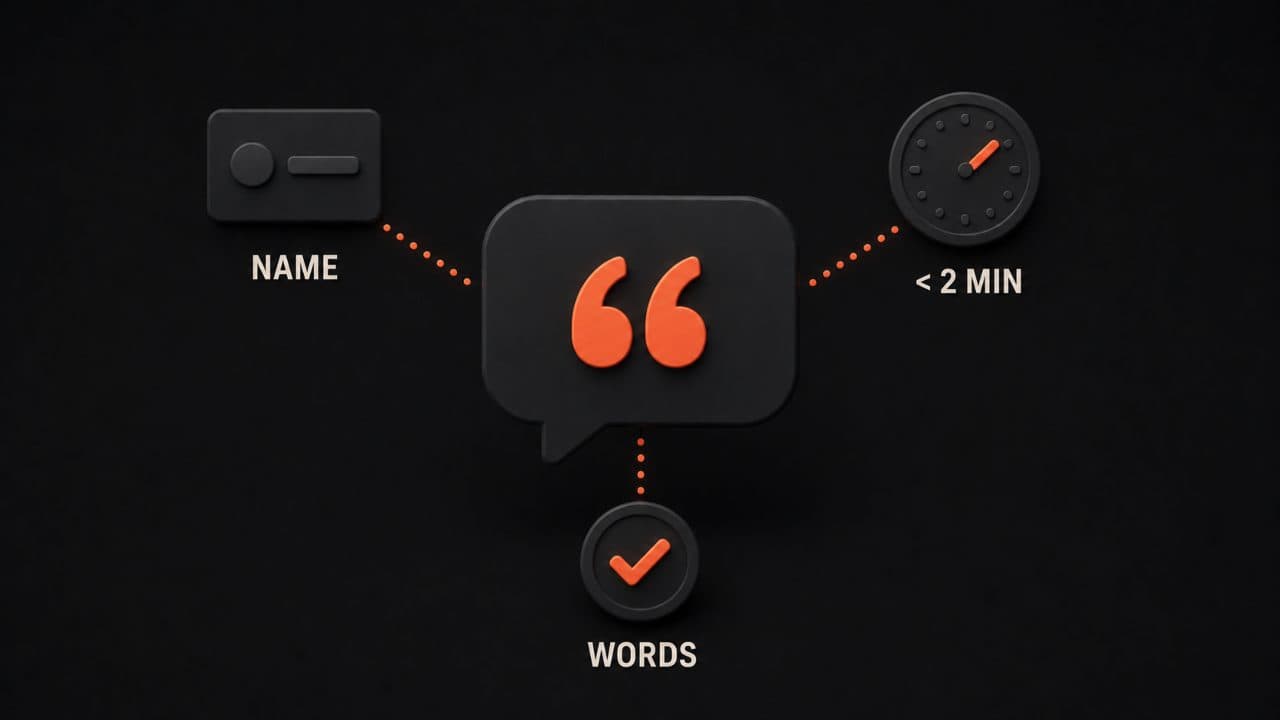
Let customers use their own words. Don't script them to death. Ask them questions, but let them answer in their own voice. "Tell us how this product changed your workflow" works better than handing them a script.
Push for specifics. Generic praise ("This was great!") doesn't move anyone. Specific wins do ("We cut our data entry time by 6 hours per week"). Ask follow-ups. Ask them to quantify the impact.
Show the customer's face or name whenever possible. Include their job title and company. If you can, add a photo or a quick video clip of them. These details make testimonials feel real.
Keep the video length between 30 seconds and 2 minutes depending on where you'll use it. Short videos get watched. Long ones get skipped.
If you're using an AI avatar, keep the language casual. An avatar reading perfectly polished corporate-speak feels robotic. The script should sound like a real person talking, even if the delivery is AI-generated.
Refresh your testimonials regularly. Old testimonials can feel stale. Aim to add new ones every quarter. This also gives you a chance to highlight different customer segments and use cases.
The scale argument
Here's why this matters for your business right now.
If you're relying only on text testimonials, you're leaving 80% of conversion power on the table. If you're doing video testimonials the old way, hiring a camera crew, scheduling shoots, spending weeks in post-production, you'll never build a library large enough to matter.
AI lets you do both at once. You get the conversion boost of video. You get the speed and cost of automation. You can build social proof at scale without burning cash.
Start small. Pick your top 5 customers. Get them on camera with a simple smartphone setup. Use a tool like DeepReel to clean it up. Post them on your product page and landing page. Track the impact.
Then expand. Reach out to another 5 customers next month. Build a system. Within 3-6 months, you'll have enough testimonials that you'll see real numbers move. Testimonials should be a core pillar of your broader AI video marketing strategy, not an afterthought.
That's the power of AI video testimonials. It's not magic. It's just smart automation applied to something that actually matters.
FAQ
Can I use an AI avatar to read my customer's testimonial?
Yes. AI avatars deliver customer testimonials effectively when the words are authentic. The key is transparency. Tell viewers the video was created with AI. Most people won't care as long as the customer's actual words are in there. Studies show 88% of consumers trust video testimonials about as much as personal recommendations, even with AI involved. What kills trust is hiding that AI was used.
Do I need written permission to use a customer's testimonial?
Legally, yes. Send an email asking: "Can we share your testimonial on our website and marketing?" An email reply counts as consent. Better yet, use a simple release form that spells out exactly where you'll use the video. Save all permission emails. If you later want to use the testimonial in new places (like ads or a new campaign), ask again. This protects you legally and shows customers you respect their privacy.
How long should my testimonial video be?
Aim for 30 seconds to 2 minutes depending on where you'll use it. Shorter testimonials get watched in full. Longer ones risk being skipped. A product page can handle 90 seconds. An email should be under 60 seconds. A social media post should be 15-30 seconds. Length matters less than authenticity and specificity. A 45-second testimonial with a real customer saying something concrete beats a 2-minute generic praise session every time.
Wrap up
AI video testimonials let you build social proof without the months-long production cycle. Pick your top five customers, get them on camera with a smartphone, and use DeepReel to turn raw footage into polished testimonials in minutes.
Start with your product page and one landing page. Track conversions. Then expand to five more customers next month. Within six months, you'll have a library large enough to move real numbers.