How to create AI training videos for your team
Your team needs training. Your budget doesn't need a heart attack.
Traditional training videos cost between $5,000 and $15,000 per finished minute when you hire a production company. That's for one video. If you need five training videos, you're looking at $25,000 to $75,000 before lunch.
AI training video creation changes the math entirely. You can create professional training content in hours instead of weeks, for a fraction of the cost.
Here's what you need to know about building a training video library that actually gets watched.
Why AI training videos beat the old way
Let me be blunt: your team isn't watching those expensive training videos you already made.
Video-based learning improves knowledge retention by 65% compared to text alone, according to research from Forrester. But here's the problem: if your training videos take 3 months to produce, your team is learning outdated information.
AI video creation flips this problem. You can update your training content as your processes change. Your new compliance requirement? You can have a training video ready by next Monday. Your process got simpler? Update the video by Wednesday.
The cost difference is hard to ignore. A single AI-generated training video costs between $20 and $100 to produce, depending on length and customization. That's 50 to 750 times cheaper than traditional production.
Let's do the math. You need to train 100 people. Each person watches one 10-minute training video. Traditional production cost: $3,000 to $8,000. AI video cost: $25 to $100. That same difference scales to 10 videos, 50 videos, 500 videos.
Beyond cost, there's speed. You create a script, upload it to DeepReel or a similar platform, select an avatar, and your video renders in minutes. You skip scheduling shoots, hiring actors, and waiting for post-production.
Your team also learns faster with video. The same study that found 65% higher retention also showed that video learners complete training 30% faster than those using text. That's not just better retention. That's higher productivity. Your people spend less time in training and retain more.
There's also engagement. People watch videos. They don't read manuals. If your training is text, people skip it. If your training is video, people watch it. Video is engaging. Video is how your team actually learns.
And there's one more thing: consistency. Every training video uses the same presenter, the same tone, the same visual style. This builds recognition and makes your training program feel like a real system instead of a scattered collection of videos. Your team knows what to expect. They feel like they're part of an organized training program, not watching random videos.
Consistency also removes confusion. Different training videos don't have different presenters explaining things differently. Everyone learns the same way. Everyone gets the same information. This reduces mistakes caused by inconsistent training.
Types of AI training videos your team needs
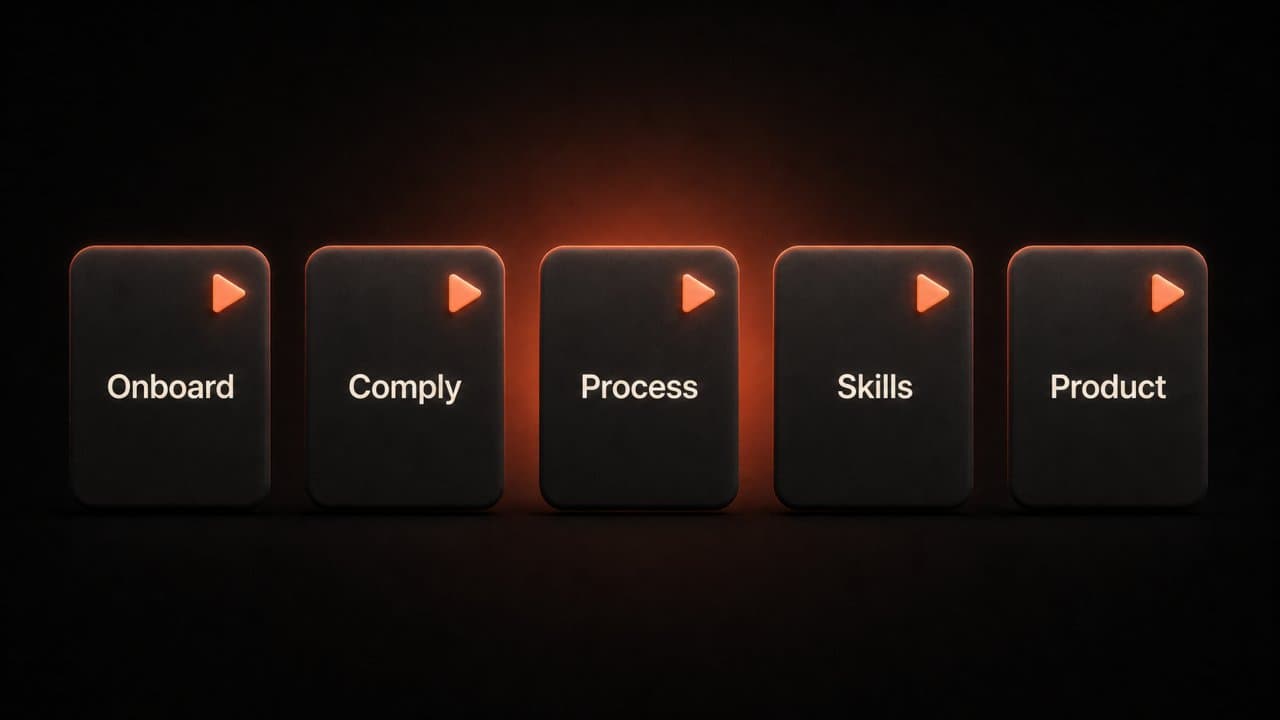
Not all training is the same. Different situations need different videos.
Onboarding videos introduce new employees to your company culture, values, and basic systems. A new hire can watch a 5-minute video on day one explaining your communication tools, where to find documents, and who to ask for help. This cuts your HR team's onboarding time in half.
Compliance training is mandatory, boring, and absolutely necessary. This is where AI videos save your sanity. Your legal team writes the script. AI generates a professional video. Every employee watches the same content. You have proof they watched it. Done.
Process walkthroughs show people how to use your software or complete a task. "Here's how to submit an expense report." "Here's how to book a conference room." "Here's our customer service protocol." These videos replace hundreds of Slack messages and email chains.
Skills development teaches specific capabilities. Maybe you want everyone trained on a new tool. Maybe you want to build leadership skills or improve writing abilities. These videos become your internal university.
Product demos train your sales team on new features. These need to update frequently as your product changes. AI videos make this painless.
Each type serves a different purpose, but they all follow the same principle: your team learns faster when they can see and hear the information instead of reading it.
How to build your training video library
You can't just film everything at once. That's overwhelming.
Start with an audit. Look at the training you're doing right now. What do you send to every new employee? What questions do you answer most often? What processes change every quarter and need constant explanation?
Write down the 10 most important training needs. These are your first videos to create. This list is your roadmap for the next three months.
Next, prioritize. Which videos will save your team the most time? Which are causing the most confusion? Start there. Your onboarding process probably causes new hires to ask dozens of questions. That's your first video topic. Your compliance training probably needs updating every year. That's your second video.
Think about impact. If fixing one process saves your team 5 hours a week, that's 260 hours saved per year. One training video pays for itself immediately.
For each video, write a simple script. You don't need Hollywood dialogue. You need clear, direct explanations. "Here's what you're going to learn. Here's why it matters. Here's how to do it. Here's what success looks like."
Script length matters. A 10-minute training video runs roughly 1,200 words of script. A 5-minute video is about 600 words. Start with 5-minute videos. People watch them. People don't watch 45-minute videos. Your team watches videos on their phones during breaks. They watch on their lunch break. They watch while they're waiting for a meeting to start. A 5-minute video fits into real life. A 45-minute video requires dedication.
Write your scripts in a document first. Share the script with someone who knows the process. Let them check for accuracy. Nothing kills a training program faster than videos that teach the wrong information.
Upload your script to your AI video platform. DeepReel lets you choose from over 100 pre-made avatars or create a custom one using a photo. Select your avatar, pick a voice (or use voice cloning so it sounds like someone from your company), and let the platform generate your video.
Most platforms create a video in 2 to 5 minutes. You get a link to your finished video. Download it or share it directly with your team. Many platforms let you edit the video after generation if you want to adjust timing or add captions.
Store your videos somewhere everyone can access them. A shared Google Drive folder works. A dedicated learning management system (LMS) works better. The goal is making videos easy to find and easy to watch. If your team has to hunt for training videos, they won't watch them.
An LMS like Moodle, Teachable, or Thinkific lets you organize videos by topic, track who watches what, and add quizzes after videos. This gives you data on whether training is working. You can see which videos people watch and which ones they skip.
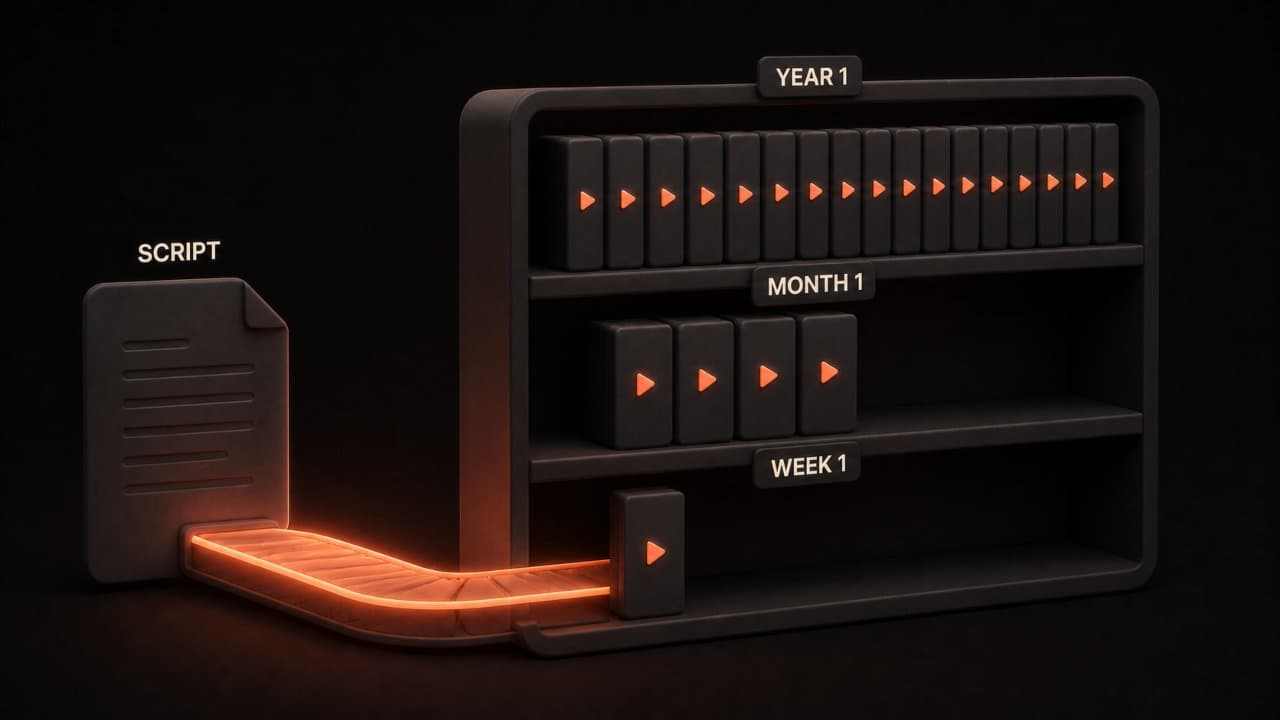
Add one new training video every week. After a month, you have four new videos. After three months, you have twelve. After a year, you have 52. Your library grows without taxing your team.
The beauty of this approach is that it stays current. Your old training gets replaced. If your process changes, you record a new training video. Your training library never gets stale.
Compare this to traditional video production. If you invest $50,000 in professional videos and your process changes in six months, you've wasted $50,000 on outdated content. With AI video at $20 to $100 per video, you can afford to update constantly.
Best practices for training videos that actually work
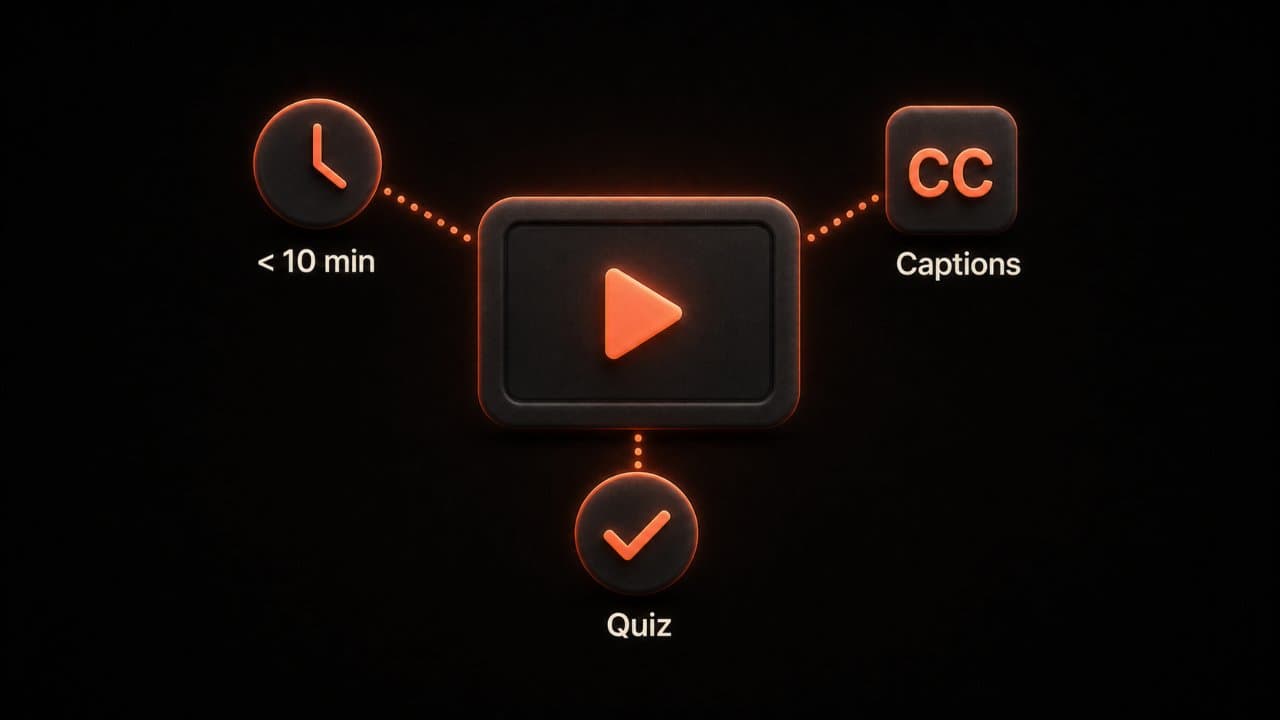
Short videos get watched. Long videos get skipped.
Keep your training videos under 10 minutes. Your brain can focus on new information for that long. Anything longer and you lose people. Research from TechSmith shows that online learners have an attention span of about 8 minutes before their mind wanders. Build your videos to fit that window.
Use consistent branding. Same avatar. Same colors. Same intro and outro. This makes your training program feel professional and cohesive. Your team recognizes your training videos immediately. They know what to expect. Consistency builds trust.
Structure every video the same way. Start with a 20-second intro. "This video covers X. You'll learn why it matters and how to do it." Then the core content. Then a 30-second summary. "You now understand X. Remember these key points." This structure works. Your team knows what's coming. Their brain prepares to learn.
Add a knowledge check at the end. Ask a simple question: "What were the three steps we just covered?" This takes 30 seconds but doubles retention. People who answer the question remember the material. They engage with the content instead of just passively watching.
Use captions. Not everyone watches video with sound. Captions also help people for whom English isn't their first language. Your company might be global. You have employees in different countries. Captions make your training accessible to everyone.
Most AI video platforms include captions automatically. Some include them in multiple languages. Check your platform's features before generating your video.
Include example scenarios. "Here's a common mistake we see. Here's why it's a problem. Here's the right way to handle it." Concrete examples stick better than abstract rules. Your team remembers the story more than the rule.
Use real examples from your company if possible. "This is what happened last month when someone did it wrong. Here's the cost. Here's what we do instead." Real stories matter more than made-up scenarios.
Test your videos. Have someone new watch them without help. Did they understand? Could they do the task? If not, the script needs work. Testing takes 15 minutes and saves you from distributing broken training.
Get feedback from your team. Ask them to watch a draft before you distribute it company-wide. Did it answer their questions? Was it clear? Did they find it helpful? Use their feedback to improve.
Update videos every six months minimum. If your process changes, your video changes. Stale training is worse than no training because it teaches the wrong information. A training video that teaches the old way confuses people and wastes their time.
Frequently asked questions
Can we use real employees as avatars instead of stock avatars?
Yes. Most AI avatar video generators, including DeepReel, let you create custom avatars from photos or short videos. Your CEO can be the avatar for company values training. Your ops manager can be the avatar for process training. People connect better with familiar faces, even in AI form.
How do we measure if training videos are actually working?
Track completion rates first. If 40% of your team watches the video, you have a content problem or a distribution problem. Track quiz results if you add knowledge checks. Compare performance before and after training. If people who watched the video perform better at the skill, your training is working.
Can we translate training videos into other languages?
Yes. Most platforms support multiple languages, and some support voice cloning in different languages. If you have international employees, you can create one script and generate videos in Spanish, French, Mandarin, and German.
Wrap up
You know what training your team needs. You've known for months.
The only thing stopping you is the complexity and cost of traditional video production. AI video creators solved that problem.
Pick your easiest training topic. Something your team asks about constantly. "How do I submit an expense report?" "Where do I find company policies?" "How do I book time off?" Start there.
Write a 5-minute script. Not perfect. Just clear. Explain the process step by step.
Create your first AI training video. Upload your script. Select an avatar. Watch the video render in 5 minutes.
Share it with your team. Ask for feedback. Did it answer their questions? Did it make sense? Use that feedback on your next video.
Then create another one next week. This time you'll be faster. You know the process. You know what worked.
That's how you build a training library that actually works.
You'll finish with one video. Your team will watch it. They'll stop asking that question. That's a win.
After five videos, you have a foundation. New employees can watch your videos instead of asking the same questions to existing staff.
After 20 videos, your team is trained. New onboarding happens without your involvement. Compliance training is done. Process training is available on demand.
After 50 videos, you have a training department. Your team is more productive because they're better trained. Your new hires ramp up faster. Your compliance requirements are met.
This doesn't happen overnight. But it happens quickly. One video per week for a year gives you 52 videos. That's a complete training system.
DeepReel makes this process simple. Over 100 avatars, voice cloning, video templates, and video generation in minutes. Photo avatars let your actual team members become the face of training. For teams scaling this approach across departments, personalized video at scale follows the same template-and-generate workflow. Try it free at deepreel.com and create your first training video today.
Start this week. Create one video and see what happens.