How to write AI video prompts that get great results
You have an idea for a video. You open your AI video generator. You type a few sentences and hit "create."
Then you watch something come out that's... not quite what you imagined.
The difference between a great AI video and a mediocre one often comes down to one thing: your prompt. A better prompt means a better video. This guide shows you exactly how to write prompts that actually work.
What makes a good AI video prompt?
Think of your prompt like instructions for a director. The clearer your directions, the better the final product.
A good prompt does three things. First, it's specific. It tells the AI exactly what you want, not just the general idea. Second, it's structured. It covers the who, what, where, how, and why in a logical order. Third, it's realistic. You're asking for something an AI can actually create, not impossible physics or contradictory ideas.
The most successful prompts usually fall between 50 and 150 words. This gives you enough space to be descriptive without overwhelming the model. According to LTX Studio's prompt guide, the first 20 to 30 words carry the most weight. The AI reads your prompt from left to right, so put your most important information at the start.
The AI video prompt formula that works
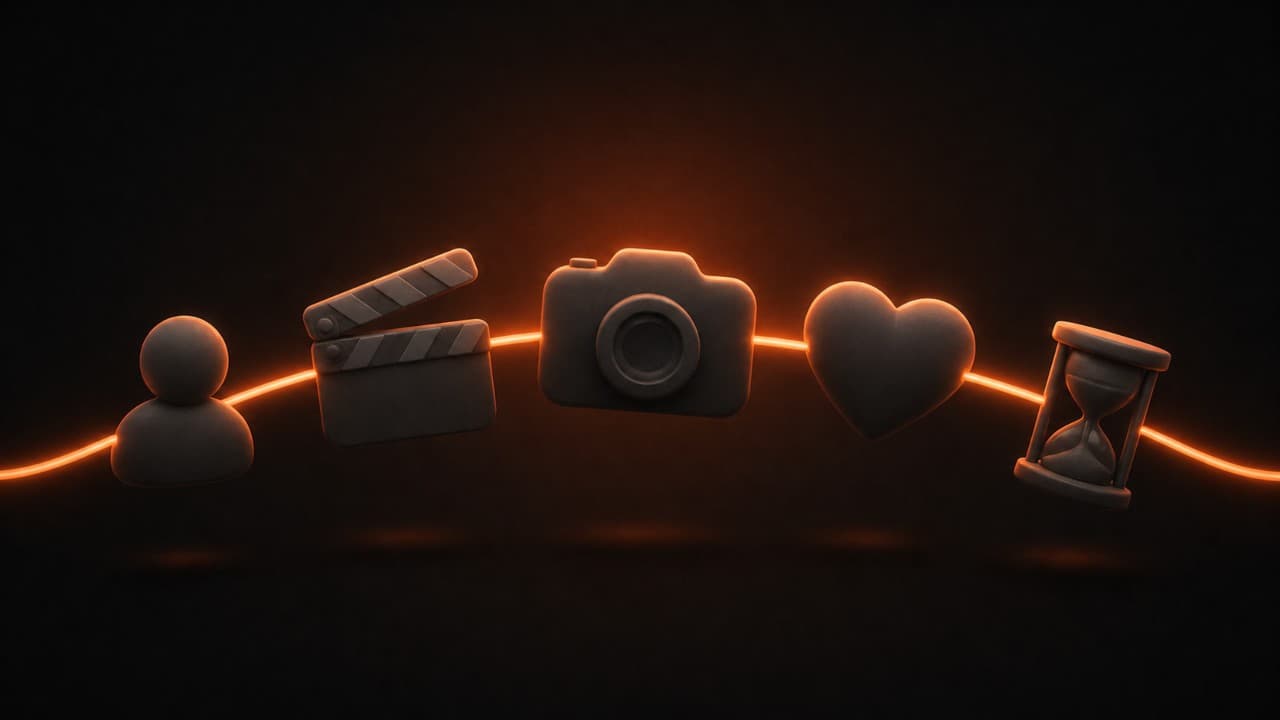
You don't need to reinvent the wheel every time. A simple formula helps you build prompts faster and get more consistent results.
Here's the core structure that works across most AI video tools:
Subject + Style + Camera + Mood + Duration = Strong Prompt
Let's break down each part.
Subject is the who or what of your video. Instead of "a person," try "a woman in her 30s wearing a blue jacket." Specificity wins.
Style is the visual look you're going for. Are you aiming for cinematic? Documentary? Product video style? Realistic? Hyper-detailed? Say it out loud. Different styles trigger different results.
Camera describes the shot and movement. Wide establishing shot? Close-up on someone's face? A slow pan from left to right? Camera movement adds life to your video.
Mood is the feeling. Energetic? Contemplative? Professional? Playful? The mood shapes everything from lighting to pacing.
Duration tells the tool how long your video should be. A 15-second clip, 30-second commercial, or 60-second explainer video each need different pacing in your description.
This formula isn't rigid. You don't need all five pieces every time. But having them in your toolkit makes prompt writing faster and smarter.
Real AI video prompt examples for different use cases
The best way to learn is by example. Here are actual prompts that work well for common scenarios.
Product videos
Goal: Show off a new tech gadget in action.
"Close-up of a sleek silver smartphone on a black desk, warm lighting from the side, the screen lighting up with a tap, detailed macro shot showing the camera lens and edges, hands entering frame to pick it up, smooth 360-degree rotation showing all angles, cinematic color grading, modern tech video style, 30 seconds."
This works because it specifies the product, the lighting setup, the action, camera movement, and the length. Anyone reading this knows exactly what video to expect. This prompt structure works especially well for product demo videos where showing the item from multiple angles is the whole point.
Talking head videos
Goal: Create a personal introduction or video testimonial.
"A woman sitting at a desk looking directly at the camera, natural window light on her face, she smiles warmly and begins speaking, soft out-of-focus background with a bookshelf, professional yet approachable tone, bright and clean aesthetic, shot from the shoulders up, 15 seconds."
Notice how this covers the person, the setting, the emotion, the lighting, and the camera angle. All the pieces are there.
Social media content
Goal: Create a short, attention-grabbing clip for Instagram or TikTok.
"A trendy coffee shop, close-up of latte art being created in a ceramic mug, steaming milk being poured, hands of a skilled barista working quickly, warm golden-hour light streaming through large windows, dynamic quick cuts, bold warm color grading, fun and inviting mood, trending aesthetic, 15 seconds."
This prompt signals that it's for social media (fast cuts, bold colors) while being specific about every visual element.
Commercial ads
Goal: Sell a fitness product in 30 seconds.
"A fit person wearing bright athletic gear doing a high-intensity workout in a modern gym, dynamic camera movements following their movement, sweat and energy visible, upbeat energetic music implied by the pacing, bold lighting, quick cuts between exercises, professional product shot at the end showing the gear close-up, motivational and powerful mood, 30 seconds."
This works for video ads because it includes the product, the emotional hook (powerful mood), and the call to action (product close-up).
Educational explainer
Goal: Break down a complex concept in 60 seconds. If you're creating explainer videos with AI, prompt specificity matters even more because the visuals need to teach, not just entertain.
"Animated text and simple graphics explaining how solar panels work, sun rays hitting a blue panel, clean minimal design, friendly narrator voice implied by pacing, light blue and white color scheme, clean professional style, educational mood but not boring, text overlays with key points, smooth transitions between scenes, 60 seconds."
Platform-specific AI video prompting
Different platforms have different needs. YouTube, Instagram, TikTok, and LinkedIn all reward different styles.
For YouTube, think longer form and explanations. Your prompts should include space for detail. A YouTube explainer video can be 2 to 10 minutes long, so your prompt can mention multiple scenes or ideas. The best AI video makers for YouTube are designed to handle these multi-scene, longer-format prompts.
"A multi-scene educational video about climate change: Scene 1 shows factories with smoke, Scene 2 shows ice melting, Scene 3 shows renewable energy, smooth transitions between scenes, documentary style with professional narration implied, informative but engaging tone, 5 minutes total."
For Instagram and TikTok, think short and hook-focused. The first second matters most. Your prompt should emphasize the opening moment.
"A TikTok video starting with a quick jump-scare moment, then revealing a funny joke, fast-paced editing, trending audio implied by quick beat cuts, bright colors, relatable humor, designed to stop scrollers, 15 seconds."
For LinkedIn, think professional and value-focused. Your prompts should avoid gimmicks and focus on business utility. This approach works well for sales videos and investor pitches where professionalism drives trust.
"A professional networking video showing diverse people shaking hands and collaborating in an office, corporate environment, clean modern aesthetic, trustworthy and professional mood, talking about the power of business connections, 30 seconds."
Common prompt mistakes to avoid
Even smart prompts fail sometimes. Here's what goes wrong and how to fix it.
Mistake 1: Conflicting Instructions
Bad prompt: "Create an intense, fast-paced action video that's also calm and peaceful."
These two ideas fight each other. The AI doesn't know whether to make fast cuts or slow ones. Pick a lane. If you want action, commit to it. If you want peace, do that instead.
Good prompt: "An intense action scene with quick cuts, dynamic camera movement, and fast-paced energy."
Mistake 2: Asking for Too Many Things at Once
Bad prompt: "A person cooking in a kitchen while also working on a laptop, taking a phone call, watching TV, and petting a cat, all with perfect execution."
This is chaos. The AI will try but usually fails at most of it. Keep your main action focused.
Good prompt: "A person cooking in a kitchen, focused on chopping vegetables, sunlight coming through the window, calm and meditative mood."
Mistake 3: Vague or Generic Descriptions
Bad prompt: "A nice video of a person doing stuff."
This gives the AI nothing to work with. It will generate something generic and forgettable.
Good prompt: "A young professional woman in a red cardigan reviewing documents at her desk, natural lighting from the window behind her, morning office setting, concentrated expression, 20 seconds."
Mistake 4: Ignoring Technical Details
Bad prompt: "Make a video about coffee."
What style? How long? What camera work? What's the mood?
Good prompt: "A barista pouring espresso shots into white ceramic cups on a counter, professional coffeehouse setting, warm tungsten lighting, realistic documentary style, 20 seconds."
Mistake 5: Expecting Perfect Results Immediately
This isn't a mistake in your prompt. It's a mindset mistake. Your first video might not be perfect. That's normal. As FlexClip's prompting guide notes, AI video prompting is a skill that gets better with practice.
Generate your video. Watch it. Note what worked and what didn't. Write a new prompt based on what you learned. Do this three or four times, and you'll have a video you're proud of.
Before and after: prompt improvement
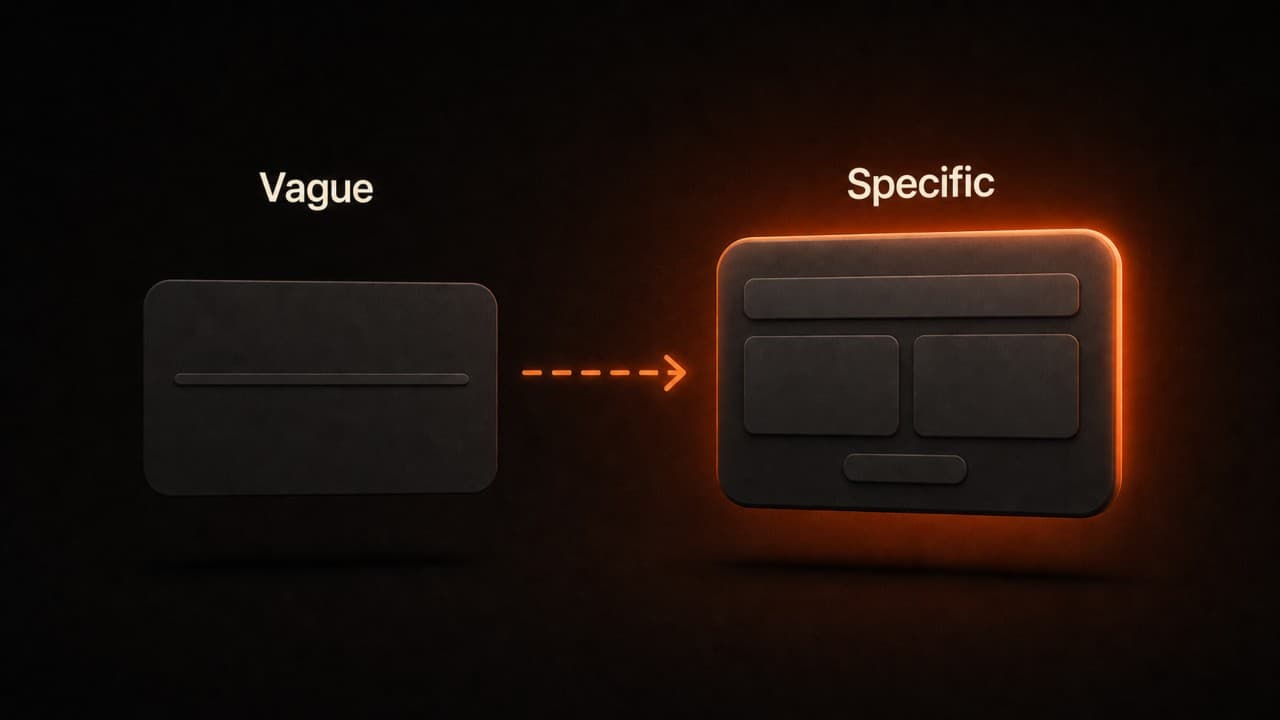
Let's see how a weak prompt becomes strong.
Bad Prompt: "A person working on a computer."
Problems: Vague subject, no style, no mood, no camera work, no lighting described. This generates something forgettable.
Better Prompt: "A software developer working at their desk, focused on code on a monitor, modern office space, daylight coming in from windows, professional mood, realistic style, 30 seconds."
Problems remaining: We know the basics now, but it's still missing camera movement and some texture details.
Best Prompt: "A software developer in their mid-20s wearing glasses, sitting at a desk in a bright modern office, sunlight streaming through large windows, typing on a keyboard while reviewing code on a curved monitor, the camera slowly pushes forward, highlighting their concentration, professional and focused mood, realistic cinematic lighting, shot from a 45-degree angle, 30 seconds."
See the difference? Each version gets more specific. The final version tells a complete visual story.
How to test and refine your prompts
Getting good at this requires testing. Here's a method that works.
First, write your prompt based on the formula above. Generate your video.
Second, watch it completely. Write down three things that worked well and one thing that didn't.
Third, rewrite your prompt to keep the good stuff and fix the problem. Maybe you need better lighting description. Maybe your subject needs more detail. Maybe the mood needs adjustment.
Fourth, generate again. Compare the two videos. Which is better? Why?
Repeat this three or four times per video project. By the fourth generation, you'll usually have something solid. You'll also be learning the patterns that work for you specifically.
Keep a document with your best prompts. When you find something that works, save it. Next time you need a similar video, start with a proven prompt and modify it slightly instead of starting from scratch.
Why this matters for your videos
Good prompts save you time and money. If your prompt is vague, you'll generate dozens of videos before finding one worth using. If your prompt is tight and specific, you might nail it in two or three tries.
On DeepReel, that's the difference between $5 and $15 in generation costs. Over a month of regular video production, tight prompting saves you hundreds of dollars.
Beyond money, good prompts mean you actually get what you imagined. No more waiting for videos that miss the mark. You'll spend less time generating and more time using your videos.
Quick reference: prompt checklist
Before you hit "generate," run through this checklist.
- Subject described specifically (age, appearance, clothing, what they're doing)
- Style clearly named (cinematic, documentary, commercial, etc.)
- Camera movement described (pan, push, wide, close-up, etc.)
- Mood or tone is clear (professional, playful, energetic, calm, etc.)
- Lighting situation is mentioned (natural, golden hour, studio lights, etc.)
- Duration is specified (15 seconds, 30 seconds, 60 seconds, etc.)
- No conflicting instructions (you're asking for one coherent idea)
- Nothing impossible (AI isn't being asked for physics-breaking stuff)
DeepReel plans to fit your budget
No matter your video needs, DeepReel has a plan that works.
Starter at $5/month gets you 10 monthly video generations. Great for testing the platform and learning to write better prompts.
Professional at $25/month includes 100 monthly generations and priority processing. This is the sweet spot for small teams and regular creators.
Business at $30/month offers unlimited generations plus priority support. Built for teams that publish video content constantly.
Each plan gives you the tools to apply everything in this guide. Better prompts mean better videos at any tier. And if you need to write the actual script before prompting, the AI video script generator can handle that first step. For deeper guidance on scriptwriting technique for video, we cover structure, pacing, and hooks in detail.
FAQ
What if my first prompt doesn't work?
Start over with the formula: Subject + Style + Camera + Mood + Duration. Be more specific about each piece. If you asked for "a person," describe their age, what they're wearing, and exactly what they're doing. If you mentioned "professional," add lighting detail like "bright office with sunlight from windows." The more specific you are, the better your chances on the next try.
How long should my prompt really be?
Aim for 50 to 150 words for best results. Short prompts sometimes miss details. Very long prompts can confuse the AI. If you find yourself writing 200+ words, you probably have multiple ideas competing. Break it into separate videos instead.
Should I use negative prompts?
Yes, if the tool supports them. Negative prompts tell the AI what NOT to do. Instead of saying "no blur," be specific: "no motion blur, sharp focus on the subject's face, no lens flare." Specific negative prompts prevent mistakes better than vague ones.
Wrap up
Good AI video prompts come from practice. You now have the formula, real examples, and a checklist.
Open DeepReel starting at $5/month. Write a prompt using the Subject + Style + Camera + Mood + Duration formula. Hit generate. Watch the result. Refine and try again. In a week of regular practice, you'll notice a clear difference in output quality.