AI Video for Email Marketing: Boost Click-Through Rates
Your inbox is drowning in emails. Every day, mine is too.
Most people skim. They delete. They ignore. So why would your message be different? The answer is simple: video stops the scroll.
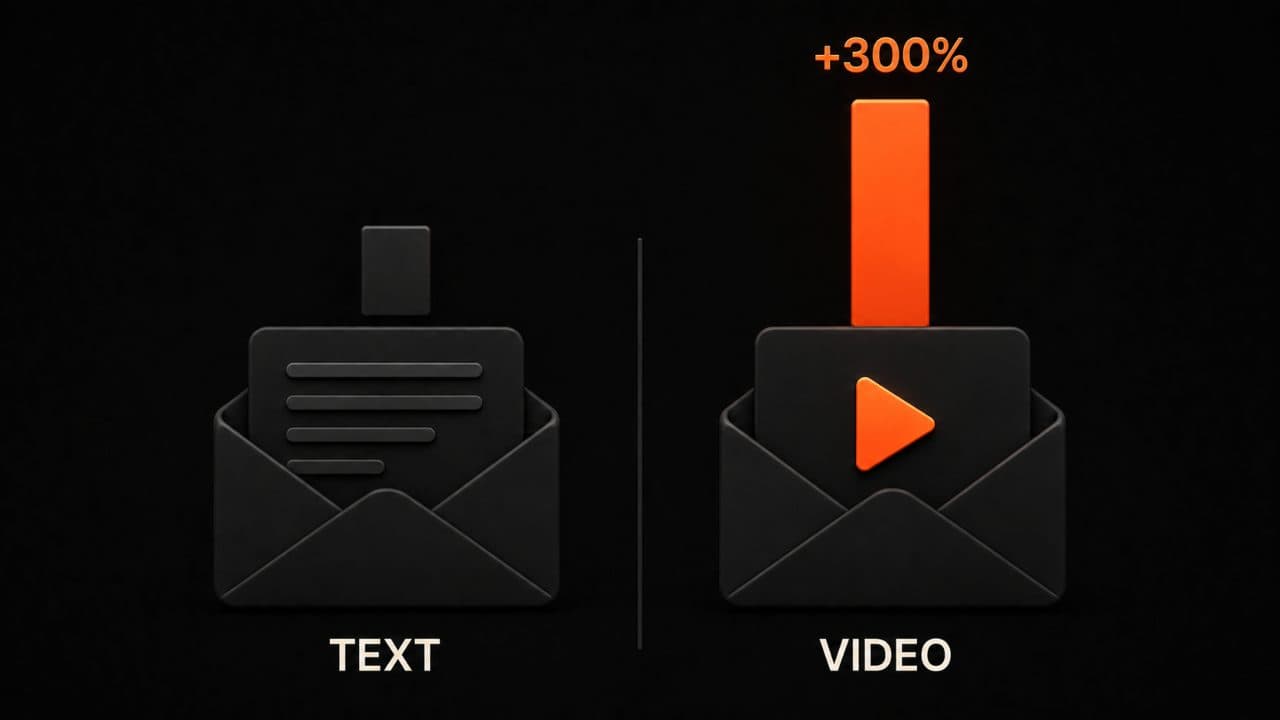
When you add video to an email, something shifts. Instead of another wall of text, your recipient sees motion. They see urgency. They can't help but notice. And the numbers prove it: video emails get 300% more clicks than regular ones.
But here's what most people miss: you can't just throw any video into an email and expect results. There's a method. There's a way that actually works. That's what we're covering today.
Why video in email marketing actually works
Let me be direct. Video emails perform better because they engage a different part of the brain.
Text requires effort. Your brain has to convert symbols into meaning. But video? Video is instant. Your eye catches motion. Your brain recognizes faces, emotion, urgency. You can't ignore it the same way you ignore another paragraph of copy.
The stats back this up hard. Video-enhanced emails see a 300% boost in click-through rates compared to text-only emails. When the word "video" appears in the subject line alone, open rates jump by 19%. Sales teams using video in emails see a 26% boost in replies.
This isn't marginal. These are numbers worth acting on.
Think about your own behavior. You get an email with a thumbnail and a play button. You're curious. You click. Now imagine that person gets 50 emails that day. Most hit delete. Yours gets clicked. That's the power of video.
The problem most people face
Here's the trap: most marketers assume they need to embed a video file directly into an email.
You can't. Not really.
Email clients don't support video files the way you'd hope. Your email could fail to render. File size balloons. Deliverability tanks. Subscribers with older email clients see nothing. It's a mess.
So what actually works? Two proven methods that every major platform supports.
Method 1: the static thumbnail with play button
This is the simplest approach and it crushes it.
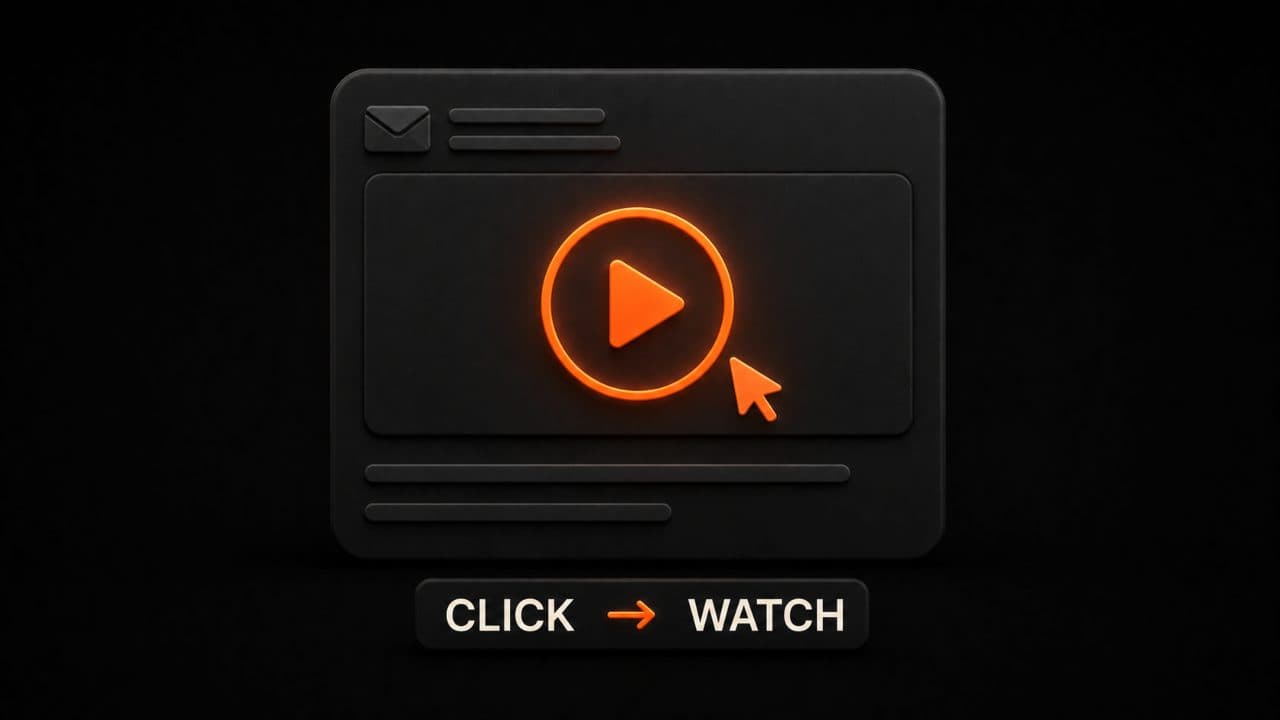
You use a static image (a frame from your video) as the thumbnail. On top of that, you overlay a big, obvious play button. The button is clickable. When someone clicks, they go to a landing page or video hosting platform where they watch the full video.
Why does this work? Because the play button makes it unmistakably clear that clicking will show them a video. There's no confusion. Research shows that adding a play button overlay increases video clicks by 31%.
Think about what makes a good thumbnail. You want a frame that makes people curious. Not a blank screen. Not a random moment. Pick a frame where someone's talking, emoting, looking directly at the camera. The best thumbnails show context. They show why clicking matters.
Method 2: the animated GIF
GIFs are supported by nearly every email client. That's their superpower.
A GIF doesn't require a play button or a click to see motion. The animation starts playing the moment the email opens. For short bursts (5 to 10 seconds), GIFs are perfect for capturing attention.
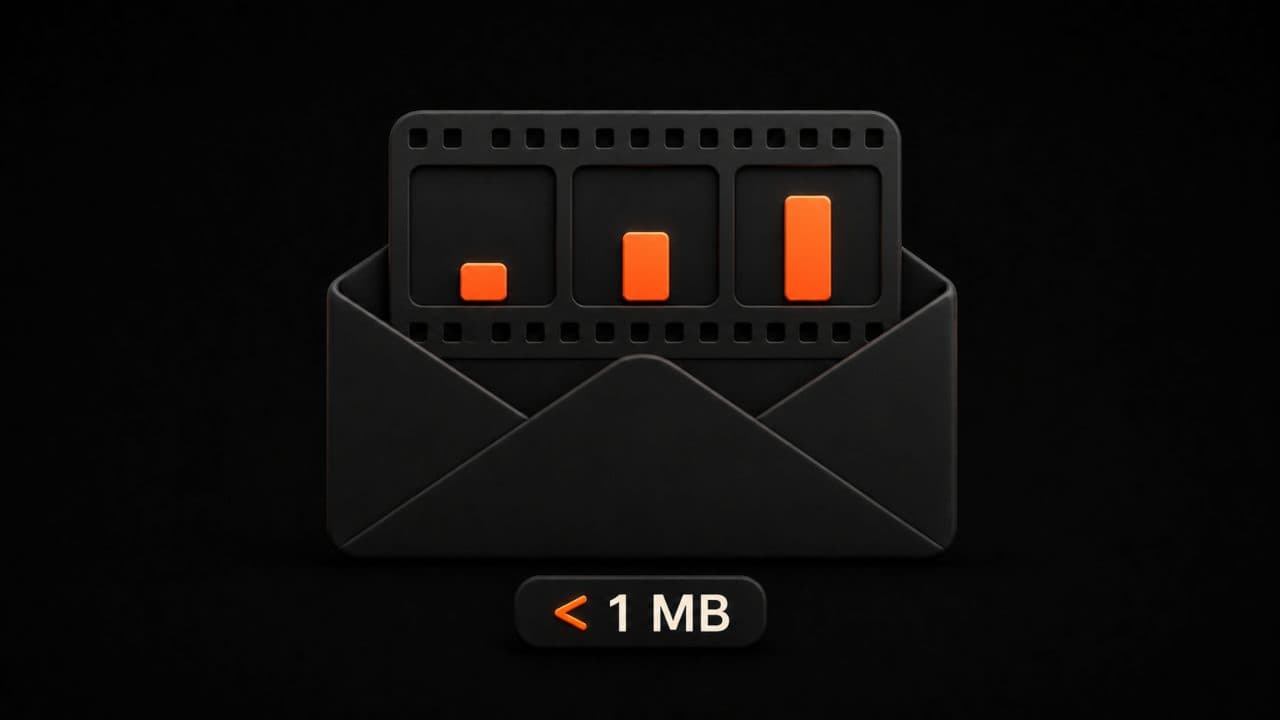
The catch? File size. Keep your GIF under 1 MB to ensure it loads fast. Most email clients will display it fine, but massive files slow everything down. Slow means people close your email.
A GIF works best for product demos, quick testimonials, or showing results. "Here's what happens when you use our tool" works great as a looping 8-second GIF.
The DeepReel approach
This is where AI-generated video becomes useful.
Creating a video for every email campaign takes time. You need a camera, talent, editing software. Or you need to pay someone to do it. Either way, it's slow. It's expensive.
DeepReel solves this by generating AI video right from your script or text. You write what you want to say. The AI creates a video. No camera. No crew. No waiting weeks.
For email marketing, this is huge. You can now create custom videos for each segment of your audience. Video for the free-tier users. Different video for customers who didn't renew. Another video for your hottest prospects.
That personalization multiplies your results.
DeepReel's pricing is built for this use case. At $5 per month for the starter plan, $25 for professional creators, or $30 for teams, you get access to video generation without the studio overhead.
Setting up video in your email platform
Not all email platforms handle video the same way.
Mailchimp, Klaviyo, ConvertKit, and other major platforms let you insert images and links. That's your foundation. You add your thumbnail image to the email. You link it to your video landing page. Done.
For platforms that support interactive email (like Mailmodo and Dyspatch), you can embed more sophisticated elements. These platforms let you include clickable widgets, surveys, and interactive experiences right inside the email itself. If you want to get fancy, these tools unlock new possibilities.
But honest truth? Most brands don't need fancy. The thumbnail + link method works everywhere. It works great. Stick with it unless your email platform offers more.
Step-by-step setup
Here's how to do it. First, create your video using your preferred tool. DeepReel works great for this. Write your script. Let the AI generate the video. No editing needed.
Second, extract a good thumbnail from your video. This is the image that will sit in the email. Choose a frame where something interesting is happening. Export it as a high-quality image.
Third, add a play button overlay to your thumbnail. You can do this in Photoshop, Figma, or any design tool. Make the button visible and unmistakable. Size it to about 30% of the thumbnail dimensions. Center it.
Fourth, optimize for email. Your thumbnail should be under 100 KB in size. Compress the image. Test it in Litmus or Email on Acid to see how it renders in different clients.
Fifth, upload the image to your email platform and link it to your video hosting page. Most platforms have a simple image upload tool and a link field. Paste your video URL there.
Sixth, add alt text. Describe what the video shows. Something like "Video: How to triple your email click-through rates." This shows up if the image fails to load.
Test before you send. Open your email draft in Gmail, Outlook, Apple Mail, and mobile. Make sure the image loads. Make sure the link works. Make sure the button looks good.
Hosting your video
Where should your video live? You have options.
YouTube is free and works everywhere. People have YouTube accounts. They can watch there. Downsides: YouTube adds related videos at the end, which might send people to competitors. You don't own the relationship.
Vimeo is professional and trackable. You can hide the video from public search. You can see exactly how many people watched and how far they got. It costs money, but the data is worth it for campaigns that matter.
Your own server works too if you have the bandwidth. Most don't. Don't use this unless you're big enough to handle video streaming.
DeepReel videos can be hosted on DeepReel's platform or downloaded for your own hosting. This gives you flexibility. You can embed, share, or store them however you want.
Tools that make video email marketing easy
Creating videos for every email campaign used to require a production crew. Now it doesn't.
DeepReel generates videos from text or scripts. You describe what you want. The AI builds it. No camera required. No editing required. This is perfect for email because you can churn out dozens of custom videos without the usual overhead. If you're a small business, our AI video small business guide covers more ways to use this same approach across your marketing.
MailerLite's video block lets you add video directly to emails without worrying about compatibility. The platform handles the technical work.
Mailmodo goes further. It's an entire email platform built around interactivity. You can embed forms, polls, reviews, and yes, videos right inside emails. For brands that want to experiment with interactive email, Mailmodo is worth testing.
Dyspatch is built for teams. Multiple people can work on an email at the same time. You get version history, approval workflows, and AMP email support. If you have a marketing team, Dyspatch removes friction.
For video creation specifically, consider Synthesia or D-ID if you want AI avatars. These tools generate realistic human presenters saying exactly what you script. It's eerie how good it is. For product demos or training content, avatars can be more engaging than slides.
Biteable is a simpler tool for creating short, animated videos. You don't need a camera. You pick a template, add your text and images, and it generates a finished video. Less powerful than DeepReel but more templates.
The subject line that gets opened
Your subject line matters more than most people realize.
If your email never gets opened, the video doesn't matter. So what gets opened?
Adding the word "video" to your subject line boosts opens by about 19%. "Check out this video" performs better than "Quick update." "See this in action" beats "New feature announcement."
But don't force it. Make the word "video" feel natural. Use it only when there's actually a video inside. If you lie, your open rate goes up, but your click rate drops. People hate being tricked.
The best subject lines create curiosity. They hint at benefit. They feel personal. "I recorded a quick solution for [specific problem]" works. "This is how [competitor] solved it (and you can too)" works. "2-minute video that explains everything" works.
Test a few variations. Track which ones get opened. Then double down on the winners.
Measuring what actually works
You need to know what's driving clicks.
At minimum, track these numbers: open rate, click rate, and conversion rate. Open rate tells you if your subject line worked. Click rate tells you if your video mattered. Conversion rate tells you if it turned into actual business value.
Most email platforms show you this data automatically. Mailchimp has native reporting. Klaviyo has detailed analytics. ConvertKit shows you engagement by segment.
Go deeper. Use UTM parameters on your video links so you can see exactly where people came from. If you're sending the same video to three different audience groups, tag each link differently. Then you'll know which group engaged most.
Pixel tracking helps too. Add a tracking pixel to your landing page so you know how many people who clicked actually watched the video. Not everyone who clicks will watch. Some will bounce immediately. Knowing this ratio tells you if your thumbnail was misleading.
A/B testing video against everything else
Here's where things get interesting.
You can test a version of your email with a video thumbnail against a version with just text. Send each to 20% of your list. Let it run for 3 to 7 days. The winning version goes to the remaining 60%.
What should you test? Start with what matters most: subject line, then thumbnail image, then call-to-action button text.
For video specifically, test different thumbnails against each other. One thumbnail with a closeup face. Another with a wide shot showing context. Another showing the benefit visually. Run them all. Track which one gets clicked most.
Test the button text too. "Watch now" versus "See how" versus "Play video." Small words move metrics.
The key to good A/B testing: change only one variable at a time. If you change both the subject line and the thumbnail, you won't know which one won. Test separately. Let results breathe.
Statistical significance matters. You need at least 1,000 people seeing each variation. You need to run long enough to capture different days and different user behavior patterns. Three to seven days is the sweet spot.
Video vs. text testing strategy
Here's a specific test you should run. Send half your audience an email with a video thumbnail. Send the other half the same email but with a long block of text describing what the video says. No thumbnail.
Track the click rate on both. The video version will almost always win. That's fine. You're not looking for a surprise. You're documenting the gap between video and text for your own records.
This data becomes your business case. When the executive asks "Why are we spending time on video?" you show them the test results. "Our video emails got 34% more clicks than our text emails." That's compelling.
Now go deeper. Test thumbnails. Compare three different thumbnail images. One showing your face. One showing a product. One showing a before-and-after. Send each to a different segment. Let data tell you what works for your audience.
Then test video length. Create two versions of the same video. One is 30 seconds. One is 3 minutes. Same message, different pacing. Which one gets watched further? Which one drives more conversions?
The data might surprise you. Shorter isn't always better. For some audiences, longer and detailed is better. Test it.
Measuring win rate correctly
A/B test results only mean something if you measure correctly.
Open rate is your first metric. If version A gets opened more, but then nobody clicks, the open rate win doesn't matter. You want click rate and conversion rate to improve together.
Bounce rate matters too. Some people will click your video link but leave the landing page immediately. If your bounce rate is high, your thumbnail was misleading or your video didn't deliver on its promise. Fix that.
Track time-on-page. How long do people spend on the video page? If they watch 80% of the video, your message resonated. If they bounce at 10%, you lost them fast.
Set a minimum sample size. Don't declare a winner after 48 hours if you only have 200 clicks. Randomness happens. You need volume. Run tests until you have at least 1,000 total clicks across both versions. Then you can trust the results.
Why personalization multiplies your results
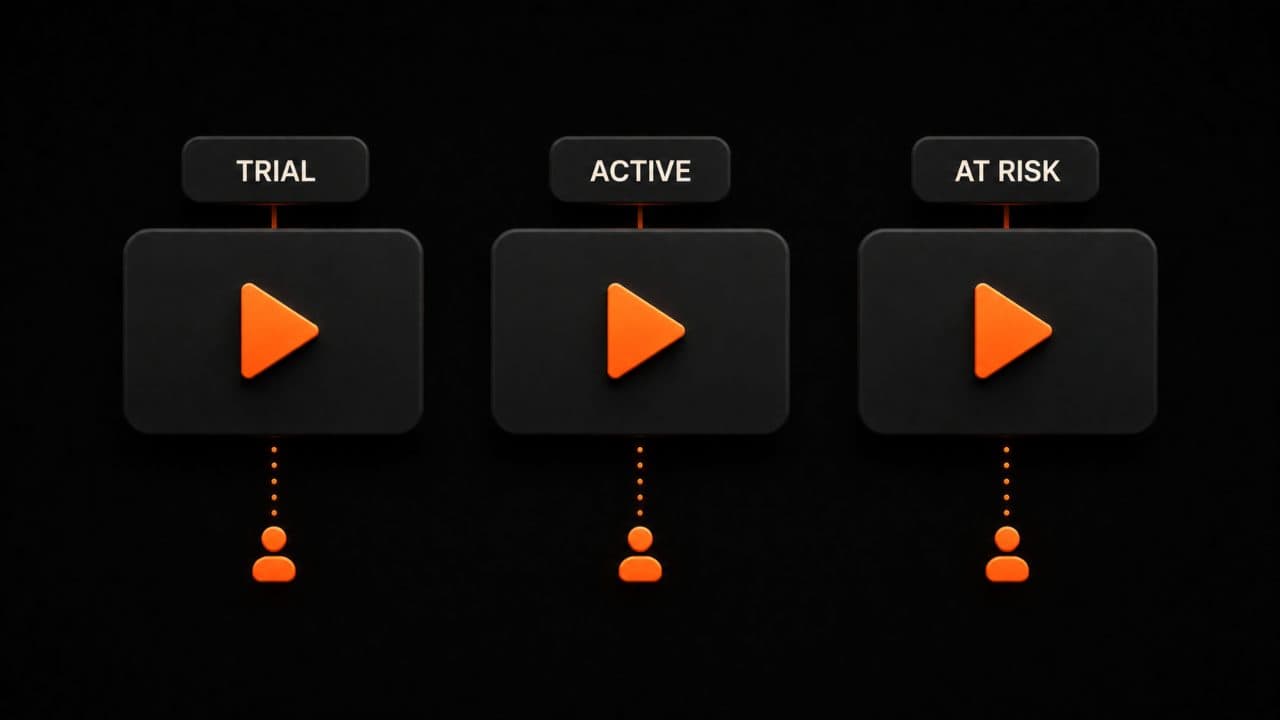
Here's something most email marketers don't do: they send the same email to everyone.
You have customers who used your free trial. You have customers who've been paying for a year. You have people who never converted. They're not the same audience. They don't need the same message.
This is where video shines. With traditional video production, making different videos for different groups is impractical. With AI personalized video at scale, it's easy.
Make one video for people who haven't upgraded. Make a different video for customers considering cancellation. Make another for loyal users you want to upsell.
Personalized video doesn't just boost clicks. It boosts conversion because the message matches the person. You're not selling a free trial to someone who's already a customer. You're not trying to upsell someone who can't afford the higher tier.
This is just smart. And it's possible now.
Common mistakes to avoid
Video emails fail for predictable reasons.
First mistake: giant file sizes. If your GIF is 3 MB, it loads slow. People close the email. Don't do this. Keep GIFs under 1 MB. Always.
Second mistake: misleading thumbnails. You use a random screenshot as your thumbnail. Someone clicks expecting one thing. They get something different. They feel tricked. They don't trust you next time.
Third mistake: not testing anything. You send out a video email to everyone. No A/B test. No comparison. You have no idea if the video actually moved the needle or if people would have clicked anyway.
Fourth mistake: poor mobile optimization. Half your subscribers read email on phones. If your thumbnail and landing page don't look good on mobile, you lose half your clicks right there.
Fifth mistake: no clear call-to-action. You send a video email but never tell people what to do next. Watch the video, then what? Buy? Sign up? Schedule a call? Tell them. Make it obvious.
FAQ
Can I embed video directly in Gmail or Outlook?
Not in a way that works reliably. While some email clients have experimental support for interactive email (AMP for email), most users still can't watch embedded videos directly. The play-button-and-link method works everywhere. Use that. Your video will render perfectly and people will click through.
How long should my email video be?
Shorter is better. If your video is 30 seconds, great. If it's 2 minutes, that's okay too. If it's 10 minutes, most people won't click. The email is not the place for deep, long-form content. The email gets people interested. The video completes the story.
Will adding video hurt my email deliverability?
Not if you're smart. Using static thumbnails won't hurt anything. Adding a GIF under 1 MB is fine. Email providers care about file size and spam complaints, not about whether you have video. If you embed a 5 MB video file, yeah, that causes problems. Thumbnails and GIFs? You're good.
Wrap up
Video in email works. Use a thumbnail with a play button or a short GIF. Keep files small. Match the message to your audience. Test what performs best. Then scale.
Generate your first email video with DeepReel and A/B test it against a text-only version this week. For a broader look at how video fits into your overall strategy, see our AI video marketing strategy guide.