AI video for online courses: create lessons fast
You have great course content. You don't have time to film it.
This is the problem every online course creator faces. You know what to teach. You know how to explain it. But turning that knowledge into polished videos takes months and costs thousands.
AI video creation solves this problem completely.
You can now create professional course videos in hours instead of weeks, for a fraction of traditional production costs. No cameras. No editing software. No hiring videographers.
Here's how to build an online course with AI video that students actually watch.
Why course creators need AI video right now
The online course market is growing. More than 275 million people took online courses in 2024, according to Class Central's annual report. But here's the challenge: production is the bottleneck.
You spend weeks writing content. You spend months filming. You spend more weeks editing. Then you launch the course and realize you need to update a lesson because the information changed or students were confused.
This cycle wears course creators down. It's slow, it's expensive, and it limits how many courses you can realistically ship.
AI video changes this math entirely.
Production time drops from weeks to hours. You write your script. You generate your video. You upload it. That's the entire process.
Cost changes too. A 10-minute course video costs between $15 and $50 to create with AI. Hiring a videographer, editor, and colorist costs $2,000 to $5,000 for the same video.
But there's something more important than speed or cost: student engagement.
Video learning works. Students who watch course videos complete courses up to 5 times faster than those using text alone, according to research from Kaltura. Course completion rates jump from roughly 10% to 35% when you include video, based on data from online learning platforms.
The barrier to video creation was always production complexity. AI removes that barrier.
Now you can do what every successful course creator wants to do: create more courses, faster, with better student results, while spending less time on production. If you're a coach or consultant building courses as part of your business, our guide to AI video for coaches and consultants covers additional strategies.
How to create course videos step by step
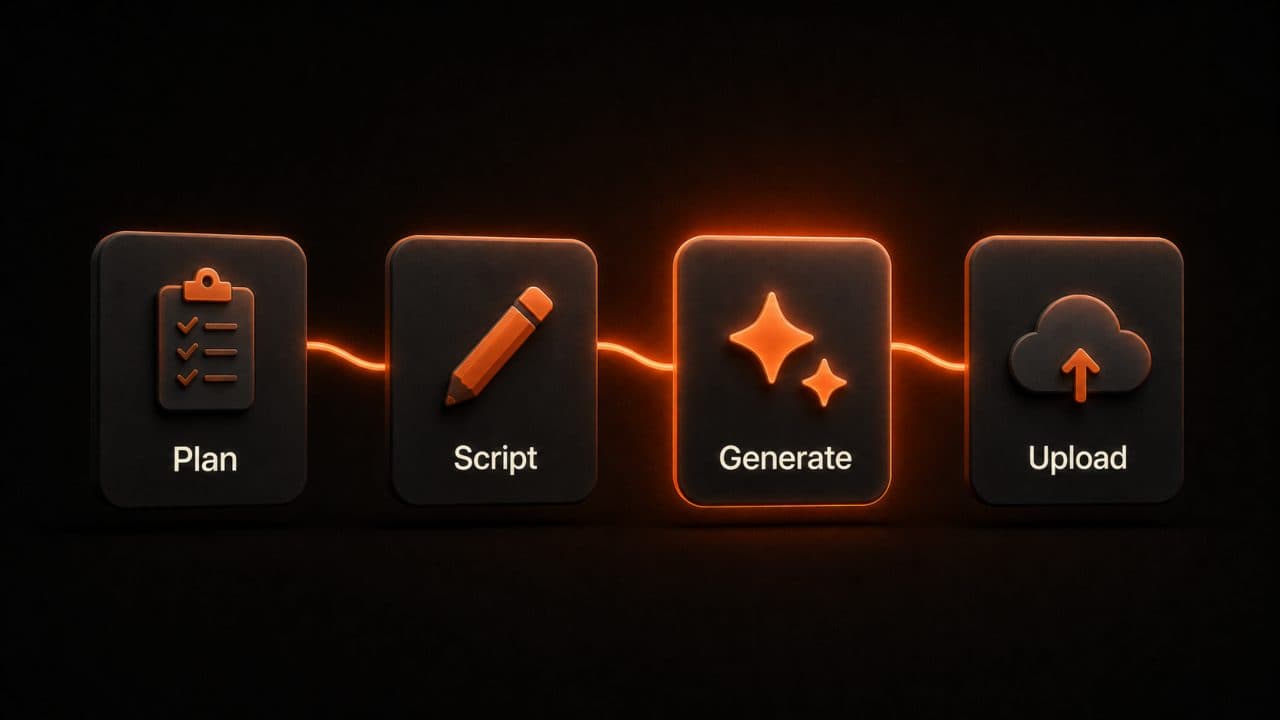
You don't need technical skills to create AI course videos.
Start by planning your course. Break your topic into modules. "Module 1: Basics." "Module 2: Tools." "Module 3: Practice." "Module 4: Advanced."
Think about learning progression. Basics come first. Tools come second. Why? Because students need to understand what something is before they learn how to use it. Don't teach tool shortcuts before teaching the tool. This is where many courses fail. They assume too much knowledge too early.
Each module has multiple lessons. "Lesson 1.1: What you'll learn." "Lesson 1.2: Core concepts." "Lesson 1.3: First practice." This structure works because it prepares minds, teaches concepts, then applies them.
A typical course has 20 to 40 lessons. That sounds like a lot. But it's manageable. Four modules of five lessons each is a complete course.
Write your script for each lesson—an AI video script generator can speed this up dramatically. Keep lessons between 5 and 10 minutes. That's the sweet spot for online learning. Students can focus for that long. They can watch it on their phone. They can rewatch it if they need to.
Your script shouldn't sound like writing. It should sound like talking. "Here's what we're going to cover today. By the end of this video, you'll understand X. Let's get started."
Read your script out loud before recording. Does it sound natural? If it sounds stiff on paper, it will sound stiff when your avatar speaks it. Adjust until it sounds like a real conversation.
Next, choose how to deliver the content. You have several options.
Straight avatar lectures are the fastest. Your AI avatar talks directly to the camera. No distractions. Just clear teaching. This works great for conceptual lessons and explainer-style videos. "Let me explain why this matters." Use this format for 70% of your videos. It's simple. It's fast. It works.
Avatar with screen recording combines the avatar with screenshots or software demos. Your avatar talks while showing how to use a tool. This is perfect for technical lessons. "Here's the dashboard. Now I'll click on this button to show you what happens." Many platforms support this. It gives students both visual and verbal explanation. People learn better this way.
Multi-avatar conversations have two avatars discussing a topic. This keeps things dynamic and engaging. Imagine a lesson where one avatar plays student and asks questions while another avatar (the expert) answers them. This format helps students who learn by hearing questions answered. It makes the content feel more conversational.
Avatar with slides uses your avatar alongside presentation slides. Each slide shows a key point. The avatar explains it. This feels like a real instructor teaching a class. Use this format for lessons with many concepts. The slides help organize information visually while the avatar explains it verbally.
Interactive elements can be added between videos. Quiz questions, assignments, discussion prompts. These aren't videos but they use the same platform. They break up the content consumption and add engagement.
Most course creators mix these formats across their course. Some lessons are straight lectures. Some use screen recording. Some use multi-avatar conversations. Variety keeps students engaged. A course of 40 straight lectures gets boring. A course with varied formats keeps attention.
Create your script. Log into your AI video platform. Select your avatar (or create a custom one). Add your script. Choose your video format. Generate the video.
Most videos render in 3 to 5 minutes. This is where AI video saves you the most time. Traditional video production would take weeks. AI takes minutes.
Upload to your course platform. Assign it to a lesson. Move to the next video.
After you create 40 videos, you have a complete course. In traditional production, you'd be halfway through the first year. With AI video, you can be done in months.
This speed advantage is huge. You can test your course with real students. See what works. Update lessons based on feedback. Make improvements quickly.
In traditional video production, updating a course takes months. In AI video production, it takes hours.
How to make AI course videos that keep students engaged
Online students are impatient. If your first video doesn't hook them, they won't watch the next one.
Start every video with a clear promise. "In this lesson, you'll learn the three biggest mistakes people make when starting their first business." Now the student knows what they'll get from watching. They know their time won't be wasted.
Never waste the first 10 seconds. Don't have your avatar saying, "Hi, welcome to my course. Let me introduce myself." Get straight to content. The intro can wait. The learning can't.
Structure your lesson like a story. Introduction. Middle. Conclusion. Your introduction hooks them. Your middle teaches them. Your conclusion summarizes and previews what comes next. This structure is proven. It works because your brain is built to remember stories better than lists.
Use language students understand. This is a general rule, but it matters more for online courses. Your students are learning something new. Complex vocabulary makes them feel stupid. Simple, clear language makes them feel smart. If you use a technical term, define it. "By scaling, we mean growing your business while keeping costs stable."
Use AI avatars as instructors. This is where AI video gets interesting. Your avatar becomes a consistent presence in your course. Students develop a relationship with this avatar. It becomes familiar. Familiar builds trust.
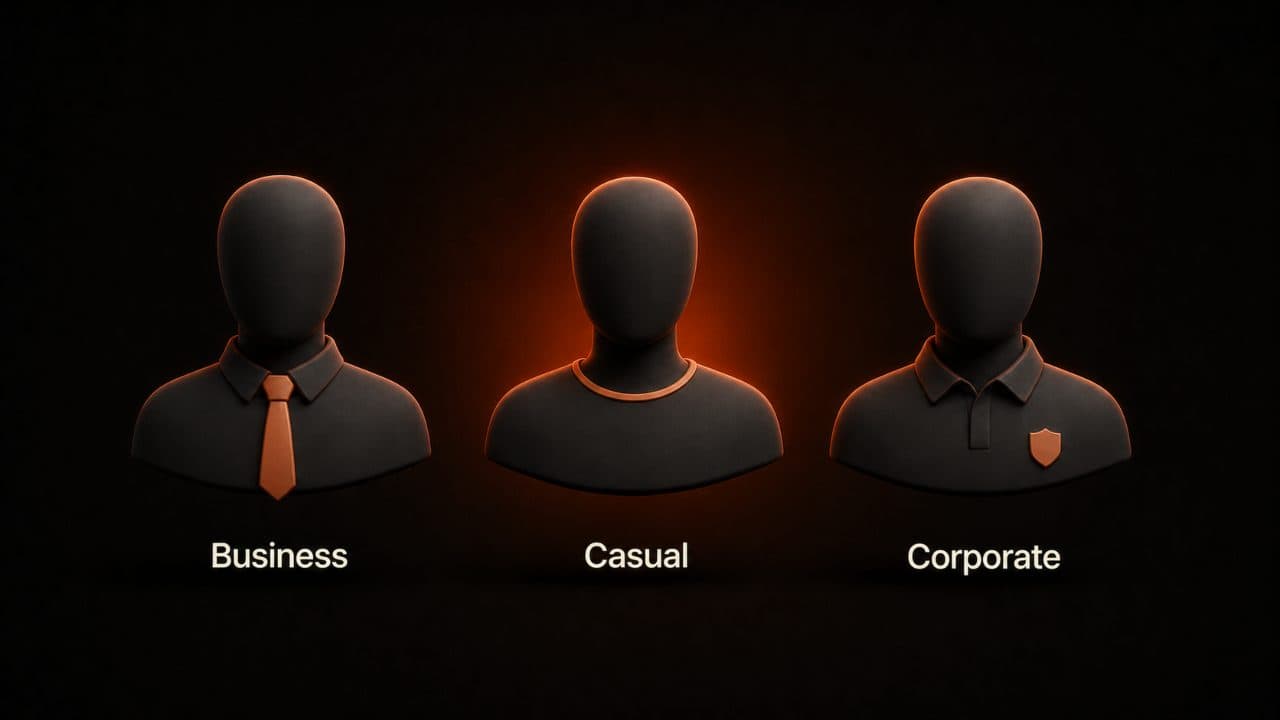
You can give your avatar a personality. A serious tone for business courses. A friendly tone for hobby courses. A professional tone for corporate training. Choose one and stick with it across every video. This consistency is important for brand recognition.
Your avatar needs a name. This sounds silly, but it works. If your avatar is called "Professor Sarah," students think of Sarah when they watch. They're learning from Sarah, not a random AI. This makes the course feel more human. Students remember Sarah. They want to hear what Sarah says next.
Some course creators use photos to create personalized avatars of themselves. This is even more effective. Students see your actual face. They feel like they're learning from you personally. This builds connection that unnamed avatars can't match.
You can also use different avatars for different modules. Module 1 is taught by Avatar A. Module 2 is taught by Avatar B. This keeps things fresh and prevents watching fatigue.
Make videos feel like live teaching. Even though your avatar is AI, the video should feel like someone teaching. The avatar makes eye contact. It gestures. It has natural pauses. It's not a robot reading a script.
This is where platform choice matters. Some AI video creators make avatars that look alive and human. Others make avatars that look plastic and fake. Choose a platform that makes your avatar look real.
Create multi-language courses easily.
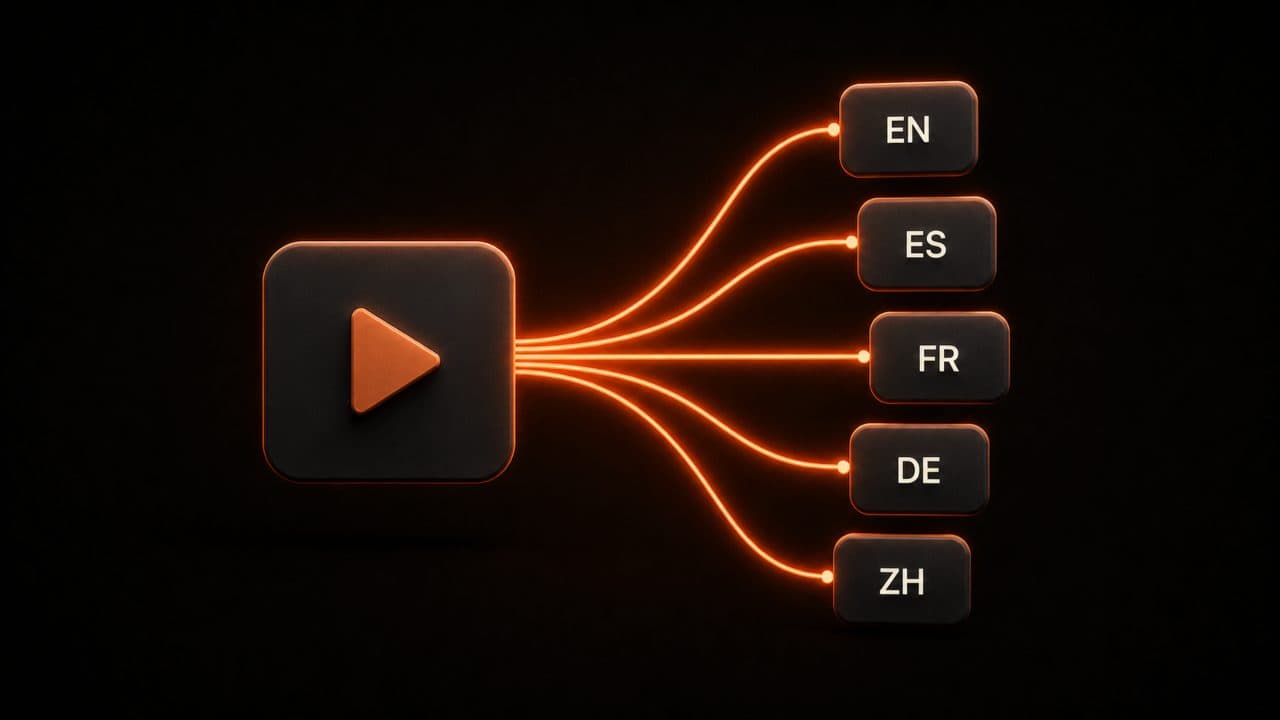
This is one of the biggest wins of AI video for course creators. Write your script once. Generate videos in English, Spanish, French, Mandarin, and more. You can also add subtitles to boost accessibility and retention across every language.
You reach 10 times more students without 10 times more work.
Most platforms support voice cloning in multiple languages. So your avatar speaks with the same voice in every language. Students in Mexico hear the same avatar teaching them as students in Mexico City. Consistency matters.
Frequently asked questions
Will my course look cheap if I use AI avatars?
No. Platforms like DeepReel have avatars that look professional and human. The video quality matches what you'd get from hiring a videographer. Students don't know it's AI — they just see a professional course with consistent, engaging lessons.
Can I update videos after I publish them?
Yes, and this is one of the biggest advantages over traditional video. If you need to update a lesson because information changed or students had questions, you can create a new video in an hour and upload it. With traditional production, that same update takes weeks.
How do I add interactive elements if the avatar is talking the whole time?
You add them between videos, not during. Most course platforms let you insert quizzes, assignments, and discussion prompts between lessons. A student watches your avatar for 8 minutes, takes a quiz, writes a reflection, then moves to the next video. The avatar delivers content. Everything else adds interaction.
Wrap up
You know what you want to teach. You know your students need video. The only thing that used to stop most course creators was production complexity.
Pick your first course topic. Break it into 5 lessons. Write 5 scripts. Generate 5 videos. Upload them to your course platform. That's a working course foundation in a few hours instead of a few months.
The real advantage is iteration. With AI video, you can test different avatar styles, video lengths, and lesson structures in the first month. Get feedback from beta students and update lessons the same week. Traditional production doesn't give you that flexibility.
DeepReel makes this process simple with 100+ avatars, multi-language support, and voice cloning. Start your free trial at deepreel.com and create your first course video today.