How to Make Explainer Videos with AI in 2026
91% of businesses use video as a marketing tool in 2026, according to Wyzowl's annual survey. And yet, most small teams still burn 4-6 hours producing a single video.
That math doesn't work.
AI video tools have hit a tipping point this year. They handle scriptwriting, visual sourcing, voiceover, and editing in a single pass. You feed in a topic or a URL, and you get a polished explainer video back in minutes.
This guide shows you exactly how to make explainer videos with AI. Step by step. No editing experience needed. No $5,000 production budgets. Just a clear process you can start using right now.
What makes AI explainer videos different from traditional production
The traditional explainer video workflow (and why it takes so long)
Here is what making an explainer video used to look like.
First, you write a script. That takes a few hours if you are fast. A few days if you want it tight.
Then you storyboard. Match visuals to each section. Plan transitions. Decide on a style. Animated? Live action? Screen recording?
Next comes production. If you are animating, a designer builds it frame by frame. If you are shooting, you book a studio, set up lighting, do multiple takes.
Finally, you edit. Cut, trim, color grade, add music, add captions, export in three formats for three platforms.
Each step requires a different skill set. Most small teams don't have a scriptwriter, animator, and editor sitting around waiting for the next project.
The average cost of a professional 60-second explainer video sits around $3,075, according to Advids pricing research. Enterprise-quality productions run $4,500-$7,800 per minute. High-end custom animation? $10,000-$16,000 for a single video.
Timeline? Two to four weeks minimum for anything professional. Longer if revisions pile up.
For a business that needs 10 explainer videos a quarter, that is $30,000+ and months of production time. Most small teams simply can't afford it.
How AI collapses the video production pipeline
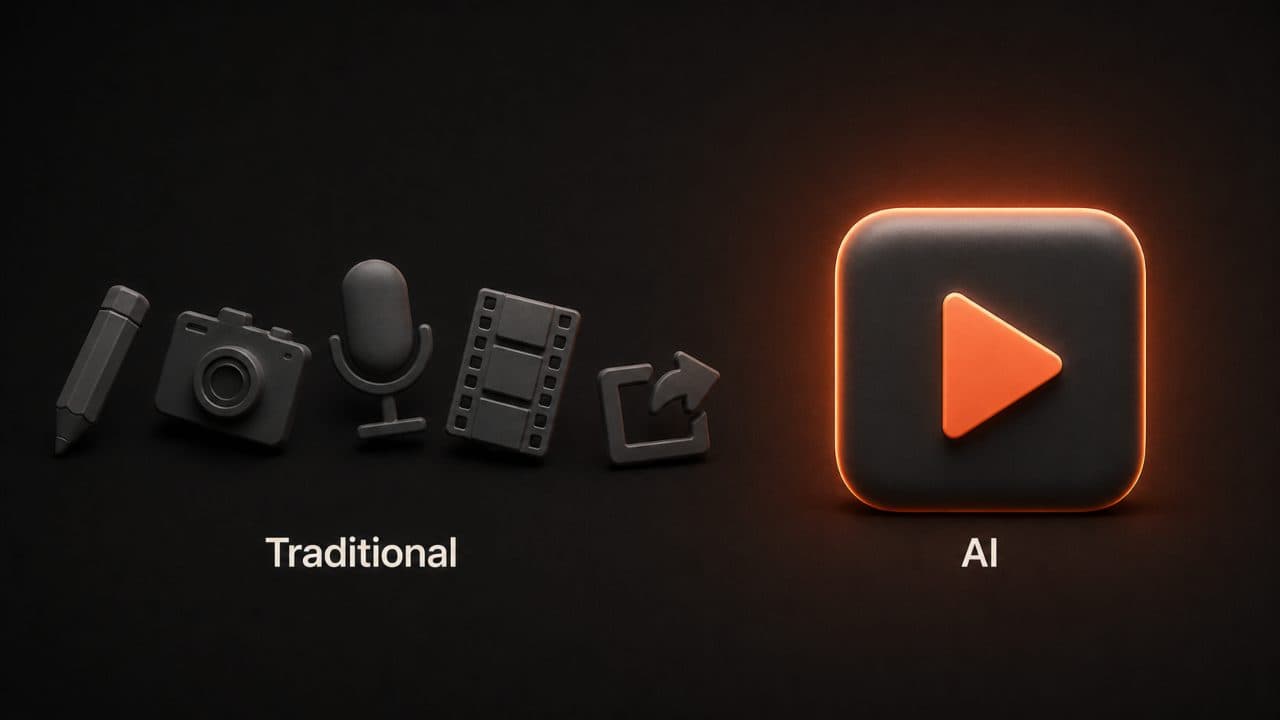
AI tools compress that entire pipeline into one step.
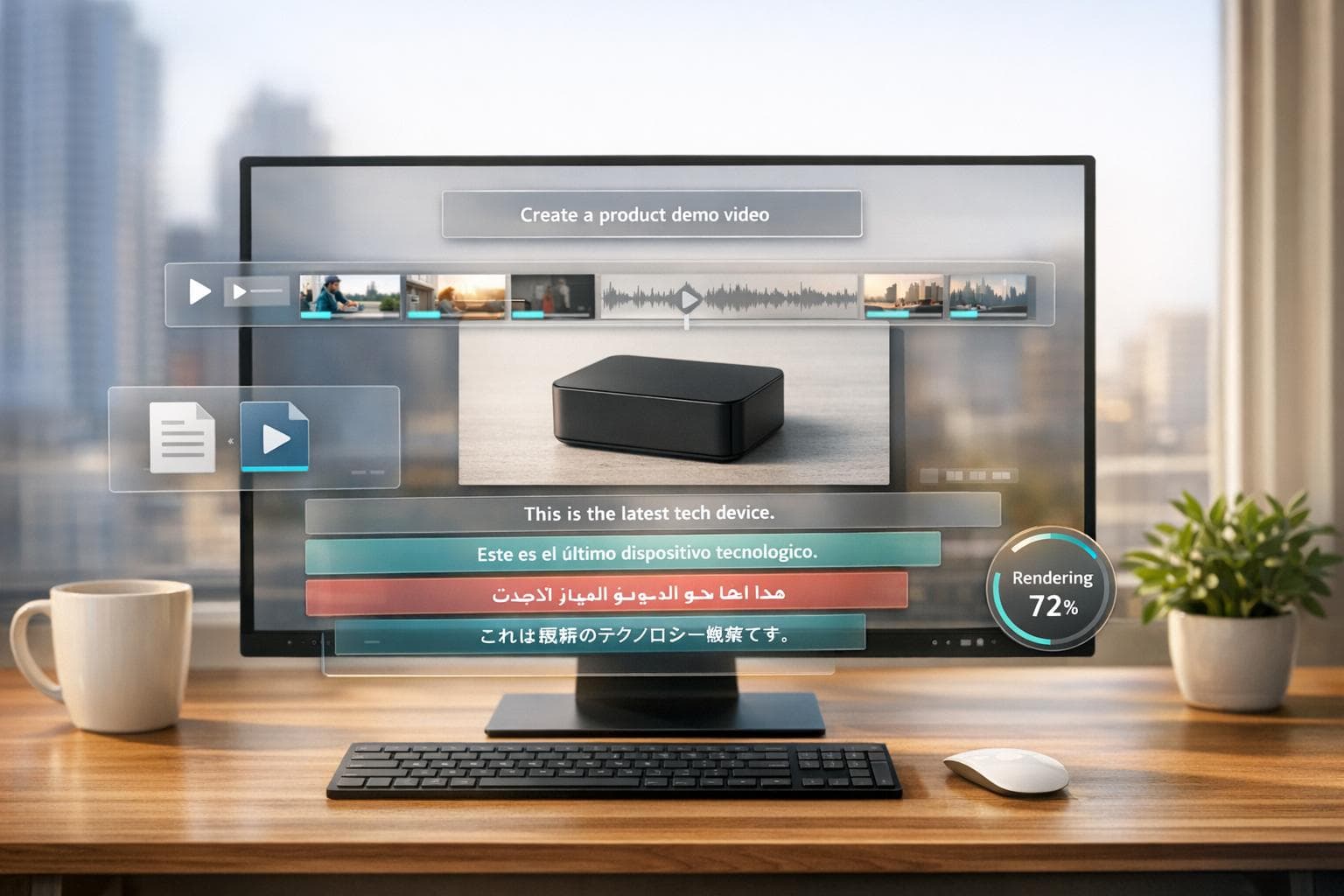
You type in a topic. The AI writes a script, sources matching visuals from stock libraries and AI-generated imagery, produces a natural-sounding voiceover, assembles the edit, and adds background music.
Total time: 5-10 minutes for a comparable result.
Cost? A monthly subscription instead of per-project pricing. A tool like DeepReel lets you make unlimited videos for less than one traditionally produced explainer would cost.
The global AI video generator market hit $847 million in 2026, according to Fortune Business Insights. That number is expected to reach $3.35 billion by 2034. It is businesses discovering they can produce in minutes what used to take weeks.
The quality gap has narrowed too. For informational and educational content, most viewers can't tell the difference between AI-generated and professionally produced video. The gap shows up in high-emotion storytelling, but that isn't what most explainer videos need.
Step-by-step guide to creating AI explainer videos
Step 1 — Choose your video type and goal
Before you touch any tool, answer two questions.
What is this video explaining? And who needs to understand it?
A product demo has different pacing than a concept explainer. A social media clip needs a different structure than a YouTube tutorial. A training video needs depth that a marketing video doesn't.
Match your video type to your purpose:
Product demos work best as visual walkthroughs showing the product in action. Concept explainers need clean visuals and simple analogies. Tutorials need numbered steps and clear progression. Social content needs a fast hook and vertical format.
The type you choose determines everything downstream: script length, visual style, pacing, and call-to-action placement.
Step 2 — Provide your source material
AI video tools like DeepReel's AI Video Genie accept four input methods. Each one suits a different situation.
Topic prompt. Type a description of what you want explained. This works best when you are starting from scratch. Describe your audience, the problem, and the key message. The AI builds the script, visuals, and voiceover from there.
URL input. Paste a link to an existing blog post, landing page, or web article. The AI reads the content, extracts the narrative arc, and builds a video around the key points. I use this constantly for repurposing blog content. One URL becomes a polished explainer in about 3 minutes.
Document upload. Drop in a PDF, Word doc, or presentation file. This is perfect for turning whitepapers, internal guides, or training documents into video. The AI identifies the structure and creates sections automatically.
Pre-written script. Paste your own script if you want full control over every word. The AI handles visuals, voiceover, and editing while leaving your messaging untouched.
My recommendation: start with a URL or prompt for your first video. It is the fastest way to see what AI video can do before investing time in custom scripts.
Step 3 — Set your preferences
Here is where you tune the output to match your brand and platform.
Aspect ratio. Choose 16:9 for YouTube and desktop. Go 9:16 for Instagram Reels, TikTok, and YouTube Shorts. Use 1:1 for LinkedIn feeds and email embeds. Getting this wrong means your video looks amateur on the target platform.
Video length. A 60-90 second explainer works for most marketing use cases. Training videos can run 3-10 minutes. Social clips should stay under 60 seconds.
Presenter type. DeepReel offers three options. AI avatars (choose from 100+ stock presenters or create a custom avatar from a single photo). Voice-only (AI voiceover with text overlays and b-roll). Or bring your own footage and let the AI handle the edit.
Language. DeepReel supports 30+ languages with natural-sounding AI voiceover and lip-synced avatars. This means one video can reach global audiences without re-shooting.
Brand kit. Upload your logo, brand colors, and fonts. Every video you produce automatically matches your visual identity. This matters when you are creating content at scale. Consistency builds recognition.
Step 4 — Review and customize your draft
The AI generates a complete draft in about 2-5 minutes. Here is what to check.
Start with the script. Read through it. Does it cover your key points? Is the tone right? Does the opening hook grab attention? Fix any sections where the AI missed the mark or used generic language.
Next, scan the visuals. The AI selects b-roll and images automatically, but sometimes the match is too literal or too generic. Swap in more specific visuals where you have them. A real product screenshot beats a stock photo every time.
Listen to the voiceover. Check pronunciation of technical terms, product names, and acronyms. Most tools let you adjust pacing and emphasis.
Finally, watch the whole thing through. Small tweaks at this stage (cutting a slow section, tightening a transition, adding a text overlay for emphasis) can take a good video to a great one.
You aren't starting from scratch. You are polishing a 90% complete video. That is the difference between 10 minutes and 10 hours.
AI scriptwriting tips for better explainer videos
Crafting effective prompts for AI script generation
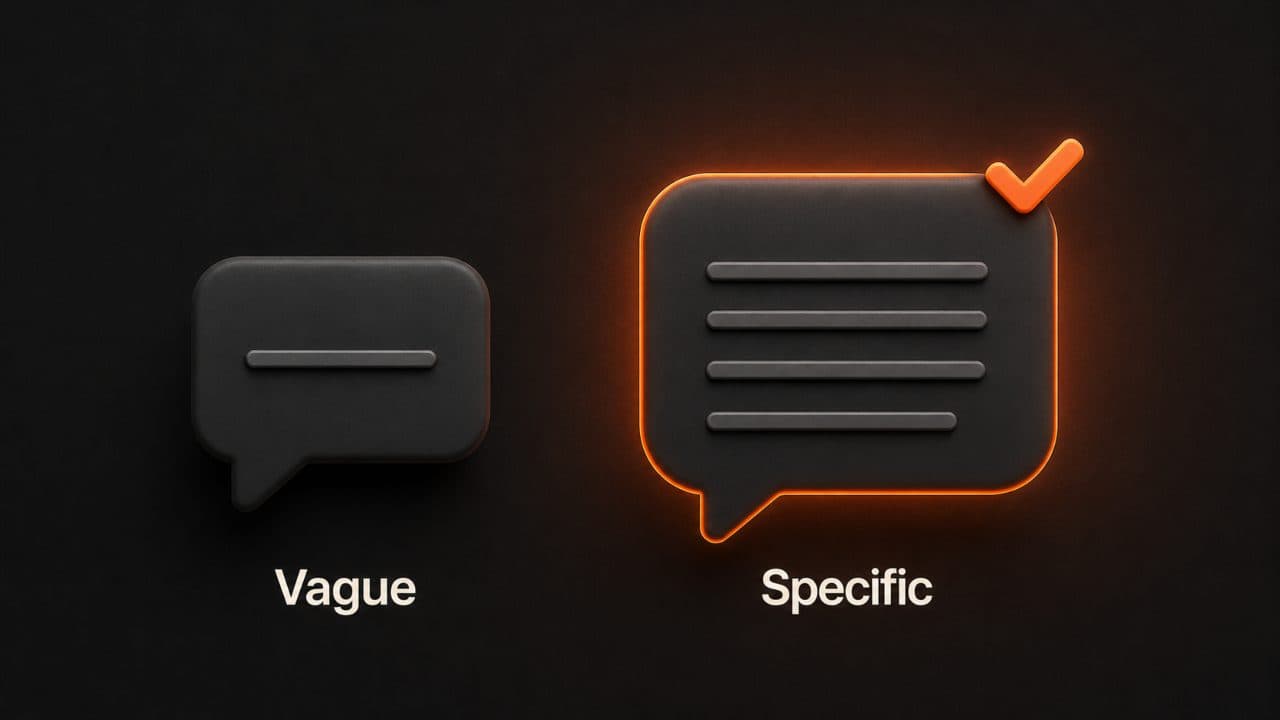
Your prompt is your creative brief. The more specific you are, the better the output. (For inspiration, see our AI video prompts collection.)
Bad prompt: "Make a video about our product."
Good prompt: "Create a 90-second explainer video for small business owners who struggle with social media content creation. Explain how DeepReel turns a single blog post into a professional video in under 5 minutes. Focus on the time savings and ease of use. Tone should be friendly and practical, not salesy. End with a free trial CTA."
See the difference? The second prompt gives the AI an audience, a problem, a solution, a differentiator, a tone, and a call-to-action. That is six constraints in four sentences. The result is dramatically better than letting the AI guess.
I find that spending 2 minutes on a detailed prompt saves 10 minutes of editing later. Always worth it.
The anatomy of a great explainer video script
Every strong explainer follows the same three-part structure.
Hook (first 5 seconds). Start with a problem statement or a surprising number. "You are spending 6 hours on each marketing video. What if it took 6 minutes?" If the viewer doesn't feel something in the first 5 seconds, they scroll past. Everything else is wasted.
Body (middle 60-80%). Walk through the solution. Show how it works. Use specific numbers and examples instead of vague claims. "DeepReel generates a complete draft in 3 minutes" is better than "our tool saves you time."
Break the body into 2-3 clear sections. Problem → Solution → Proof. Or Step 1 → Step 2 → Step 3. Viewers need structure to stay oriented in a video the way they need headings in a blog post.
Avoid cramming too much into the body. If you have 5 features to explain, pick the 2-3 that matter most to your target viewer. Save the rest for a follow-up video or a features page. Overloaded explainers lose people fast.
Call-to-action (last 5-10 seconds). Tell the viewer exactly one thing to do next. Try the free version. Visit a specific page. Sign up for a demo. One action, not three.
The biggest mistake I see in explainer video scripts? No CTA at all. The video just... ends. You spent 90 seconds building interest, and then you let the viewer drift away without telling them where to go. Always close the loop.
5 types of explainer videos you can make with AI
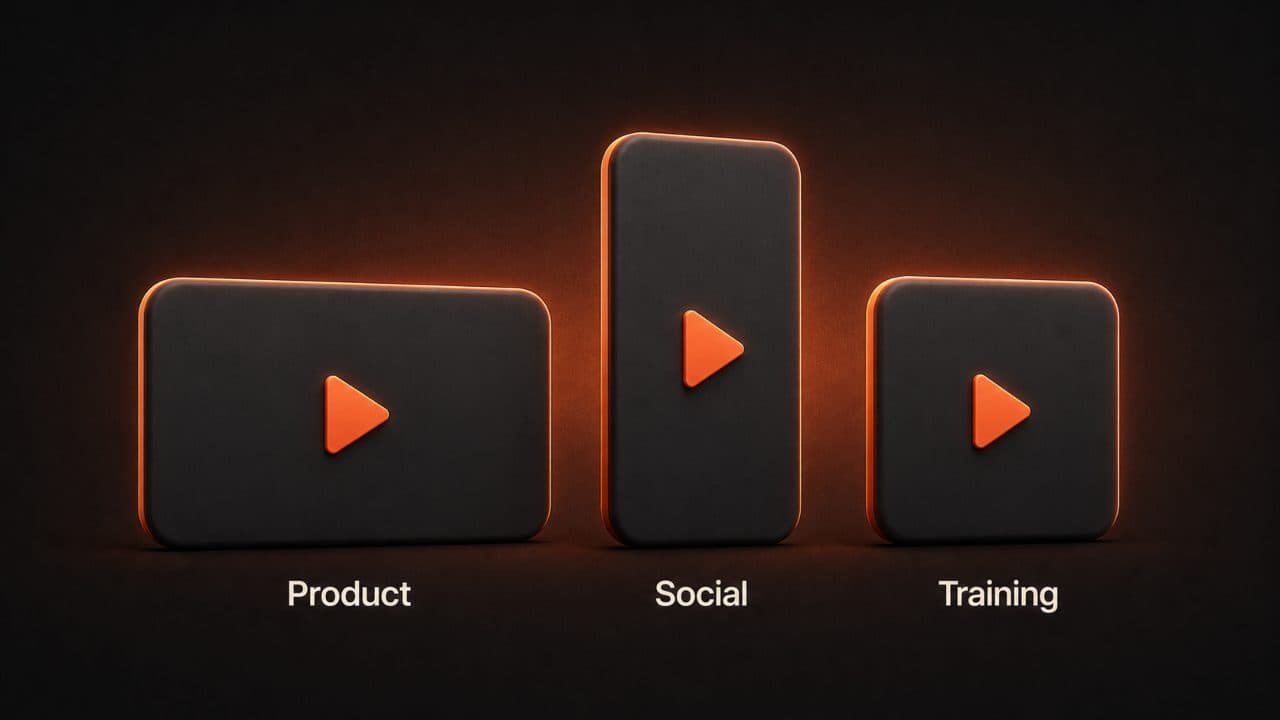
Product and service explainers
Best for SaaS companies, agencies, and service-based businesses that need to show what they do.
Keep these to 60-90 seconds. Focus on the transformation: what life looks like without your product versus with it. The viewer should feel the pain of the old way and the relief of the new way within 30 seconds.
AI tools are perfect here because you can generate multiple versions quickly. Test different hooks, different angles, different lengths. A/B testing used to require a production budget. Now it requires 10 minutes and zero extra cost.
For a deeper dive into this format, see our AI explainer video maker guide. One SaaS founder I've seen documented making 12 product demo variations in a single afternoon. She tested each on different landing pages and found the winning version doubled her trial signups. That kind of experimentation is impossible at $3,000 per video.
Educational and how-to explainers
Best for course creators, corporate trainers, educators, and internal teams building knowledge bases.
These run longer, 3-10 minutes, because the viewer has a specific learning goal. Structure matters more than brevity. Break complex topics into clear steps with visual cues for each transition.
AI handles the tedious work of matching visuals to instructional content. A corporate training team can produce an entire onboarding video series in a day instead of a quarter.
According to Wyzowl, 93% of video marketers say video has increased user understanding of their product. Educational explainers are the reason why. People retain visual information differently than text, and a 5-minute video often teaches more than a 20-page document.
Social media explainers
Best for content creators and social media managers who need a constant stream of short-form video content.
Platform optimization matters here. Vertical format for Instagram and TikTok. Square for LinkedIn. Captions burned in by default. 84% of consumers want to see more video from brands, and a huge portion watch with sound off while scrolling.
Hook in the first 2 seconds. Deliver value by second 10. End with a CTA by second 30-45.
AI tools let you produce 5-10 social clips per day from a single piece of source content. Take one 2,000-word blog post and turn it into a YouTube explainer, three Instagram Reels, and two TikToks — all in under an hour. That volume is what moves algorithms and builds audiences.
69% of video marketers created social media videos in 2026, making it the single most popular video use case according to Wyzowl. The teams winning on social aren't producing more original content. They are repurposing more efficiently.
Frequently asked questions
How long does it take to make an explainer video with AI?
Most AI video platforms generate a complete draft in 2-5 minutes. With customization (swapping visuals, tweaking the script, adding brand elements) expect 10-15 minutes total. Compare that to the 2-4 week timeline and $3,000+ price tag for traditionally produced explainer videos.
Do AI explainer videos look professional?
Yes. The quality of AI video output in 2026 has improved dramatically compared to even two years ago. The best platforms produce broadcast-quality results with properly selected b-roll, smooth transitions, natural-sounding voiceover, and professional pacing. For informational and educational content, the gap between AI and custom production is narrow enough that most viewers don't notice it.
Can I use my own brand elements in AI videos?
Yes. Most AI video platforms support brand kits where you upload your logo, colors, fonts, and messaging guidelines. DeepReel's brand kit feature ensures every video stays visually consistent, even when you are producing dozens of videos per month. Upload once, apply everywhere.
Wrap up
AI has turned explainer video creation from a multi-week, multi-thousand-dollar project into a 10-minute task.
Traditional: $3,000+ per video. 2-4 weeks. Multiple specialists.
AI: one subscription. 10 minutes. One person with a keyboard.
You don't need editing skills. You don't need a production budget. You don't need to hire a freelancer and wait two weeks for a first draft. You need a clear message and a tool that handles the production.
92% of marketers plan to spend the same or more on video in 2026, according to Wyzowl. 83% say video has directly increased sales. The businesses still on the sidelines are running out of reasons to wait.
Try creating your first AI explainer video with DeepReel. Ten minutes from now, you'll have a finished video.