How to make videos without showing your face
You do not need to be on camera to create compelling video content.
Whether it is privacy, camera shyness, or simply wanting a more scalable approach to video production, there are now multiple ways to make professional videos without showing your face. And in 2026, the options are better than ever. According to Wyzowl's video marketing research, 91% of businesses now use video as a marketing tool, and faceless formats are among the fastest-growing categories.
AI tools have unlocked six distinct methods for faceless video creation. Some use AI avatars that look and speak like real people. Others use stock footage with voiceover. A few skip human visuals entirely and rely on animation or text-only formats.
This guide ranks all six methods by quality, ease of use, and the types of content they work best for. By the end, you will know exactly how to make videos without showing your face for any platform.
Why more creators make videos without showing their face

Privacy, scalability, and consistency
The reasons to skip the camera go beyond introversion.
Privacy protection. Once your face is associated with your content, that cannot be undone. For creators who want to keep their personal and professional lives separate, faceless content offers a permanent privacy shield. This matters especially in niches like finance, health, and politics where public visibility can create unwanted attention.
Production speed. Camera-based video requires a setup: lighting, background, wardrobe, makeup, audio equipment. Each video takes 30-60 minutes just to prepare before you start recording. Faceless video produced with AI tools takes 5-15 minutes from start to finish. No setup. No retakes. No "I look tired today" moments.
Scalability. This is why faceless YouTube channels are booming. When content depends on you being on camera, you are the bottleneck. If you get sick, go on vacation, or just have an off day, production stops. Faceless content removes that dependency. You can batch-produce a month's worth of videos in a single day.
Outsourcing potential. With faceless video, you can outsource parts of the workflow. A researcher writes the scripts. An editor reviews the AI output. You manage the strategy. This is nearly impossible with camera-based content where the creator IS the brand.
Consistency across time. Your face changes. Your energy levels change. The lighting in your apartment changes. Faceless video looks the same every time. That visual consistency helps build a professional brand identity.
6 methods to create videos without showing your face
1. AI avatars as your on-screen presenter
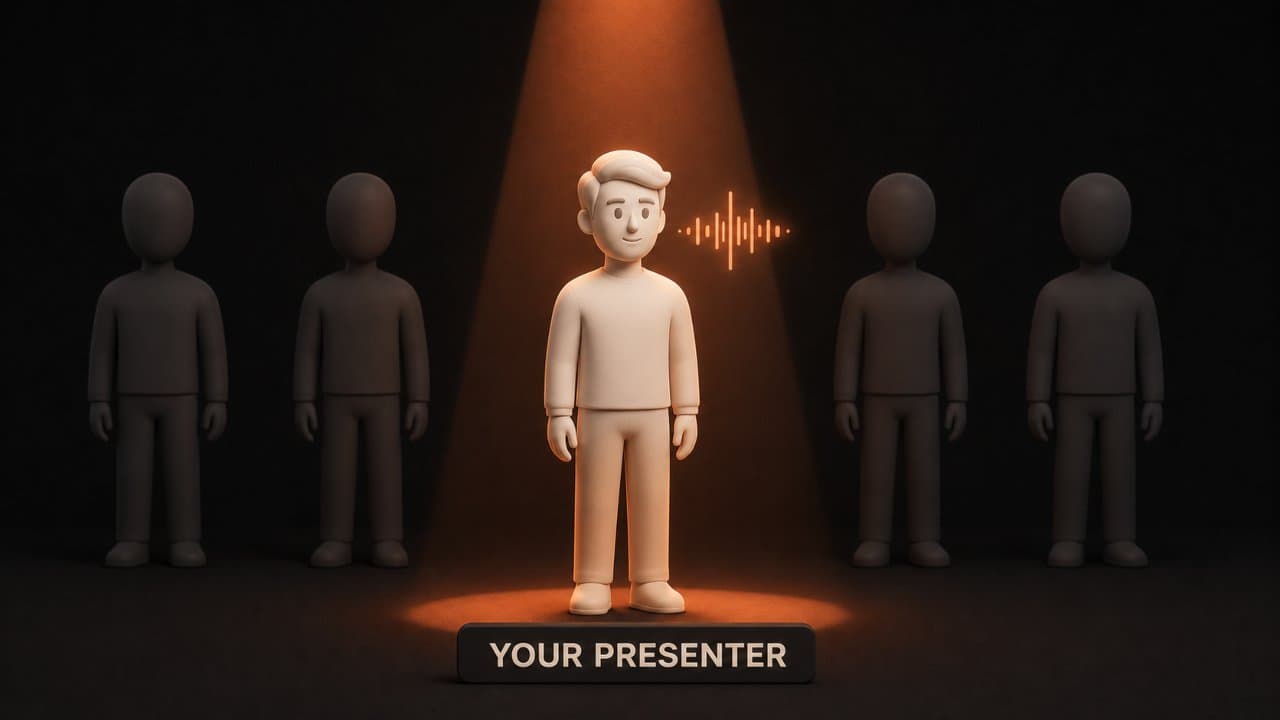
This is the most engaging faceless format because it keeps a human presence on screen without requiring you to be that human.
AI avatar platforms like DeepReel offer 100+ stock avatars in different ages, ethnicities, and professional styles. You select an avatar, feed in your script or content, and the AI generates a video where the avatar speaks your content with natural lip-sync and gestures.
The result looks like a traditional talking-head video. Viewers get the engagement benefits of a human presenter. You get the privacy benefits of never being on camera.
Avatar quality has improved dramatically. Modern AI avatars blink naturally, gesture appropriately, and sync lip movements accurately across 30+ languages. According to Venture Harbour's testing, most viewers cannot immediately tell the difference between AI and real presenters in short-form content.
I use AI avatars for most of my explainer content. The engagement numbers are consistently higher than pure b-roll videos. Viewers watch longer when there is a face on screen, even when that face is AI-generated. My average watch time on avatar videos is about 40% higher than on equivalent faceless explainers.
The key is picking an avatar that matches your brand tone. A young, casual avatar for a tech channel aimed at millennials. A professional, suited avatar for corporate training. Most platforms offer enough variety that you can find a good match.
Best for: YouTube explainers, course content, corporate communications, social media content. For a detailed comparison of avatar platforms, see our best AI avatar video generators guide.
Tools: DeepReel (100+ stock avatars, photo avatars), HeyGen (500+ stock avatars, Avatar IV), Synthesia (240+ stock avatars).
2. Photo avatars from a single image
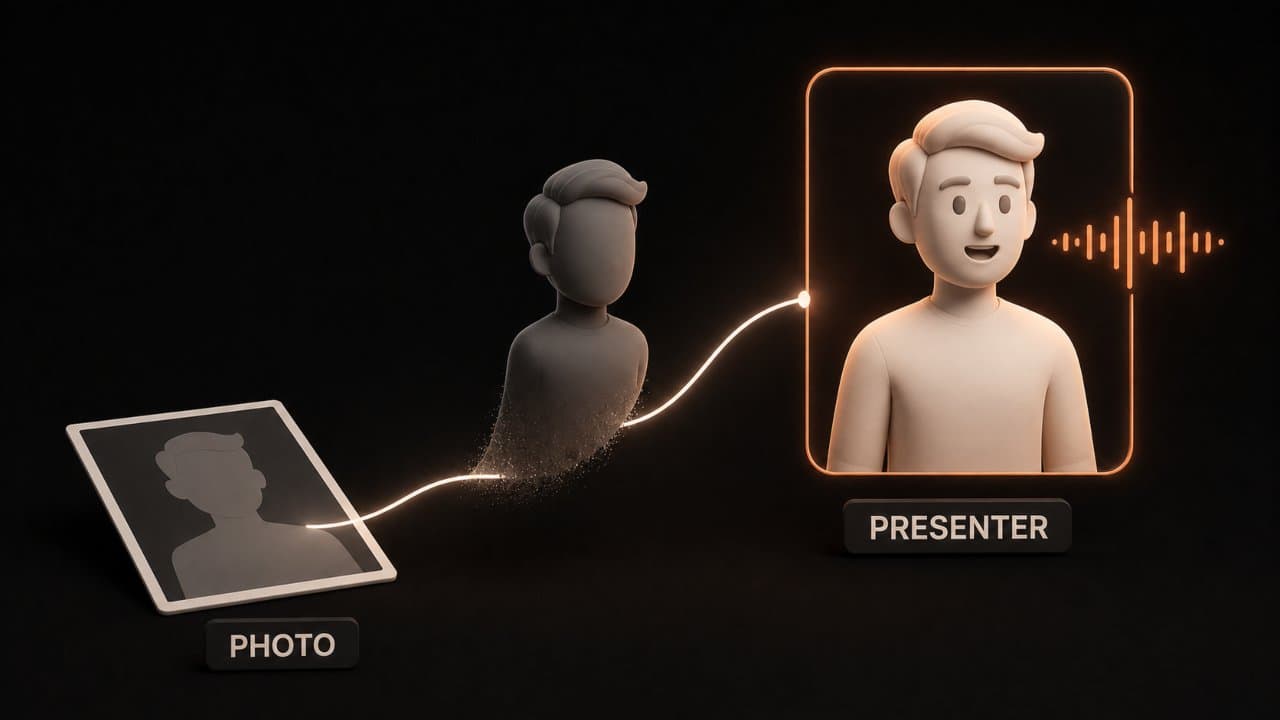
This is a subset of AI avatars but worth calling out separately because of how it changes the accessibility equation.
With tools like DeepReel, you upload a single photo (a headshot, a professional photo, even a stock image of a model) and the platform creates a speaking AI avatar from it. The avatar mimics the person in the photo with natural expressions and lip-sync.
This means you can create a branded spokesperson for your channel without ever recording video footage. Upload a headshot once. Create a custom avatar and use it across hundreds of videos. Your "presenter" never ages, never calls in sick, and never has a bad hair day.
Some creators use their own photo but keep their real identity private. The avatar looks like them but nobody connects the digital face to the person behind the content. Others use purchased stock photos to create an entirely fictional presenter.
Best for: Branded channels that want a consistent human presence without a real person on camera.
Tools: DeepReel (photo avatar from single image, no extra cost on paid plans).
3. Faceless explainer videos with voiceover
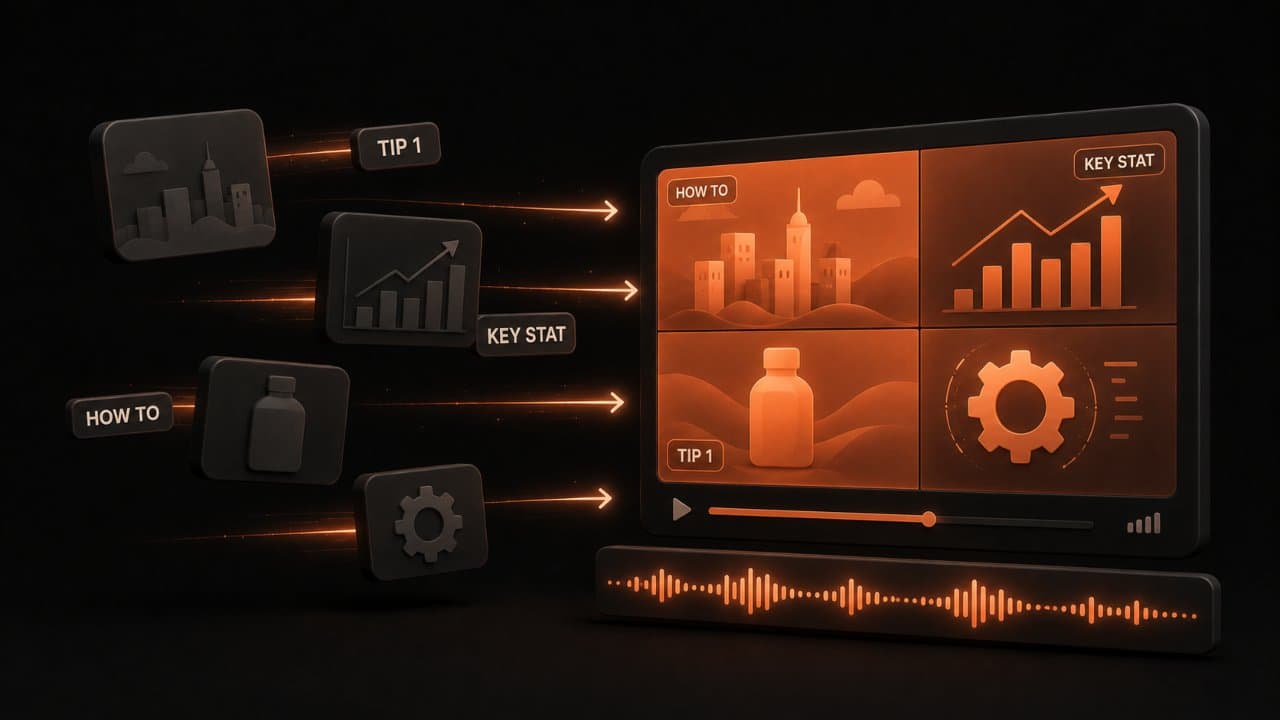
This is the most common faceless format. Stock footage, text overlays, and AI voiceover combined into a polished explainer video.
The workflow is straightforward. Provide your content (topic prompt, blog URL, document, or script) to an AI video tool. The AI generates a script, matches each section with relevant stock footage, adds text overlays for key points, generates voiceover, and assembles the edit with background music.
You never appear on screen. The visual interest comes from the b-roll footage and text elements. The narration carries the information.
This format works well because it is platform-agnostic. The same video works on YouTube (landscape), Instagram Reels (portrait), LinkedIn (square), and TikTok (portrait). Just re-export in the right aspect ratio and add subtitles for sound-off viewing.
The production speed is the biggest advantage of this format. With a tool like DeepReel, you can go from blog URL to finished video in 3-5 minutes. No setup. No editing. No camera. Just paste the link and review the output.
For content teams that publish 3-5 blog posts per week, converting each post to a faceless video doubles your content output with minimal extra effort. One person can handle the entire workflow.
Best for: Educational content, listicles, how-to guides, news commentary, any content where information matters more than personality.
Tools: DeepReel (full AI agent automation), Pictory (blog-to-video), InVideo (template-based), Fliki (text-to-video).
4. AI-generated storytelling videos
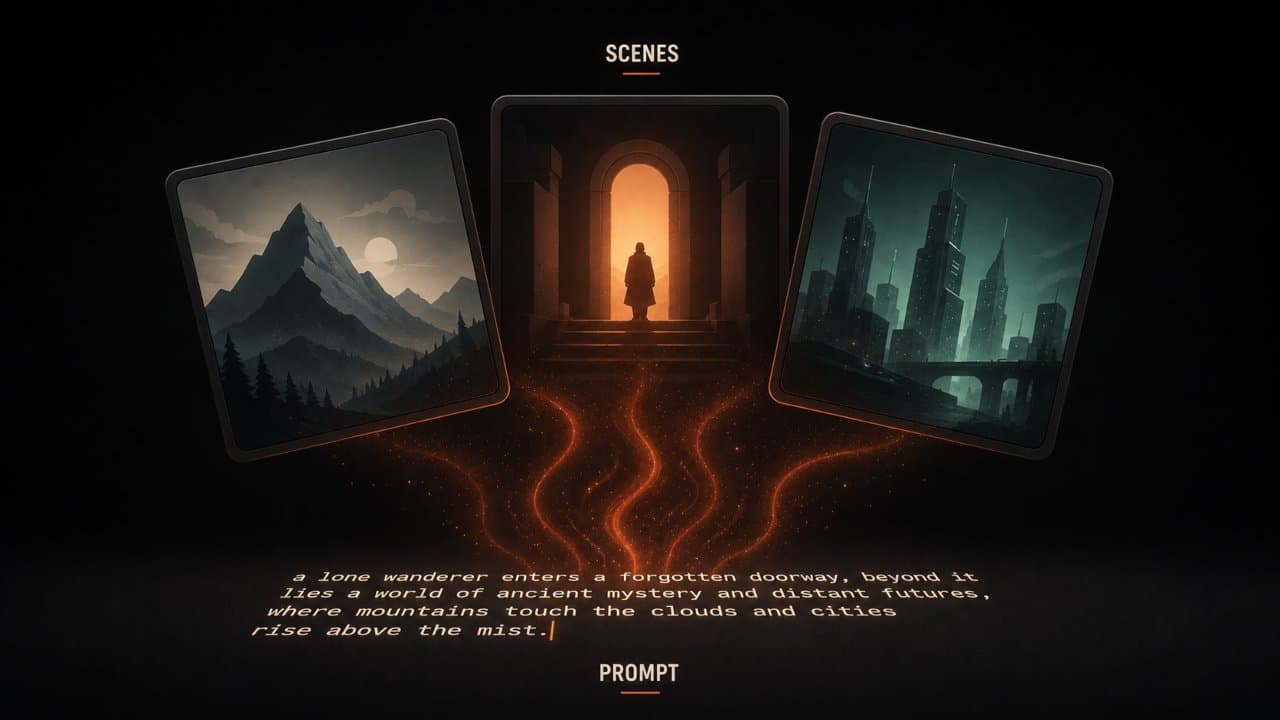
This format uses AI-generated imagery and video clips to create cinematic visual experiences with narration. Think documentary-style content without the documentary budget.
AI image and video generation tools can create custom scenes, characters, and environments from text descriptions. Combined with AI voiceover, you can produce storytelling videos that look like they cost thousands to produce but take 15-20 minutes.
This format works especially well for history content, true crime, fictional storytelling, and creative content where stock footage feels too generic.
The catch: AI-generated visuals still have occasional quality issues. Characters may look slightly different between scenes. Environments might not match perfectly. But the quality is improving fast, and for most YouTube audiences, the visual quality is already good enough.
Best for: History channels, true crime, creative storytelling, science fiction, any content that needs unique visuals you cannot find in stock libraries.
Tools: DeepReel (Veo and Flux integrated), Runway, Pika.
5. Screen recording with AI voiceover
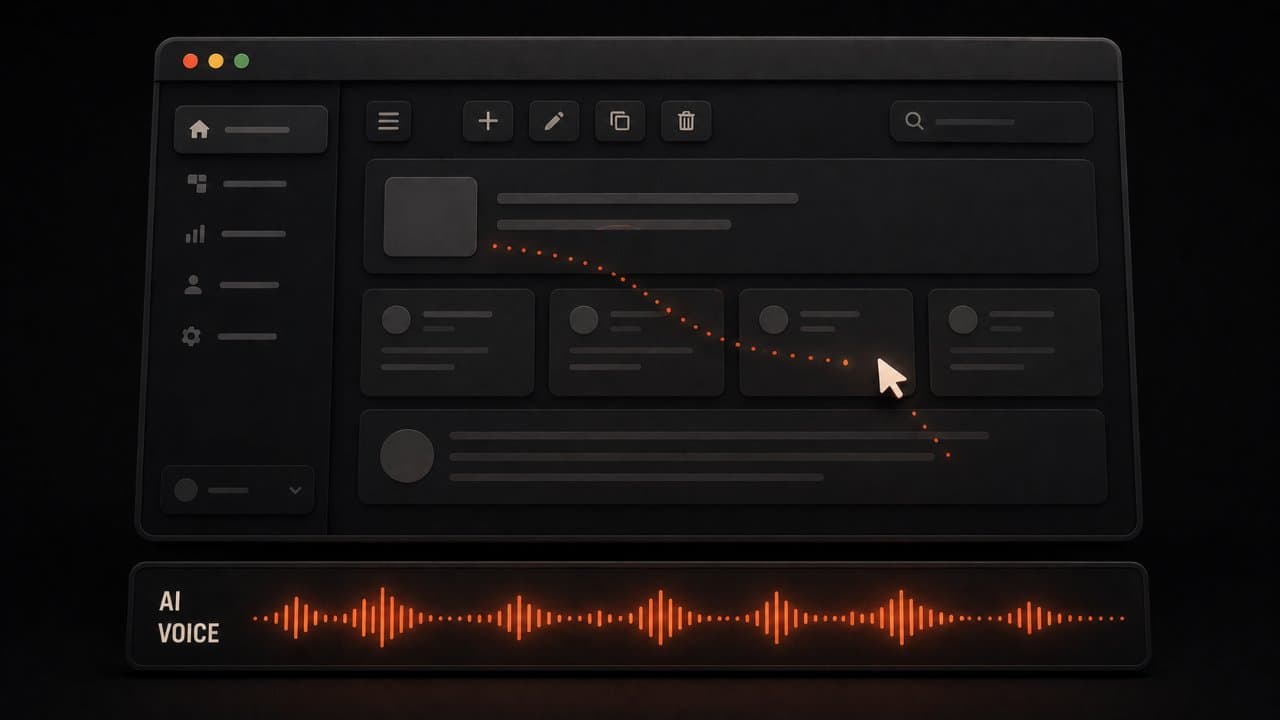
If you teach software, review tools, or create tutorials, screen recording is the natural faceless format.
Record your screen while demonstrating the topic. Then add AI voiceover narration instead of recording your own voice. The result is a professional tutorial that shows the process without showing you.
AI voiceover tools can now clone your voice from a short audio sample. So even though you are not recording each video manually, the voiceover sounds like you. Alternatively, use a stock AI voice for a completely anonymous approach.
Screen recording tools are built into most operating systems now. OBS Studio (free) is the most popular option for YouTube creators. Combine it with an AI video tool for the voiceover and polish.
Best for: Software tutorials, tool reviews, coding walkthroughs, any content that naturally involves showing a screen.
Tools: OBS Studio (recording) + DeepReel or Fliki (voiceover and editing).
6. Text-only animated videos
The simplest faceless format. Kinetic typography (animated text) with background music or voiceover. No footage. No avatars. Just words moving on screen.
This format works for short, punchy content. Quote videos, motivational content, quick tips, and announcement-style videos. It is fast to produce and performs surprisingly well on platforms like TikTok and Instagram where attention spans are short.
The limitation is obvious: text-only videos struggle with long-form content. Anything over 60 seconds starts to feel monotonous without visual variety. Use this format for short-form only.
That said, some creators use text-only as a testing format. Create a quick text animation video to test whether a topic resonates. If it gets strong engagement, produce a full explainer or avatar version. This approach lets you validate ideas before investing 15-20 minutes in a full production.
Best for: TikTok, Instagram Reels, Twitter/X video, motivational content, quick tips, announcements.
Tools: Canva (motion graphics), CapCut (text animation), InVideo (templates with text-focused styles).
FAQ
Do faceless videos perform worse on social media?
No. Engagement depends on content quality, hook strength, and platform optimization. Faceless explainer videos regularly outperform talking-head content on YouTube when the topic has strong search demand. If YouTube is your focus, our best AI video makers for YouTube guide covers platform-specific tools. On Instagram and TikTok, faceless videos with strong text hooks and fast pacing perform just as well as face-to-camera content. The algorithm does not penalize faceless content.
Are AI avatars considered faceless content?
It depends on context. AI avatars add a human element to video, which increases engagement compared to pure b-roll. But because the avatar is not a real person, the creator maintains anonymity. From a viewer perspective, AI avatar videos feel like watching a real presenter. From a creator perspective, they offer the same privacy benefits as fully faceless formats. Think of AI avatars as the best of both worlds: human presence without human exposure.
Wrap up
Any of these six methods can produce professional video without you ever appearing on camera.
If you want maximum engagement with maximum privacy, start with AI avatars (method 1 or 2). The human presence drives higher watch time and click-through rates while keeping you completely off camera.
If you want the fastest, simplest workflow, go with faceless explainer videos (method 3). Paste a URL or type a prompt. Get a finished video. This is the workhorse format for most faceless content creators.
If your content is naturally screen-based, use screen recording with AI voiceover (method 5).
For creative and storytelling content, try AI-generated storytelling (method 4).
Create your first faceless video with DeepReel in minutes. Choose an AI avatar, a faceless explainer, or a storytelling format, and you will have a publish-ready video without ever touching a camera. For a broader look at video across all your channels, see our AI video marketing strategy guide.