How social media managers can create videos in minutes
You know video outperforms everything else on social. You've seen the stats. Videos get more engagement, more shares, more followers.
But you don't have time to become a video editor. You don't have budget for a production team. And your boss isn't hiring one anytime soon.
Here's what changed: you don't need to be a video editor anymore. AI handles that part.
The AI video dilemma for social media managers
Let's be honest about your situation.
Your company's Instagram Reels get 5x more engagement than carousel posts. Your TikTok videos bring new followers weekly. Your LinkedIn videos generate comments from decision-makers. Yet you're posting videos inconsistently because creating them is hard.
You have maybe 10-20 hours weekly to manage social across 3-5 platforms. Video editing isn't your job description, but it's landed on your desk anyway. You're also expected to create copy, respond to comments, analyze metrics, and plan strategy. That's a lot.
Here's what takes time with traditional video creation: scripting (30 minutes), filming or finding footage (1-2 hours), editing (2-3 hours), color correction (30 minutes), audio leveling (30 minutes), adding captions (30 minutes), resizing for different platforms (30 minutes), scheduling (15 minutes).
That's a 4-6 hour process per video minimum. Do that twice weekly and you've blown your entire social budget on video production alone. Forget about strategy. Forget about community management. You're just editing.
Meanwhile, your text posts and static images take 30 minutes total. They perform okay, but not like video. You're facing a choice: post consistent video and neglect everything else, or neglect video and post consistent text.
Neither option is good. The gap between what works and what you can produce is the real problem.
AI video creation closes that gap. Now you can produce a video in 10-15 minutes. That changes what's possible. You can produce video consistently without sacrificing everything else.
Platform-specific strategies
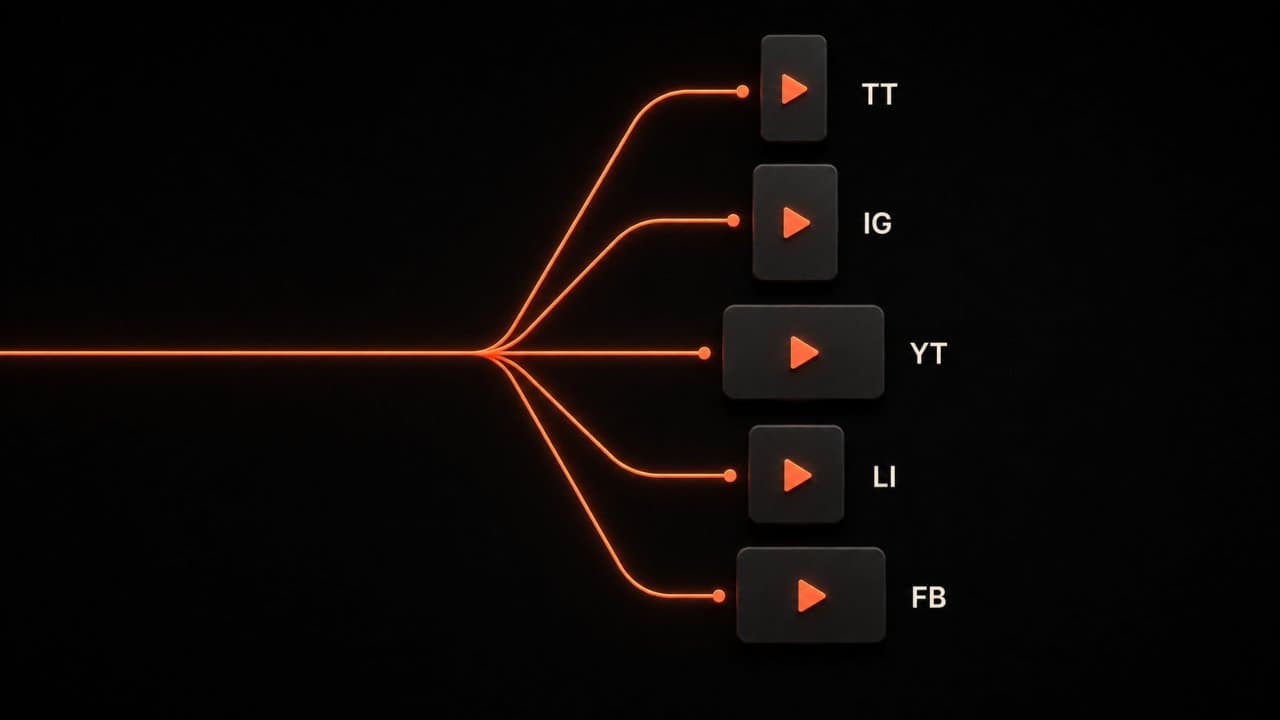
Each platform demands something different. You know this. But when you're creating videos, are you actually optimizing for each platform?
Most managers create one video and shrink or stretch it for different platforms. That works okay. It doesn't work great.
TikTok and Instagram Reels: These want speed and hooks. First 3 seconds determine if someone keeps watching. Vertical format only. 15-60 seconds optimal. Text overlays and captions required (most people watch with sound off). Fast cuts, trending sounds, and native uploads (no watermarks from other platforms).
The difference that matters: TikTok and Reels use recommendation algorithms. Your video reaches people who don't follow you. This is true for very few platforms. Use it.
YouTube Shorts: Similar to Reels but with YouTube's different audience. YouTube Shorts viewers are often older and more patient than TikTok viewers. They'll watch 30-60 seconds. They care about quality more than trends.
YouTube (main feed): Completely different game. This is where long-form wins. 5-15 minutes is optimal. Thumbnails matter. Titles matter. First 30 seconds must hook. These videos also work on LinkedIn and Facebook in shorter form, but the core video is built for YouTube.
LinkedIn: Professional content. Short (30-90 seconds) works for awareness. Medium (2-3 minutes) works for thought leadership. People watch with sound off, so captions are essential. Native uploads matter (videos on LinkedIn get 5x more engagement than links to external video).
Facebook: Works best with longer videos (3-5 minutes) natively uploaded. Autoplay with sound off, so captions required. Older audience, so slower pacing than TikTok works.
X (formerly Twitter): Video is secondary here. Short, punchy, native uploads work best. 30-60 seconds. This is awareness channel, not a place to build your audience. If you're also running paid social, an AI video ad maker can produce ad creative using the same workflow.
The key pattern: optimize for each platform instead of making one video fit all. That takes time, but AI handles most of it.
Your weekly AI video workflow for social media managers
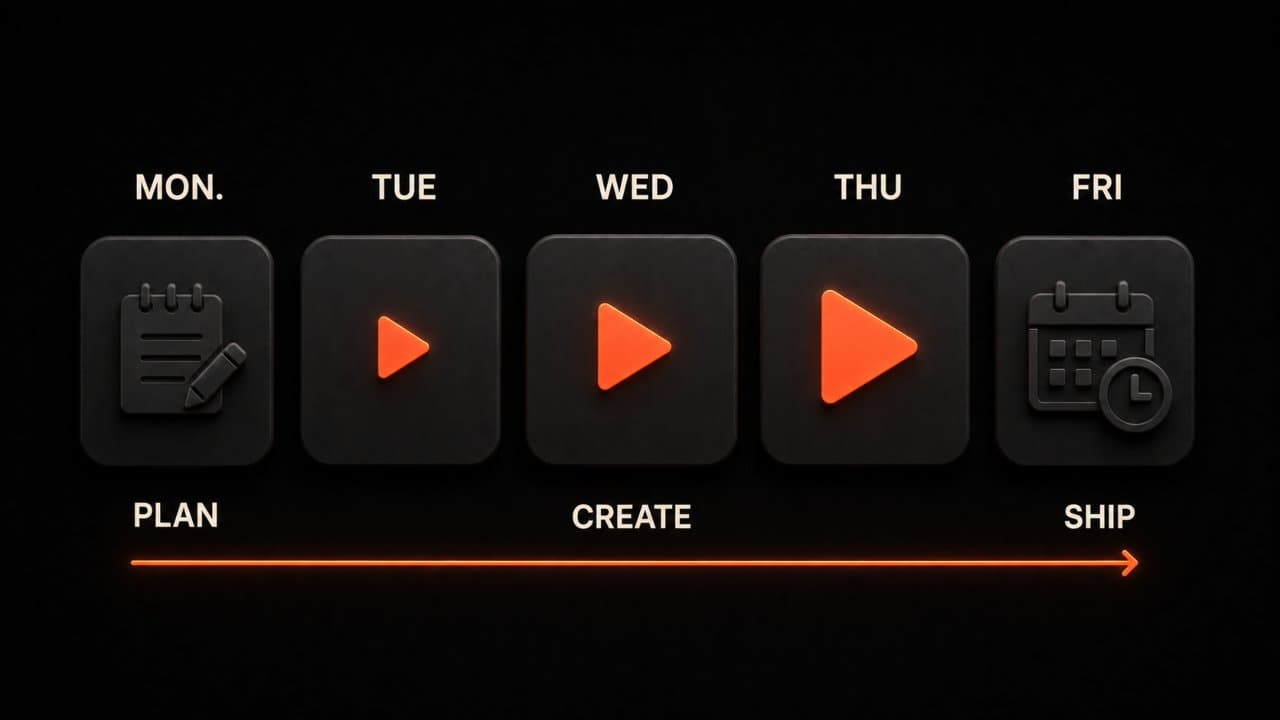
Here's how to create 8-12 videos weekly without working 60-hour weeks.
Monday: Batch and plan (1.5 hours)
Identify 2-3 content ideas for the week. These come from your content calendar, trending topics, company news, or customer stories.
Let's say your ideas are:
- New product feature launch
- Founder quote about company culture
- Customer success story
Write a basic script for each. Just key points, not word-for-word. 5 minutes per script.
Now you have three core videos planned. The rest of the week is about multiplying these into platform-specific versions.
Tuesday-Thursday: Generate and adapt (30-45 minutes per day)
Pick one script from Monday. Paste it into an AI video tool like DeepReel.
Select your options:
- Who's the voiceover? (Pick a voice that matches your brand)
- What's the visual tone? (Professional, casual, fun, educational, or even faceless if you don't want a presenter)
- What footage sources? (Stock video, B-roll you have, or AI-generated)
Hit generate. In 10-15 minutes, you have a 3-5 minute video.
Now split it:
- Save the full video for YouTube
- Cut it into 3-4 shorter clips (30-60 seconds) for Reels/TikTok
- Extract key quote as a 15-second carousel for all platforms
- Create a LinkedIn version with professional overlay
- Make a Facebook version with extra context in captions
This takes 20-30 minutes. You now have 6-8 pieces of content from one script.
Do this for one script per day. That's 3 scripts = 18-24 pieces of content per week.
Friday: Schedule and optimize (1 hour)
Use Buffer, Later, or Meta Business Suite to schedule all your content for the next 2 weeks. Optimal posting times are usually:
- 8-10am weekdays (LinkedIn)
- 12-1pm weekdays (Facebook)
- 6-9pm evenings (Instagram/TikTok/YouTube)
Add captions and hashtags as you schedule. Batch this work.
One hour and you're set for two weeks of social content.
Repurposing your top performers
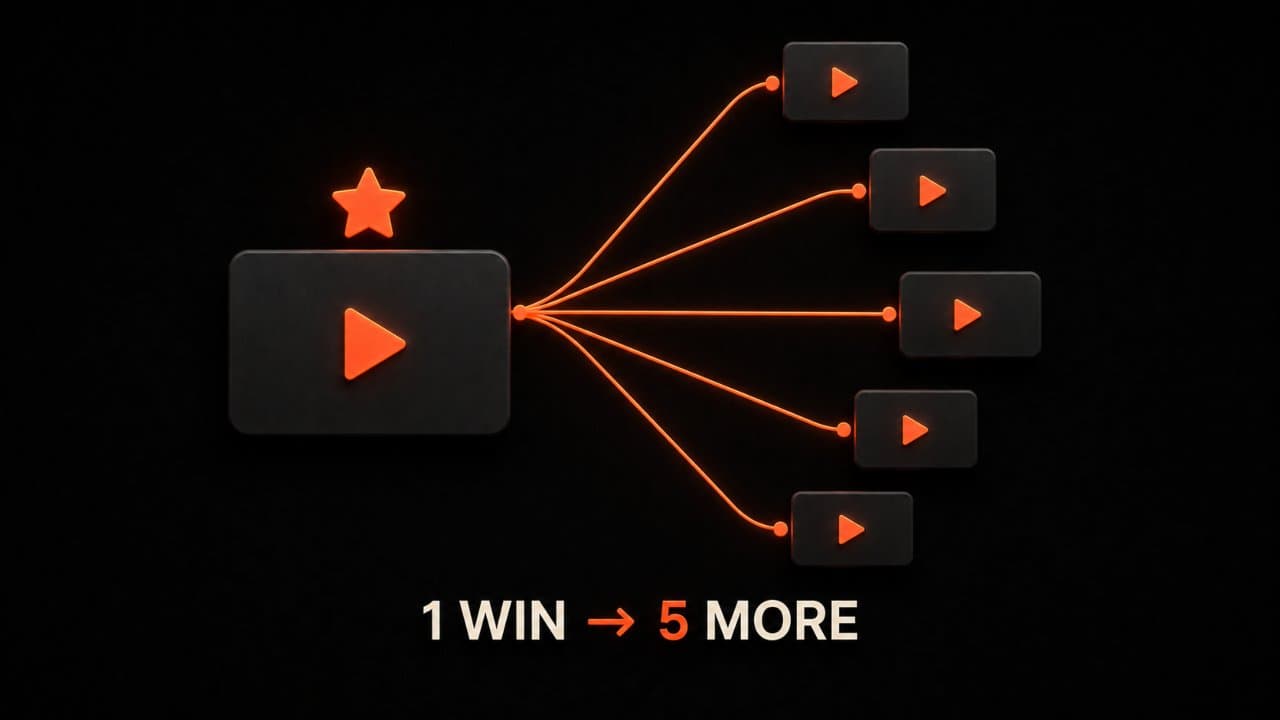
After 4 weeks, you'll see clear winners. Some videos get 2x the engagement of others.
When you find a winner, create variations:
- Same topic, different angle or take
- Same concept, different voiceover style or tone
- Same idea with current trend audio or format
- Extended version for YouTube
- Shortened version for Reels/TikTok
You're not stealing views or being repetitive. You're capitalizing on what already works. Your audience is discovering you through different formats and angles.
Here's a real example: A software company made a video about "5 workflow shortcuts." It got 3x more saves than any other video. So they made:
- "5 shortcuts you don't know about" (slightly different angle)
- "5 shortcuts for beginners" (version for new users)
- "5 shortcuts for power users" (version for advanced users)
- "10 shortcuts" (expanded version)
- Short clips for TikTok highlighting just one shortcut per video
One winner became 5-6 pieces of content, each getting strong engagement.
Netflix does this with show trailers. Apple does it with product videos. They're not being lazy. They're being smart. You should too.
Over time, your best-performing video series becomes your core content. Everything else is supporting it.
Maintaining brand consistency across all these videos
The biggest risk with high-volume video production is inconsistency. If every video looks different, your brand feels scattered.
Set up your brand kit before you create your first video. Upload your logo, set your brand colors, choose your fonts, and select a default voiceover style. In DeepReel, the brand kit applies automatically to every video. You set it once and every piece of content looks like it belongs to the same brand.
Choose one or two AI avatars and stick with them across your content. Consistency in the presenter builds familiarity with your audience. They start recognizing your content before they read the caption.
Create templates for your most common video types. A template for product updates. A template for tips and tricks. A template for customer stories. Each template has the same intro style, the same lower third, the same outro. The only thing that changes is the content.
This template approach saves time and builds brand recognition simultaneously. Your audience knows what to expect. That predictability is actually an advantage on social media where attention is scarce.
Measuring what works
You cannot improve what you do not measure. Track these three numbers weekly.
Engagement rate per video. Total interactions divided by total impressions. This tells you which topics and formats resonate. If your educational content gets 5% engagement and your promotional content gets 1%, make more educational videos.
Save and share rate. Saves and shares are stronger signals than likes. A save means someone wants to come back to your content. A share means someone thinks it is good enough to recommend. Track which videos get the most saves and shares, then create more content like those.
Follower growth from video. Track how many new followers you gain on days when you post video versus days when you do not. Most social media managers see 2-3x faster follower growth during weeks with consistent video content.
Do not overcomplicate analytics. These three numbers tell you everything you need to know about whether your video strategy is working.
FAQ
Will AI videos make my brand look low-effort?
Only if you skip the review step. Watch every video before posting. Add your brand overlays, logo, and colors. Edit any lines that do not sound right. The AI gives you a strong first draft. Your review turns it into polished content that represents your brand well.
What if I do not have scripts or ideas?
Start with your existing content. Your top blog posts, your CEO's quotes, your customer success stories, and your most-asked questions are all ready-made video scripts. Mining existing content is 80% easier than inventing new ideas from scratch.
Can one AI video work across all platforms?
Ideally, create platform-specific versions. A YouTube video should be landscape and 5-10 minutes. A TikTok should be vertical and 30-60 seconds. A LinkedIn video should be square or landscape and 1-3 minutes. AI makes this fast by adjusting aspect ratio and length from the same source material.
Wrap up
The social media managers winning in 2026 are not the ones with the biggest budgets or creative teams. They are the ones who figured out how to create consistently without burning out.
They batch their work on Monday. They generate platform-specific versions throughout the week. They schedule everything on Friday. And they spend the rest of their time on strategy, community management, and analysis.
AI video creation makes this possible. It removes the production bottleneck that used to require hiring more people or working weekends.
Start this week. Pick one content idea. Generate the video with DeepReel. Adapt it for your top two platforms. Schedule it. You will have video content live before Friday. No overtime required.