AI Video for LinkedIn: B2B Content That Stands Out
Your LinkedIn feed is packed. Every day, thousands of marketers, executives, and business professionals scroll past posts. Most are text-based and forgettable. But then a video shows up, and everything changes.
If you're wondering whether to invest time in video content for LinkedIn, stop wondering. The data is clear: video posts get 5x more engagement than text. For B2B brands, that's not just a stat. It's the difference between being seen and being invisible.
Here's the thing: creating professional videos used to mean expensive equipment, hiring a crew, and spending weeks in post-production. Not anymore. AI video tools like DeepReel have removed that barrier, making it possible for any business to create polished, engaging video content in minutes.
Let me show you how to use AI video on LinkedIn to stand out, build authority, and drive real results for your business.
Why AI video for LinkedIn crushes text posts
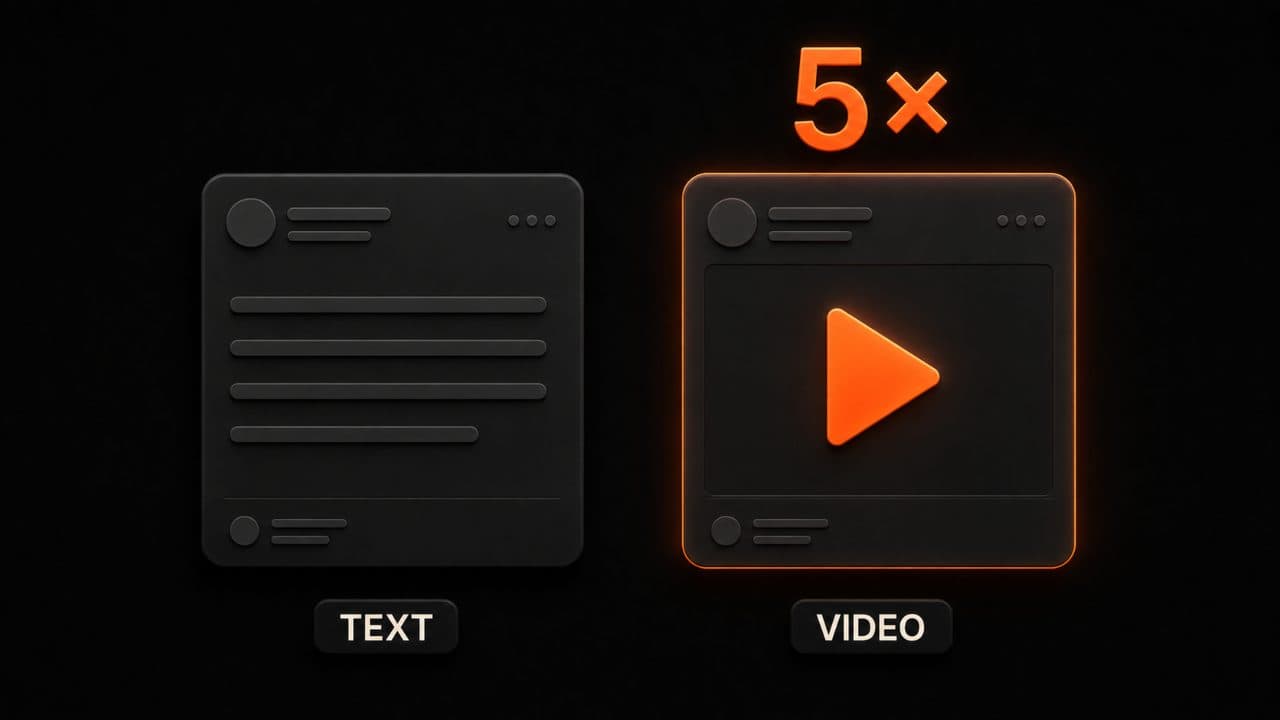
LinkedIn video content drives five times more engagement than text posts. Not four times. Not three. Five.
If you post a text update and get 100 likes, that same message as a video would likely get 500 likes, comments, and shares. Video is simply what LinkedIn's algorithm prioritizes. The platform has reported three straight quarters of double-digit growth in video uploads, according to Buffer's LinkedIn statistics, and companies are responding by doubling their video posting frequency from 2 to 4 videos per month.
Here's what else LinkedIn video does for your brand:
Video watch time is up 36% year-over-year. People aren't just clicking on videos. They're actually watching them. That means your message is getting through.
Video posts are shared 20x more than any other content type on LinkedIn. If you want your content to spread beyond your direct network, video is the fastest route.
62% of B2B buyers trust LinkedIn video content. Trust matters in B2B sales. When decision-makers see video from your brand, they're more likely to believe you're credible and worth their time.
LinkedIn Live videos generate 7x more reactions and 24x more comments than regular videos. Even if you're not going live, this shows how hungry LinkedIn users are for authentic, real-time content.
If you're serious about LinkedIn growth, video is non-negotiable.
Types of LinkedIn videos that perform best
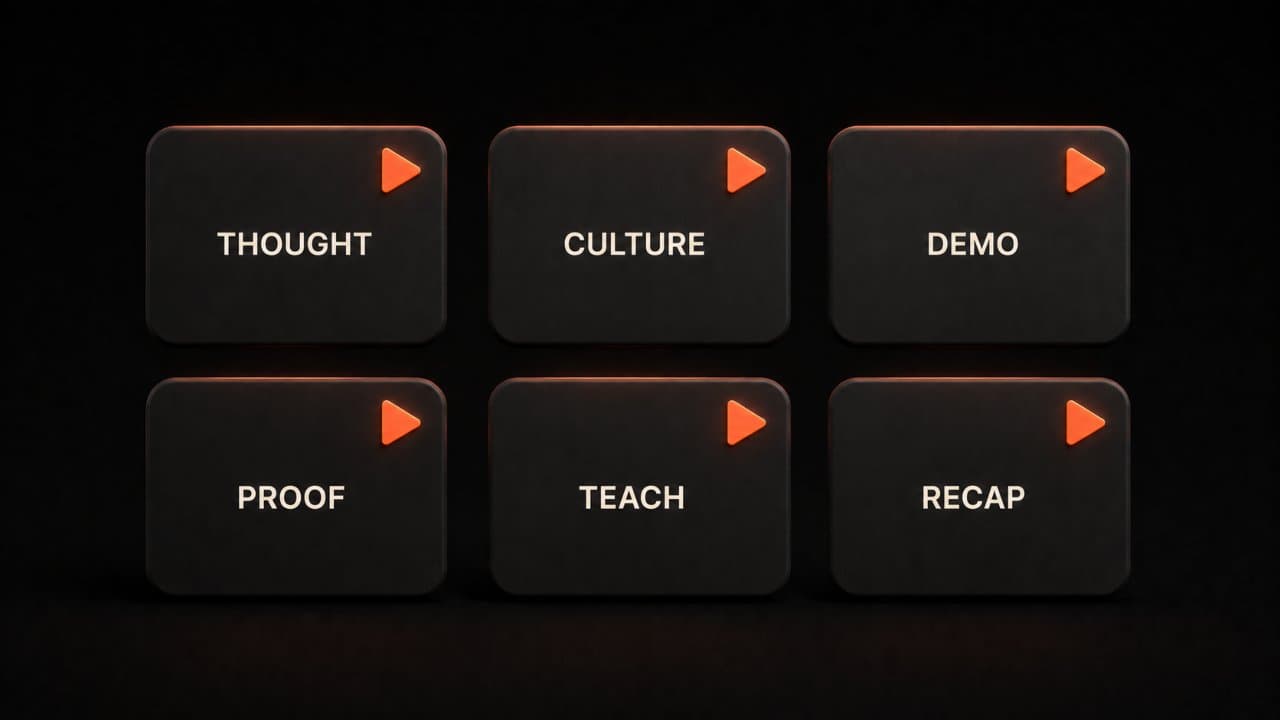
Not all video content is created equal. LinkedIn's algorithm (and your audience) favor certain video types over others. Here are the formats that work best for B2B brands.
Thought Leadership Videos
These are short, insightful takes on industry trends, lessons learned, or contrarian opinions. A CEO or expert shares one key insight in 30-60 seconds. These videos establish authority and get people talking because they spark conversation.
Example: "Three things I was wrong about in B2B marketing this year" or "Why everyone's getting customer retention wrong."
Company Updates and Culture Content
Show your team in action. Product launches, company milestones, behind-the-scenes clips, or team celebrations build connection and humanize your brand. People follow people, not logos, so let your audience see who you are.
Product Demos
Walk through how your product works in real time. No fluff, just practical walkthrough. These videos address a specific question your prospects have and solve it in a few minutes.
Customer Testimonials and Success Stories
Third-party validation is gold in B2B. Have your customers tell your story. These videos are more believable than anything you could say about yourself.
How-To and Educational Content
Teach your audience something useful. Share a template, a framework, a process, or a quick tip that saves them time. Educational content builds trust and positions you as someone who gives value without always asking for something in return.
Round-Up and Recap Videos
Take content from your blog, webinar, or event and create a 60-second highlight reel. These reach people who prefer video over reading longer posts.
The key: choose video types that fit your brand's voice and what your audience actually wants to learn.
Technical specs: getting your video right
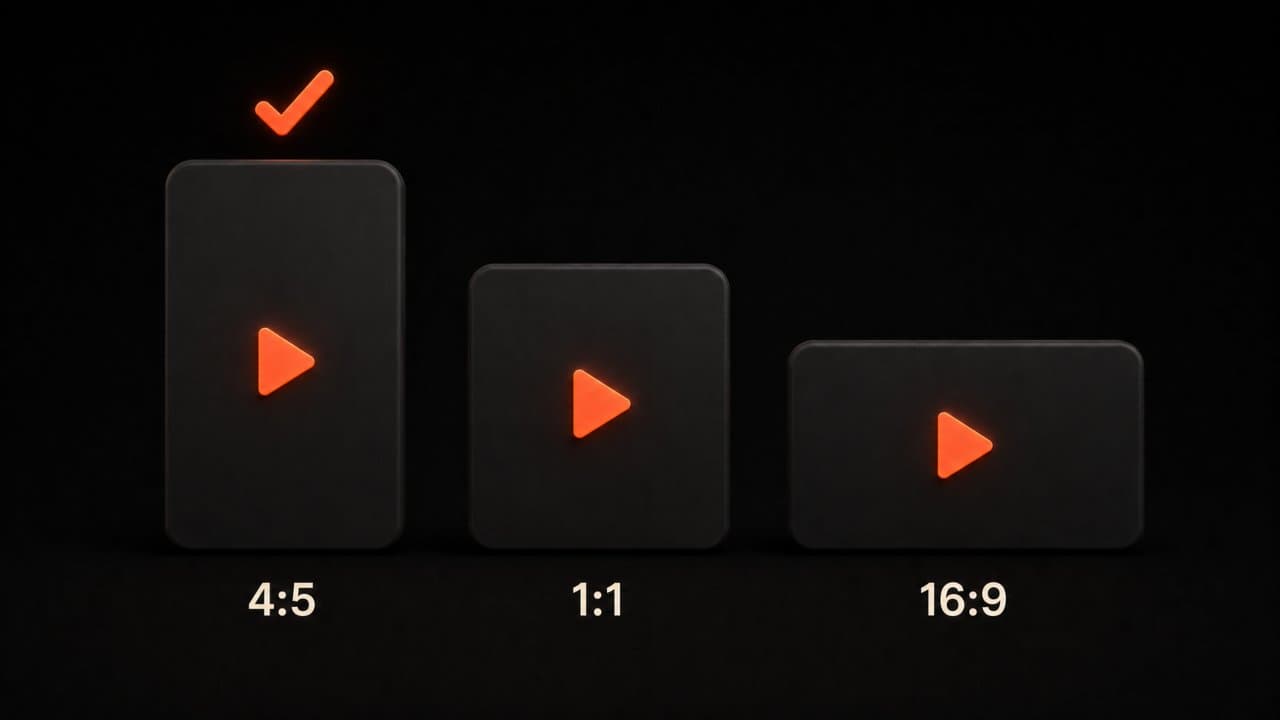
You can have perfect content, but if your video looks bad or is hard to watch, people will scroll past. Here's what you need to know about LinkedIn video specs.
Dimensions and Aspect Ratios
LinkedIn supports multiple formats. These are the ones that matter most:
- Vertical (4:5): 1080x1350 pixels. This is mobile-first and performs best. It takes up more screen space on mobile devices, which is where most people watch LinkedIn videos.
- Square (1:1): 1920x1920 pixels. Works fine, but less immersive than vertical.
- Landscape (16:9): 1920x1080 pixels. Use this if your content really needs the width, but it gets less real estate on mobile.
Most LinkedIn professionals watch on phones, so vertical or square is your best bet.
Duration
Videos under 60 seconds get the most comments and engagement on LinkedIn. You can upload videos up to 15 minutes from desktop or 10 minutes from mobile, but shorter wins. Think of LinkedIn as the short-form platform for professionals. If you have more to say, break it into multiple videos.
File Format and Quality
Upload your videos as MP4 files with H.264 codec and 1080p resolution. File size can be up to 5GB, but keep it under 500MB for faster uploads and smoother playback. Use 30 frames per second (or up to 60 if you want smooth motion).
Captions Are Non-Negotiable
LinkedIn videos play on mute by default. That means captions aren't optional. They're essential. You can upload an SRT file alongside your video, or burn captions directly into the video itself. Either way, your message needs to be readable without sound.
Custom Thumbnails
Choose a compelling thumbnail (JPG or PNG, under 2MB) that matches your video's aspect ratio. A good thumbnail dramatically increases click-through rates, so make it count. Use contrast, faces, and text overlays that tease what's inside.
AI tools for creating LinkedIn videos
Until recently, making professional videos required a full production setup. AI video tools have flipped that script. You can now create polished, engaging videos faster and cheaper than ever.
Here's where to start:
DeepReel
DeepReel makes it simple to turn scripts, URLs, or text into video. The Basic plan ($5/month) lets you create short videos and is good for testing. The Pro plan ($25/month) adds longer videos and more customization. The Business plan ($30/month) is for teams and includes priority support and advanced features. You get templates designed for business, text-to-video generation, and the ability to edit everything without being a video pro.
HeyGen
If you need AI avatars or voice-overs, HeyGen is excellent. Create videos with AI presenters that look realistic. Great for thought leadership content, tutorials, and company announcements.
Synthesia
Synthesia specializes in AI video for corporate communication. Perfect if you want to create product demos or training content with AI avatars.
Kapwing
Kapwing is an all-in-one video editor with AI features. Use it to add captions automatically, trim and resize videos for LinkedIn, or create videos from templates.
Invideo
Simple text-to-video tool that works well for social media content. Upload a script, pick a style, and Invideo builds your video in minutes.
Adobe Express
If you already use Adobe products, Adobe Express can generate short videos from text or images with AI assistance. Integrates with your existing workflow.
The right tool depends on your needs. DeepReel works best for speed and simplicity. HeyGen and Synthesia are stronger if you need avatars or realistic presenters. Kapwing is best if you want a full video editor. Start with a free trial or low-cost plan to see what fits your workflow.
How the LinkedIn algorithm treats video content
Understanding how LinkedIn's algorithm works helps you create videos that actually get seen. Here's what the platform prioritizes in 2026:
Native Videos Win Over Links
Always upload videos directly to LinkedIn instead of posting a YouTube link. Native uploads stay on the platform longer, get better visibility, and perform significantly better than external links. LinkedIn's algorithm favors content that keeps users on LinkedIn.
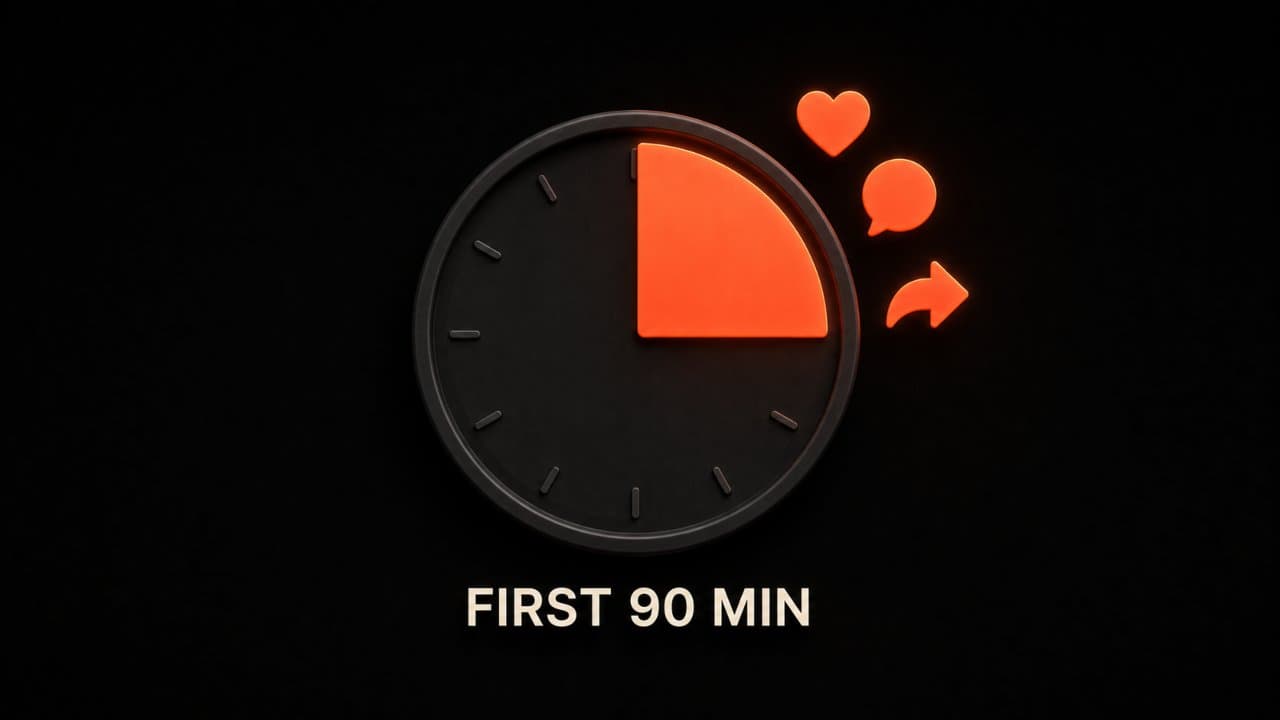
Engagement in the First 90 Minutes Matters Most
When you post a video, the first 90 minutes matter most. LinkedIn watches what happens: comments, reactions, shares, watch time. High engagement early on signals to the algorithm that your video is worth showing to more people. So if you can, post at a time when your audience is active and likely to engage fast.
Meaningful Conversations Boost Visibility
The algorithm cares more about thoughtful comments than random likes. Encourage comments by asking questions, sharing contrarian takes, or requesting feedback in your caption. If you're running paid campaigns alongside organic posts, an AI video ad maker can help you produce ad creative just as fast.
Educational and How-To Content Gets a Boost
LinkedIn's algorithm rewards videos that teach something over purely promotional content. If your video solves a problem or teaches a lesson, it will spread further than a pitch.
Short, Authentic Videos Outperform Polished Productions
You don't need a Hollywood production. Authentic, imperfect videos often beat slick content because they feel real. People connect with people, not corporate perfection.
Consistency Signals Quality
Post videos regularly—at least 2-4 times per month. The algorithm favors accounts that show up consistently because it indicates you're a serious creator with ongoing value to share.
B2B AI video for LinkedIn strategy: from planning to publishing
Here's a simple framework for building a LinkedIn video strategy that drives real business results:
Step 1: Know Your Audience
Who are you making videos for? Are you reaching job seekers, company decision-makers, employees, or customers? Different audiences respond to different content. Sales leaders might love quick tips on closing deals. HR might engage with culture and hiring content. Engineers might respond to technical breakdowns.
Step 2: Pick Your Pillars
Choose 3-5 core content themes you'll film about repeatedly. Examples: industry insights, product updates, customer stories, team culture, educational tips. Having pillars keeps your content consistent and makes planning easier.
Step 3: Batch Your Videos
Don't film one video at a time. Set aside a few hours and create 4-8 videos in one session. This saves time and keeps your content consistent. You can edit and schedule them throughout the month.
Step 4: Write a Simple Script
You don't need a screenplay. Just write down what you want to say in 2-3 sentences. Read it naturally on camera. Authenticity beats perfection.
Step 5: Keep It Short
Aim for 30-60 seconds on LinkedIn. If you have more to say, make it a series.
Step 6: Add Captions and Optimize
Make sure your video is readable without sound. Add captions, text overlays, and a compelling thumbnail.
Step 7: Write a Strong Caption
Your caption is your hook. The first line should grab attention and make people want to watch or engage. Ask a question, share a surprising stat, or tease the benefit inside the video.
Step 8: Post at Peak Times
LinkedIn users are most active on Tuesday-Thursday, 8 AM-10 AM or 12 PM-1 PM. If you post when your audience is online, you're more likely to get early engagement that signals to the algorithm that your video is worth spreading.
Step 9: Engage Early
Watch your comments section for the first 90 minutes. Reply to comments, ask follow-up questions, and keep the conversation going. Your own engagement signals that this is a post worth boosting.
Step 10: Repurpose Across Channels
Once you've made a video for LinkedIn, don't stop there. Repurpose it across channels—post it to Twitter, Facebook, TikTok, or Instagram Reels. Edit it differently for each platform if needed, but one great video can work across multiple channels.
Real-world examples of winning LinkedIn videos
Here's what works in practice:
The Quick Insight: A founder shares one counterintuitive idea in 45 seconds. It goes viral because people see the value immediately.
The Customer Win: A customer explains how your product solved their problem. No script, just authentic feedback. Beats any sales pitch.
The Before-and-After: Show the problem, then show the solution. People love seeing transformation.
The Behind-the-Scenes: A day in the life at your company, a product being made, or your team collaborating. Humanizes your brand.
The How-To: A step-by-step walkthrough that saves people time. Educational content always performs.
The Stat or Data Story: Share a surprising finding and explain what it means. People love learning something they didn't know.
The pattern across all of these: short, specific, and designed to create a reaction. That could be agreement, curiosity, or motivation to try something.
FAQ
How often should I post video on LinkedIn?
Aim for 2-4 videos per month. More frequently is better if you have the content, but consistency matters more than volume. Regular posting trains the algorithm to favor your account. Pick a schedule you can maintain without burning out.
Do I need to be on camera for my videos to work?
No. Screen recordings, product demos, customer testimonials, and animated explainers all perform well. You can absolutely make videos without showing your face. Being on camera can help build personal brand, but it's not required. Choose what feels authentic to you.
What's the best time to post?
Tuesday through Thursday, between 8-10 AM or 12-1 PM, when working professionals are checking LinkedIn. But your audience might differ, so test different times and see what gets the most early engagement.
Wrap up
LinkedIn video gets 5x more engagement than text, according to LinkedIn benchmarks from Socialinsider. AI tools have removed the production barrier. You need a good idea, a simple script, and the right tool.
Start with one video this week using DeepReel. Post it natively on LinkedIn with captions. Track early engagement and iterate. For a broader look at managing video across all your platforms, see our guide to AI video for social media managers.