PDF to video: convert documents into engaging content with AI
Your whitepaper just landed in someone's inbox. They open the PDF, scan a few paragraphs, and click away to answer emails. Sound familiar?
PDFs are reliable, but they're boring. They sit in folders, untouched and unloved. Meanwhile, video is where the action is. People watch video, share video, remember video. The problem? Creating video from that thick PDF feels impossible without a film crew and a budget the size of a car payment.
But what if you could turn that PDF into a polished, engaging video in minutes? AI makes it possible. And PDFs are just the start. Our guide to repurposing content with AI video covers seven different content formats you can convert.
Why your PDF needs a video upgrade
Here's the reality: your PDF is working way too hard to get attention.
Text-based documents have a major engagement problem. Most people skim PDFs. They don't read them word-for-word. According to Zebracat's AI video statistics, video gets a 65% higher engagement rate compared to plain text. When you convert that PDF into a video, you're not just changing the format. You're changing how people interact with your content.
The numbers back this up. Over 62% of marketers report that text-to-video tools cut content creation time by more than half. Meanwhile, the AI-generated video market is growing at 35% per year and is projected to hit $14.8 billion by 2030. Companies aren't investing billions in AI video because it's trendy. They're investing because it works.
Videos help you reach new audiences too. Some people learn better by watching and listening. Others are too busy to sit down and read a 50-page report. Video fits into their workflow. They can watch while exercising, commuting, or multitasking. Your message reaches people who would never open that PDF.
Training documents are another big win. Companies report a 50% reduction in follow-up questions when they convert training materials to video. New hires get up to speed 40% faster. HR teams spend less time answering the same questions over and over. That's a real business benefit hiding inside your PDF. One company saved three hours per week just by converting their training docs to video. We go deeper on this in our guide to creating AI training videos.
How PDF to video AI actually works
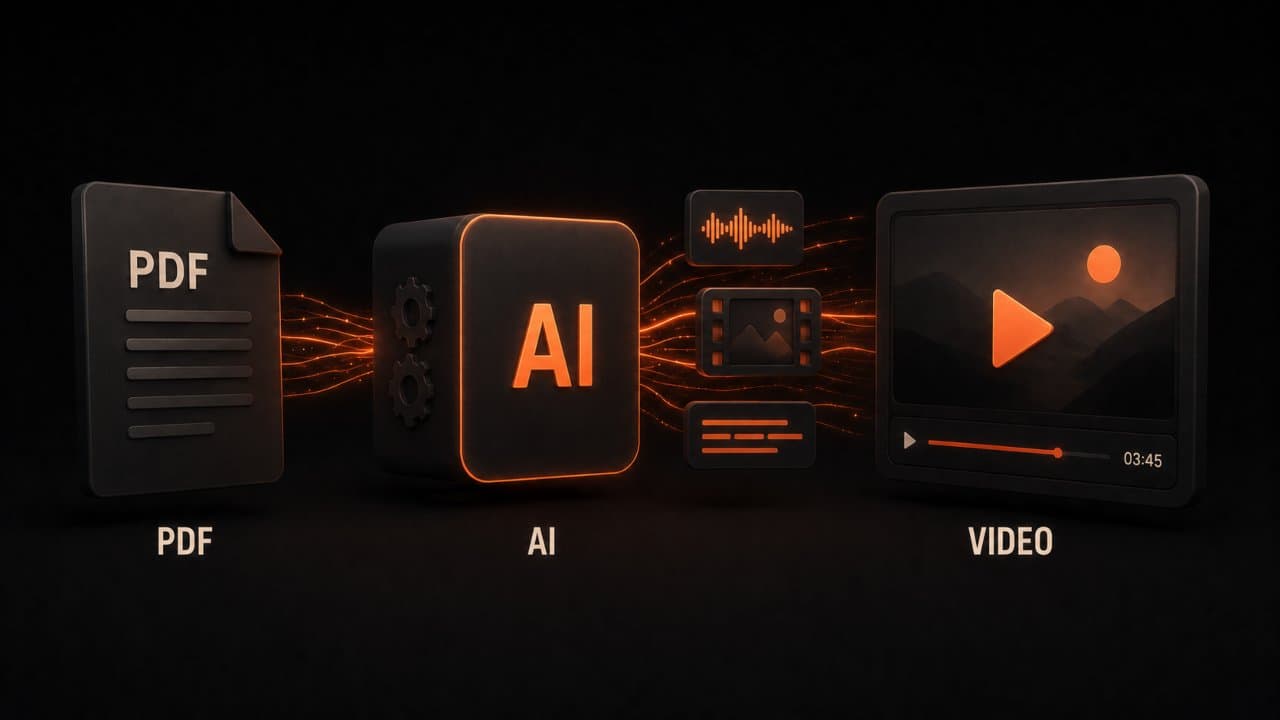
The process is simpler than you might think.
First, the AI reads your PDF and extracts the text. It pulls out the key points, understands the structure, and identifies what matters. This isn't random. The tool builds a roadmap of your content.
Next, it generates visuals. Depending on the tool, it might create animations, stock imagery, or custom graphics that match your message. Think of it like illustrating your document automatically. These visuals aren't just pretty. They reinforce your words and help people remember what they see. If your source material is mostly images or infographics rather than text, our guide on converting images to video with AI covers that specific workflow.
Then comes the narration. An AI voice reads the text with natural pacing and inflection. No robotic monotone. Modern AI voices sound like actual humans. You can pick the voice, adjust the speed, even add music and sound effects.
The whole thing comes together as a finished MP4 video. Most platforms handle the technical work. You don't need to touch a single editing tool.
The speed is worth noting. A five-page document converts in under three minutes. Tools like Mootion have made this even faster, generating full three-minute videos in under two minutes.
The best tools for converting PDFs to video
You have solid options. Here's what's worth your time.
DeepReel is built for this exact job. It's fast, affordable, and integrates with your workflow. Pricing starts at $5 per month for basic use, scales to $25 monthly for power users, and goes up to $30 for teams. The platform focuses on simplicity: upload a PDF, pick a style, and export. No learning curve. DeepReel works great for teams that need speed over complexity. You can batch-process multiple PDFs if you have a stack of documents to convert.
Synthesia is the enterprise option. It offers 240+ AI avatars, supports over 140 languages, and includes brand kit options for companies that need polish. If you want an avatar speaking on screen (not just voiceover), this is your answer. It's pricier, but the quality matches the cost. Many Fortune 500 companies use Synthesia because the output feels like a professional video production, not an automated tool.
Pictory focuses on turning long-form content into short clips. If you want to extract five key ideas from a report and make five separate videos, Pictory excels. It's great for repurposing content across social media. Marketing teams love Pictory because you can split one whitepaper into multiple LinkedIn, TikTok, and YouTube shorts automatically.
InVideo is the creative toolbox. It has templates, a media library, stock footage, and AI editing features. It's powerful for people who want more control over the final look. If you're comfortable with video editing or want to tweak every element, InVideo gives you that freedom. The learning curve is steeper, but the output can look more polished than simpler tools.
Lumen5 brings an AI video creation approach that's very template-focused. Pick a style, add your PDF, and watch it build scenes automatically. Works well for marketing documents and announcements. Small business owners and solopreneurs often start with Lumen5 because it's affordable and intuitive.
Mootion specializes in speed. According to recent benchmarks, Mootion generates full three-minute videos in under two minutes. That's 65% faster than competitors. If you need to convert large quantities of documents quickly, Mootion is worth testing.
Each tool has a free version or trial. Test them. Your needs matter more than the brand. Most people find their pick within the first week of trying tools.
How to convert your PDF to video step by step
Ready to make your first PDF video? Here's the exact process.
Step 1: Pick Your Tool
Start with DeepReel or Synthesia. Both have straightforward interfaces. Upload your PDF and you're halfway done.
Step 2: Upload Your PDF
Drag and drop your file. The tool reads it automatically. No formatting issues, no compatibility problems. It just works.
Step 3: Choose Your Video Style
Most platforms let you pick a template or style. Business? Educational? Casual? Select what fits your brand. This step takes 30 seconds.
Step 4: Add Voiceover Details
Pick your AI voice. Adjust the speed. Some platforms let you edit the script before it narrates. Fix typos or awkward phrasing. You want the voice to sound natural, not robotic.
Step 5: Review and Export
Watch a preview. If something's off, edit it. Then export to MP4. Most videos are ready to download in minutes.
Step 6: Share Everywhere
Upload to YouTube, embed on your website, share on LinkedIn. The video is yours to use how you want.
That's it. Six steps from PDF to published video.
Where PDF to video AI shines: real use cases
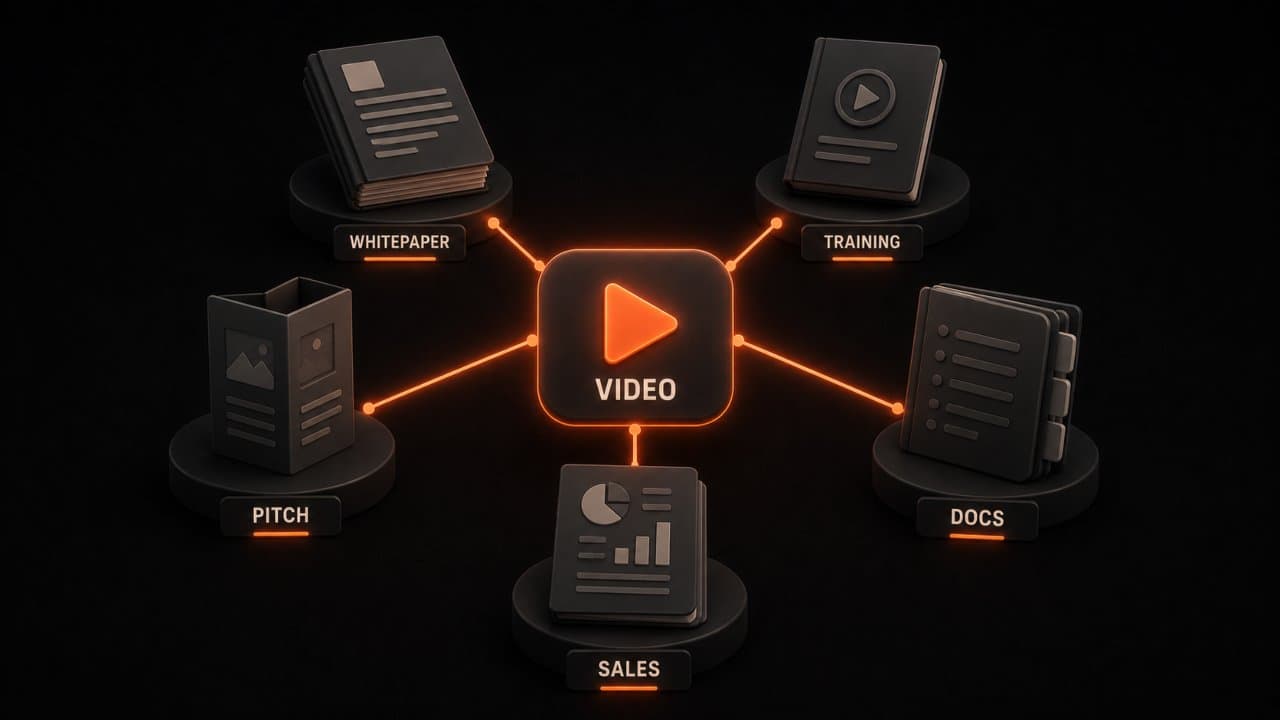
This tool isn't a toy. Companies are using it to solve real problems.
Whitepapers and Reports
Your data-heavy whitepaper is gold, but nobody reads it. Convert it to video. Businesses can embed the video on their website, send it to prospects, and watch engagement spike. A video version of your whitepaper reaches 10x more people than the PDF alone.
Training and Onboarding Documents
New hire training is painful when it's a PDF manual. New employees watch a video instead. They retain 50% more information. Follow-up questions drop. Trainers spend less time repeating themselves. This is a win for every department.
Ebooks and Digital Guides
You wrote an ebook. Great. Now package it as a video series. Each chapter becomes a short video. Readers who prefer video get your content. Your traffic goes up because video is easier to share on social media than a PDF link.
Proposal and Pitch Documents
Your proposal is sitting in the client's folder with 50 others. Make a video version. Send it over email or share the link. Clients are more likely to watch a two-minute video than read 15 pages. Conversions improve.
Product Documentation
Software companies use this constantly. Instead of a thick user manual, create quick video tutorials from your docs. Customers self-serve instead of calling support. Your cost-per-support-ticket drops. A video walkthrough is easier to follow than written steps. People learn faster. They get stuck less often. Support teams spend time on real problems instead of answering basic how-to questions.
Sales Collateral
PDFs don't convert. Videos do. Sales teams use PDF-to-video tools to turn spec sheets, case studies, and brochures into shareable videos. Meetings that start with a video tend to close faster. A potential client opens a two-minute video about your product. They're more likely to watch that than read 15 pages. The video tells a story. PDFs just list facts. Stories sell. When a prospect watches a video before the call, they're warmer and more engaged. The conversation moves faster. You close sooner. For more on this, see our guide on creating AI sales videos.
Tips for the best results
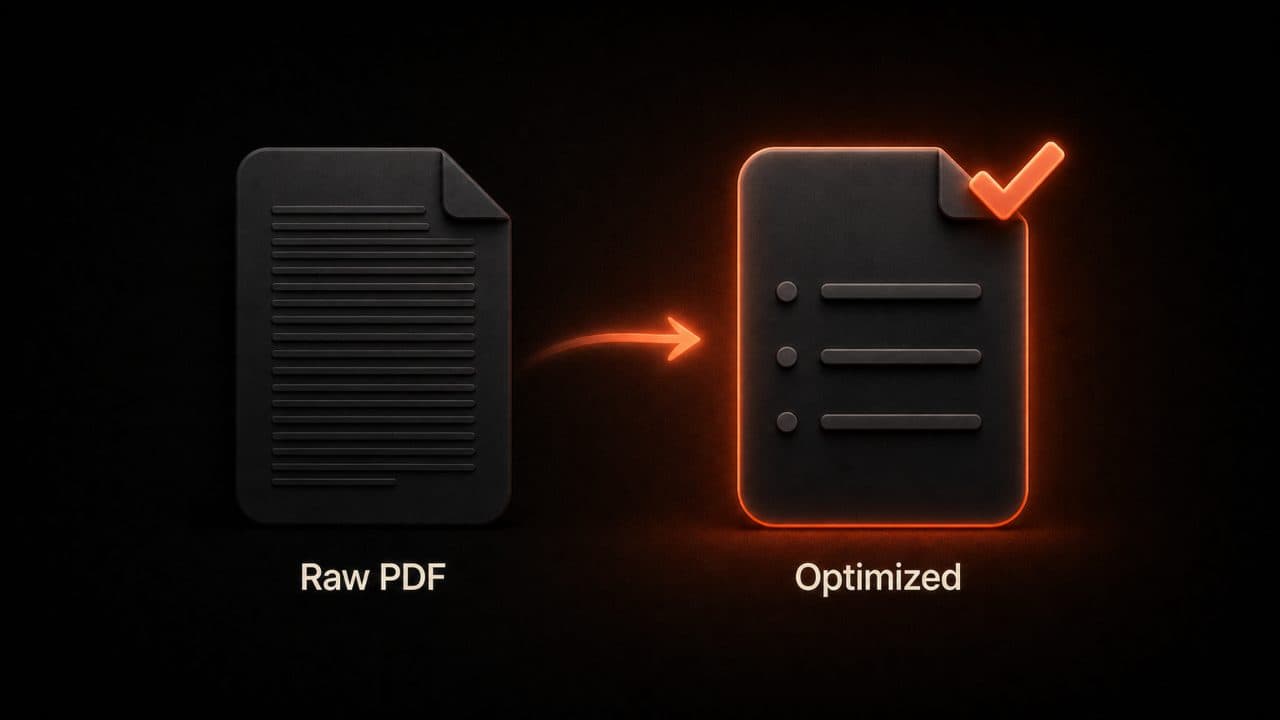
Not every PDF will produce a beautiful video. Here are the rules to follow.
Keep Text Concise
Long, dense paragraphs won't work. Your AI can convert them, but the video will be boring. Edit your PDF first. Short sentences. Bullet points. One idea per paragraph. This matters way more than you think. Think about how a TV news script looks: tight, punchy, easy to follow. That's the style your PDF should match.
Use Visuals
If your PDF has charts, diagrams, or images, the AI uses them. If it's pure text, the tool has to guess what visuals to add. You get better results when your PDF already has visual elements. A report with graphs converts better than a wall of words. Add tables, logos, screenshots, anything that breaks up the text and gives the AI something visual to work with.
Choose the Right Voice
Not every AI voice works for every document. A professional report needs a serious voice. A guide for kids needs something friendlier. Spend two minutes listening to voice options. Pick the one that sounds like your brand. Don't just pick the first voice that works. The voice is the personality of your video. It matters.
Set the Right Pace
AI voices read fast by default. Slow it down for complex topics. Speed it up for casual content. This tiny adjustment makes your video feel intentional, not rushed. Complex financial information needs more breathing room. A casual announcement can move faster.
Add Background Music
Most tools let you add music or ambient sound. A quiet background track makes the video feel professional. Just keep it quiet so the voice stays clear. Music also masks awkward silences and transitions. A subtle soundtrack lifts the whole production quality.
Optimize Your Script Before Converting
Don't just upload your PDF as-is. Read the text out loud first. If it sounds weird when spoken, rewrite it. PDF writing is different from video scripts. Video is conversational. PDFs are formal. Find the middle ground. Rewrite sentences that sound unnatural when read aloud. Our guide on AI scriptwriting for video covers how to write scripts that sound natural on camera.
Test on Your Audience
Before you release your PDF video to the whole world, show it to a few people. Does it feel right? Does the pacing work? Does the voice match your brand? Get feedback first. Real people spot problems you miss.
FAQ
Do I need to edit my PDF before converting it?
Not always, but you should. Most PDFs have long paragraphs and dense text. AI reads it all, but the video quality improves when your PDF is already well-structured. Break up text, add headers, keep it scannable. Then convert.
How much does it cost?
DeepReel starts at $5 per month. Synthesia is pricier. InVideo and others are mid-range. Most platforms offer free trials so you can test before buying.
Can I edit the video after it's created?
Yes and no. Most platforms let you edit the script before export. After the video is made, you'd need video editing software to make big changes. Plan your content carefully before converting.
Wrap up
PDF to video AI is practical, affordable, and proven. Companies are using it to train employees, win clients, and reach new audiences. Pick a tool like DeepReel starting at $5/month, convert your first document, and compare the engagement to your PDF. If you also have blog posts or articles you want to convert, our blog-to-video conversion guide and our article-to-video guide for news publishers cover those workflows.